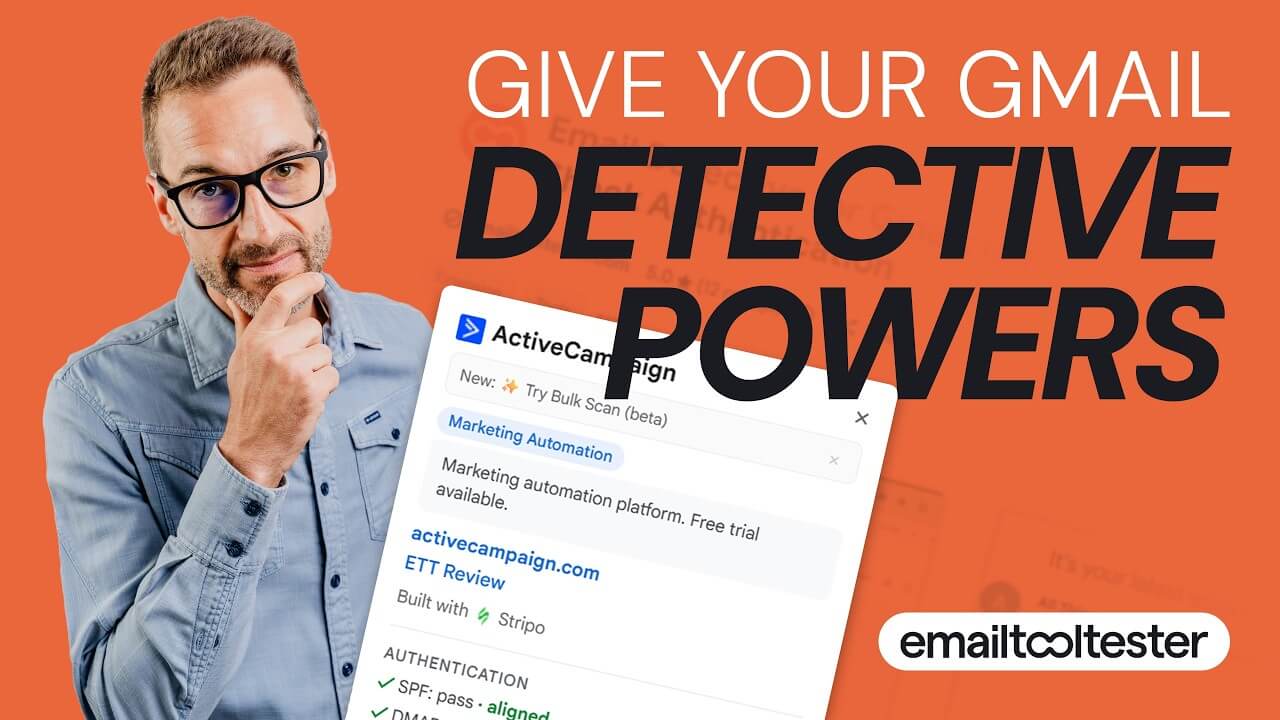
Email Detective is a free Chrome extension that identifies the email service provider behind any message in your Gmail inbox. 170+ providers. No setup. No signup. All data stays in the browser.
> Install Email Detective for Chrome for Gmail or Outlook

Free forever / No account required / No personal data leaves the browser.
Here’s what it looks like in Gmail
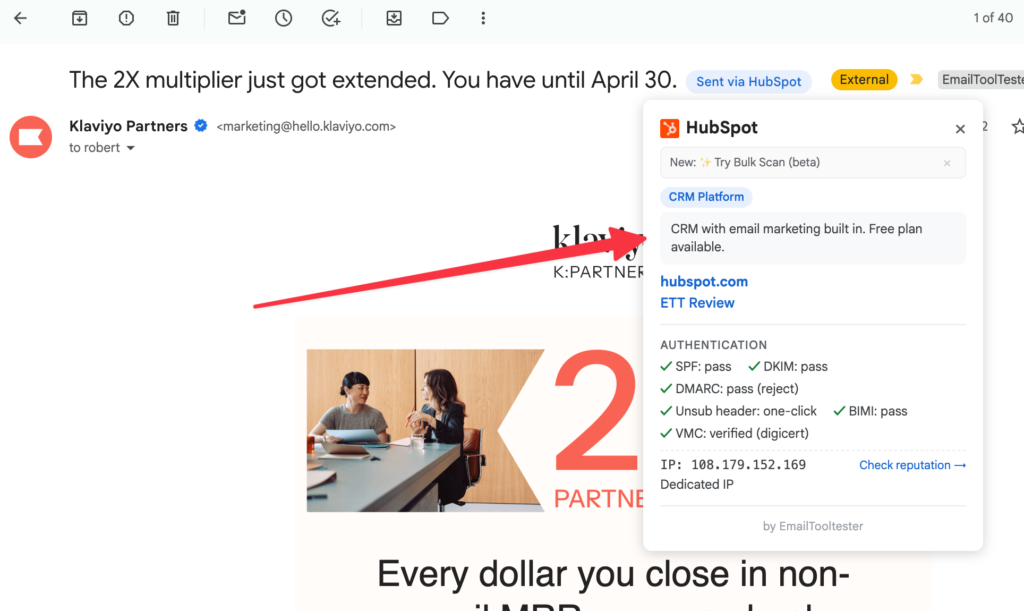
Open any email. A small badge appears next to the subject line showing the ESP. Click it for authentication details, category, and more. That’s the whole thing.
Built for people who care about email
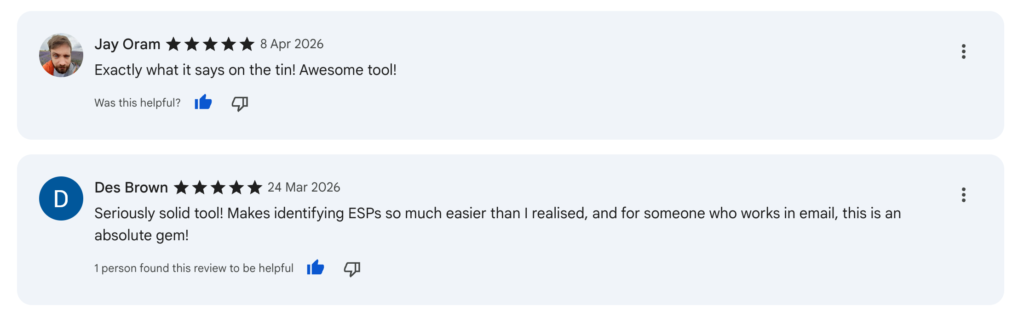
Recent reviews from Chrome Web Store
110+ email service providers. One badge.
From the big ones everyone knows to the niche Dutch and transactional platforms nobody talks about.
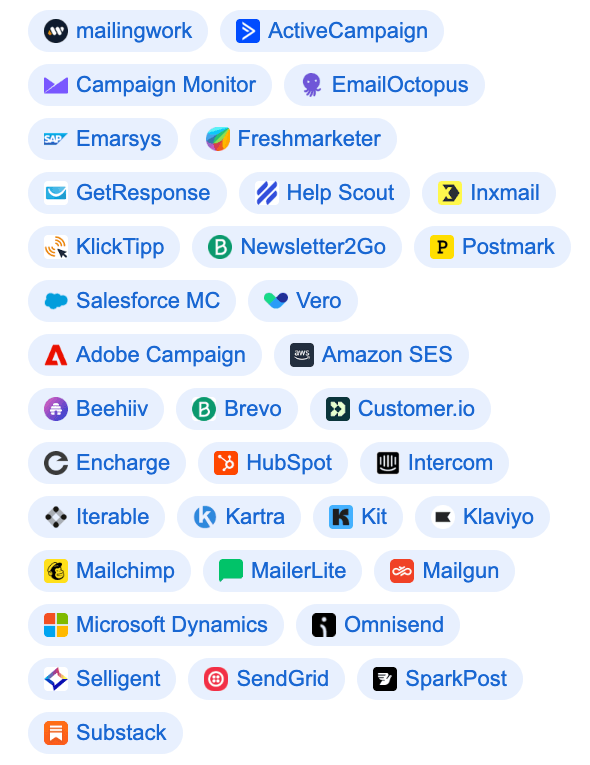
These and many, many more!
Three things this ESP finder does well
Detects the ESP 🕵️♂️
Scans every email you open in Gmail and identifies the platform that sent it. Works on newsletters, transactional emails and sometimes also cold outreach. Handles the tricky cases too, like when Iterable sends via SparkPost or Hostinger sends via Braze.
Checks authentication status 🔍
See SPF, DKIM, and DMARC results at a glance. No more digging through the raw source to find out if an email is properly authenticated. Good for deliverability nerds and anyone auditing sender reputation.
Tracks your stats 📈
Open the extension popup and see which ESPs dominate your inbox this week, this month, or all time. Split by inbox, promotions, and spam. It’s oddly satisfying.
Who actually uses this
- Deliverability pros checking authentication on emails that look suspicious.
- Email marketers researching which tools competitors use before a pitch.
- Agencies auditing a client’s email setup without asking awkward questions.
- Tool tester nerds like us, who want to know what powers every email in their inbox.
FAQ
Is it really free?
Yes. No trial, no paywall, no premium tier. We built it for fun and because we wanted it ourselves. Download it here.
Does it read my emails?
Only the ones you open, and only to find detection markers. Nothing gets sent to our servers. Nothing leaves your browser.
How accurate is it?
Very, for the big platforms. We’ve built specific fingerprints for 100+ ESPs based on headers, DKIM signatures, tracking domains, and sending infrastructure. For the long tail, we keep adding markers as users report misses.
What if it detects the wrong ESP?
Email us with the email headers and we’ll fix it. Most new detections get usually added within a week.
Does it work in Outlook or Apple Mail?
Not yet. Gmail only for now, since that’s where most email geeks live. If there’s demand, we’ll look at other clients.
How does it actually work?
Two ways. For the body, it scans links and images for ESP-specific tracking domains. For headers, it fetches the raw source of the email you’re viewing and looks for fingerprints like X-Mailchimp-User, DKIM selectors, Return-Path domains, and sending infrastructure. Whichever gives the most specific match wins.
What if I don’t use Gmail?
There’s an Outlook version available too. Please let us know what additional mailbox providers you use and we might create another version for you! Send us an email.
Instead of guessing whether a brand uses ActiveCampaign, Brevo, Kit, Klaviyo or Mailchimp, or another provider, you can base your decisions on real data and see exactly which ESP is powering their email campaigns.
> Install Email Detective for Chrome
Free forever / No account required / No personal data leaves the browser.
