

EmailTooltester is supported by readers like you. When you purchase through our links, we may earn a commission that helps keep our reviews independent and free.
Stripo boasts over 1.6 million users in its corner. We’re not surprised – it was one of the reasons why we crowned it the best email template builder in 2025.
For us, it’s the sheer number of standout features that truly set it apart, particularly its 1,500+ ready-to-use templates and seamless integrations with top email providers.
That said, we get that not every marketer needs the same toolkit.
So, we’ve put together a detailed roundup of Stripo alternatives, highlighting key features and the types of users they serve best.
Keep reading to discover which one could become your go-to creative companion for faster, effective, and visually appealing emails.
Top 6 Stripo Alternatives for Easy Email Designs
Despite its powerful editing tools, modern templates, and robust integrations, Stripo might not be the right fit for your team.
Maybe you’re looking for an email design tool that:
- Offers more collaboration or brand management features
- Comes with different pricing models or generous free plans
- Integrates directly with your ESP
- Simplifies workflows by combining design, testing, and sending
Whichever the case, we're here to help. We reviewed the following best email template builders for the job:
1. Beefree
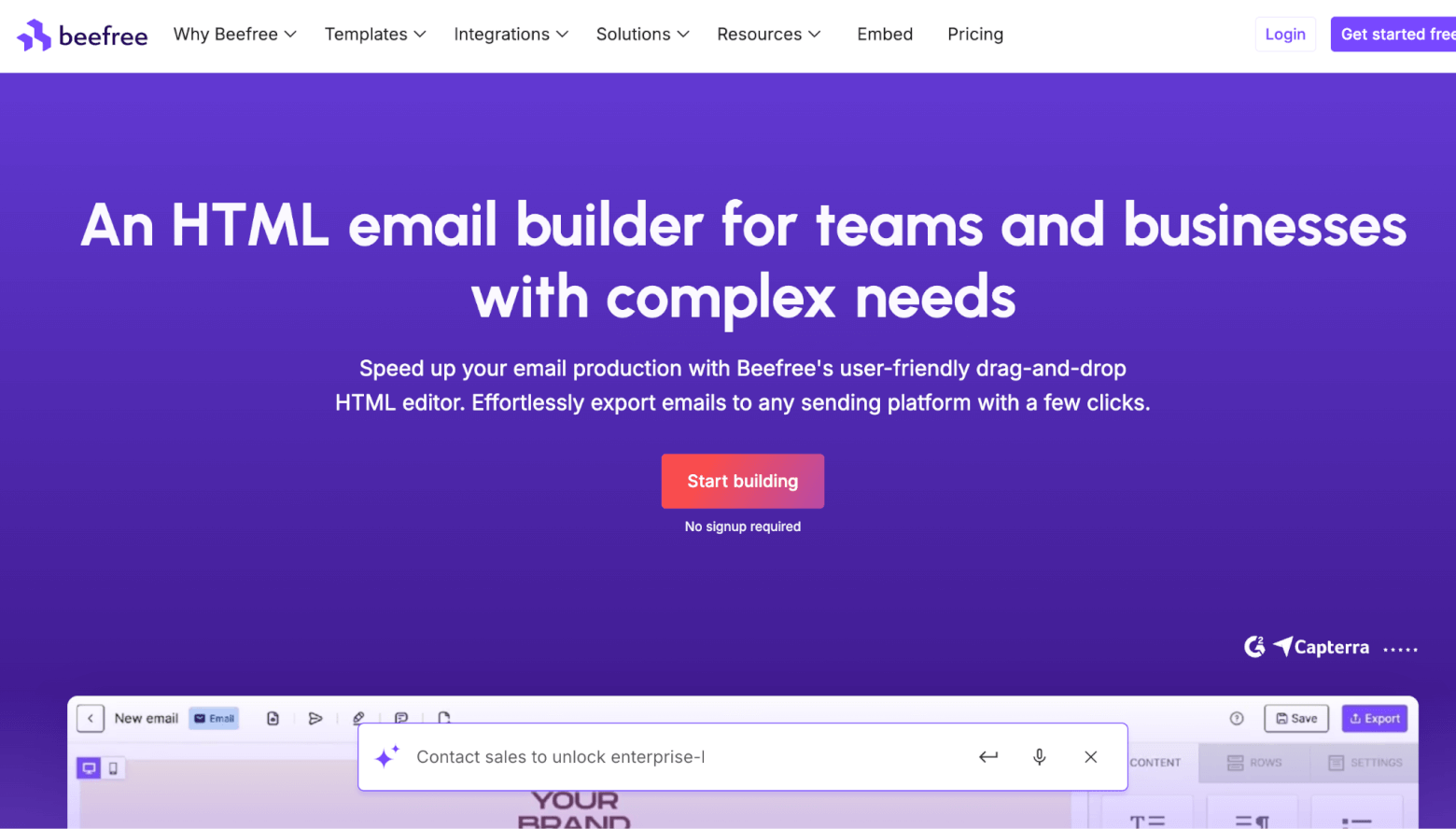
Best for: Freelancers and small teams that want quick, polished designs.
Beefree Pricing
- Free plan: Basic design tools, templates, and integrations, but the Beefree watermark can break brand consistency.
- Professional plan: $30/month. This is ideal for solo creators or small teams that need more flexibility and no branding.
- Business plan: $160/month. This is built for larger teams with shared workspaces as well as advanced export options.
- Custom plans: Available for agencies or enterprise-level email operations.
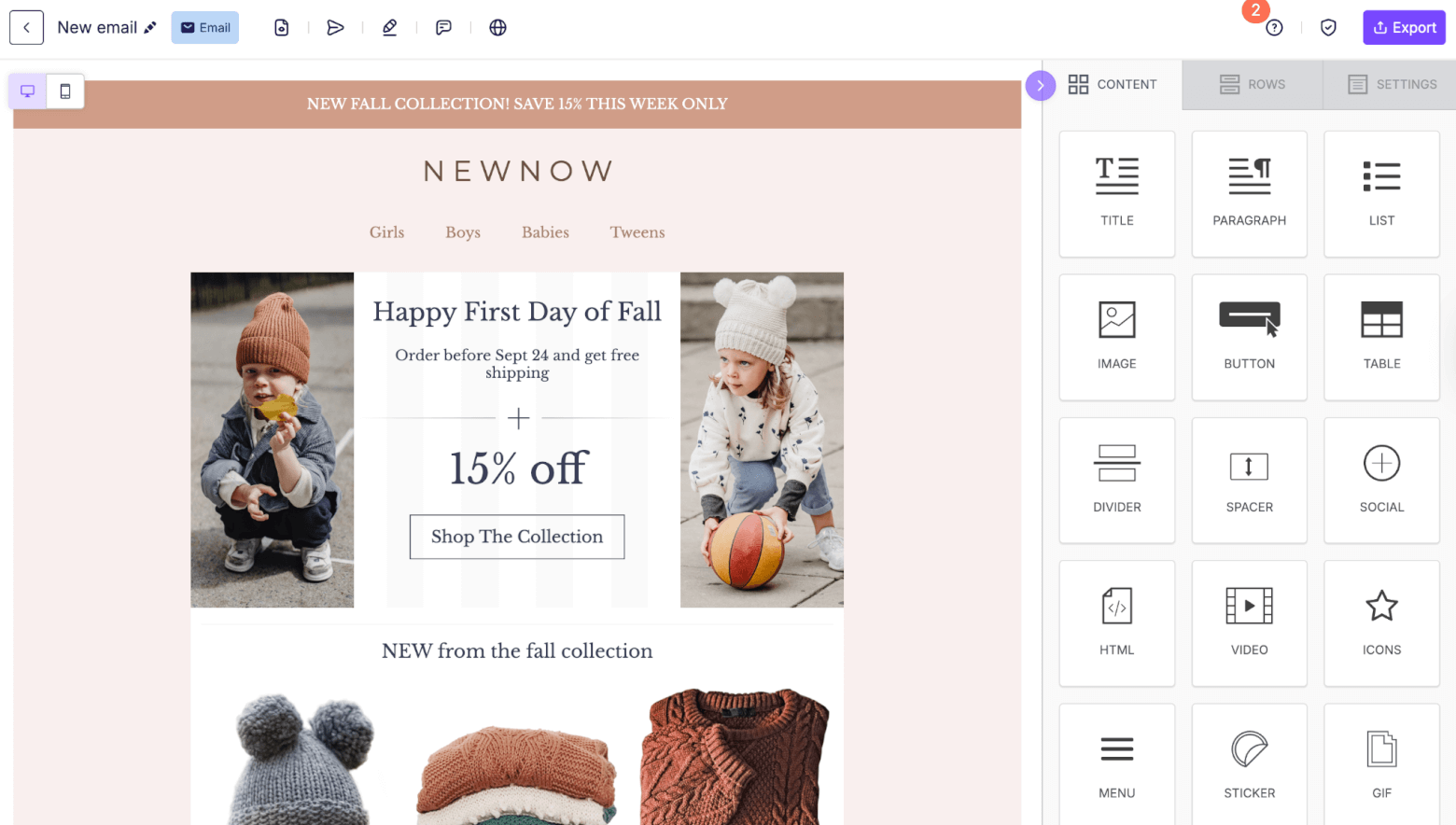
Like Stripo, Beefree offers around 1,500 email templates. It’s an impressive number that’s expected from one of the leading email template builders in the market. Plus, its visual editor lets you reorder sections, adjust spacing, and edit images without writing a single line of code.
Beefree allows for personalization through merge tags. You can simply add subscriber names and details to your emails using ESP-specific merge tags, then export your design straight to your preferred ESP, like Mailchimp and ActiveCampaign (to name a few).
What We Like About Beefree (as A Stripo Alternative)
- Extensive image library with built-in editing. You’ll have instant access to over 500,000 stock images, as well as GIFs and stickers. Additionally, Beefree has light editing tools for resizing, cropping, and adjusting visuals, so you don’t have to leave the platform.
- Wide selection of landing page templates. Beefree includes over 410 landing page templates, compared to Stripo’s modest five. You get greater flexibility to unify your email and landing page designs (a big plus if you always run full-funnel campaigns).
- Complete email workflow. Beefree prides itself on being “more than a design tool”. With features like brand consistency controls, user permissions, reusable content blocks, and built-in collaboration tools, every email will look on-brand regardless of who's (or how many are) working on it.
Where We Think Beefree is Lacking
- Integrations. Beefree has 26, Stripo has 80. Fewer integrations mean more manual exports and setup work. Something that can be frustrating for freelancers and marketing teams using ESPs and CRMs.
- HTML code editor. Beefree doesn’t have a built-in code editor, Stripo does. Advanced email marketers and developers may find it limiting.
2. Topol.io
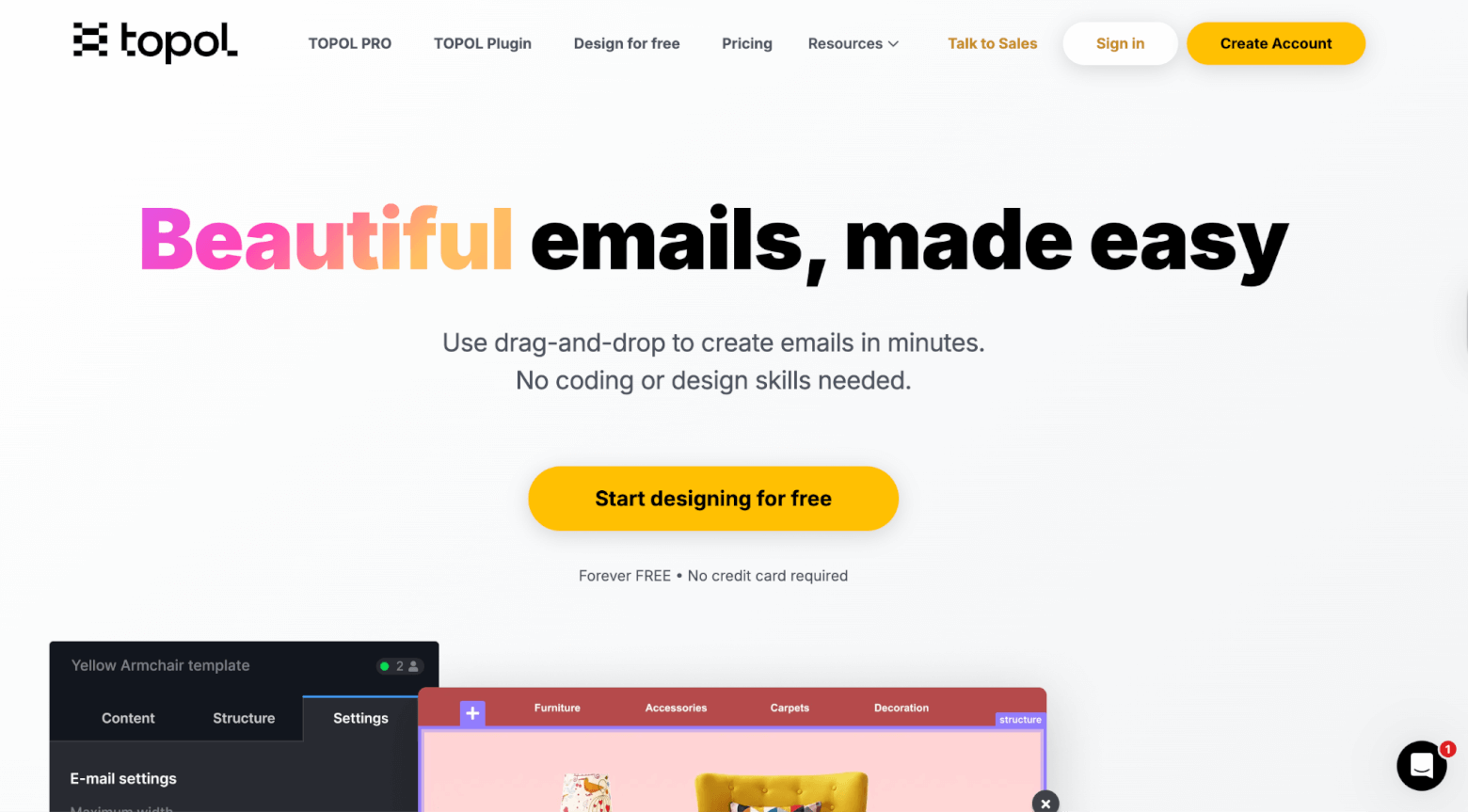
Best for: Small marketing teams on a budget.
Topol Pricing
- Free Plan: Basic templates and plenty of limitations
- Pro: $10 per month
- Team: $15/month for 3 members. (Add extra users for $10/month each)
Topol.io is a dedicated email template builder. However, unlike Stripo, its main appeal lies in simplicity over complex design. It’s immediately apparent the moment you open its intuitive drag-and-drop editor.
The free plan is fairly limited, although it does include access to 180 free templates. Shifting to the affordable paid plan will get you plenty more: reusable content blocks, 360+ mobile-friendly templates, custom branding, AI assistance, and team collaboration tools. Paid users also get access to a library of professional-grade photos through a Pexel integration.
The Pro Plan gives you multiple export options, letting you download download files in HTML or JSON format (including images) and send them directly to platforms like Brevo, Mailchimp, and Constant Contact.
What We Like About Topol.io (as A Stripo Alternative)
- Simple, entry-level drag-and-drop editor. It’s enough for small teams and marketers who want to create professional-looking emails without all the extra bells and whistles.
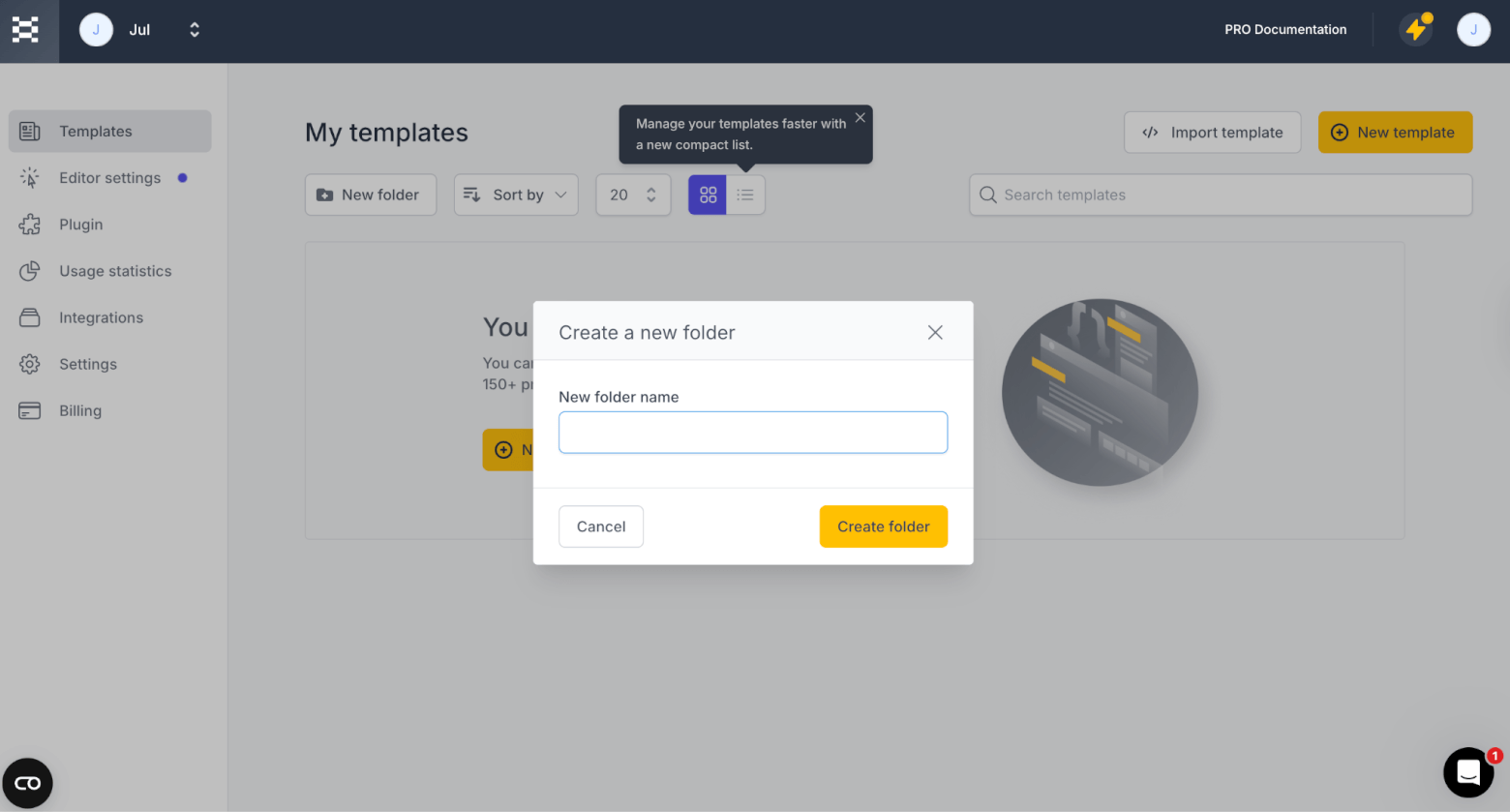
- Organized workspace for teams. Easily arrange templates in folders, and set up team workspaces if you manage multiple clients.
Where We Think Topol.io is Lacking
- Integrations. If you’re looking for a Stripo alternative, bear in mind that Topol only has 26 integrations, and they are only available with the paid plan.
3. Chamaileon

Best for: Marketing teams who need shared editing and design systems.
Chamaileon Pricing
- 14-day free trial
- Paid plans start from $300/month for 3 seats
Chamaileon’s main goal is to democratize email creation. For large marketing teams, that’s immediately a resounding yes!
Chamaileon’s email templates come with high HTML quality, so your designs always look professional on any device.
The email editor is both structured and smart. It automatically adapts layouts for mobile and desktop, keeping everything tidy without extra adjustments. You can also tailor content visibility for each device, which makes it easier to control how readers experience your emails.
Plus, the interface feels thoughtfully built for speed, clarity, and collaboration. To give you an example: When we took Chamaileon for a spin, we noticed how easy it was to share designs. You only need to generate a link (Think: Google Docs). It’s a small touch that can make real-time feedback and approvals much faster.
What We Like About Chamaileon (As A Stripo Alternative)
- Usability. The editor makes it easy for anyone to jump in and create high-quality emails. New users can quickly arrange blocks, adjust layouts, and preview templates with a few clicks.
- Collaboration tools. Chamaileon supports real-time co-editing and commenting, so multiple team members can work on the same email simultaneously. It’s a quick and efficient way to provide feedback, reduce back-and-forth, and speed up approvals.
Where We Think Chamaileon is Lacking
- Direct integrations. Chamaileon reports that they only have 24 integrations—only a few ESPs and CRMs. The platform suggests using webhooks to connect it with other ESPs instead.
- Affordability. With plans starting at $300/month for 3 seats, it’s significantly more expensive than Stripo. Yet the extra cost doesn’t come with a proportional increase in features for most email designers.
4. Tabular
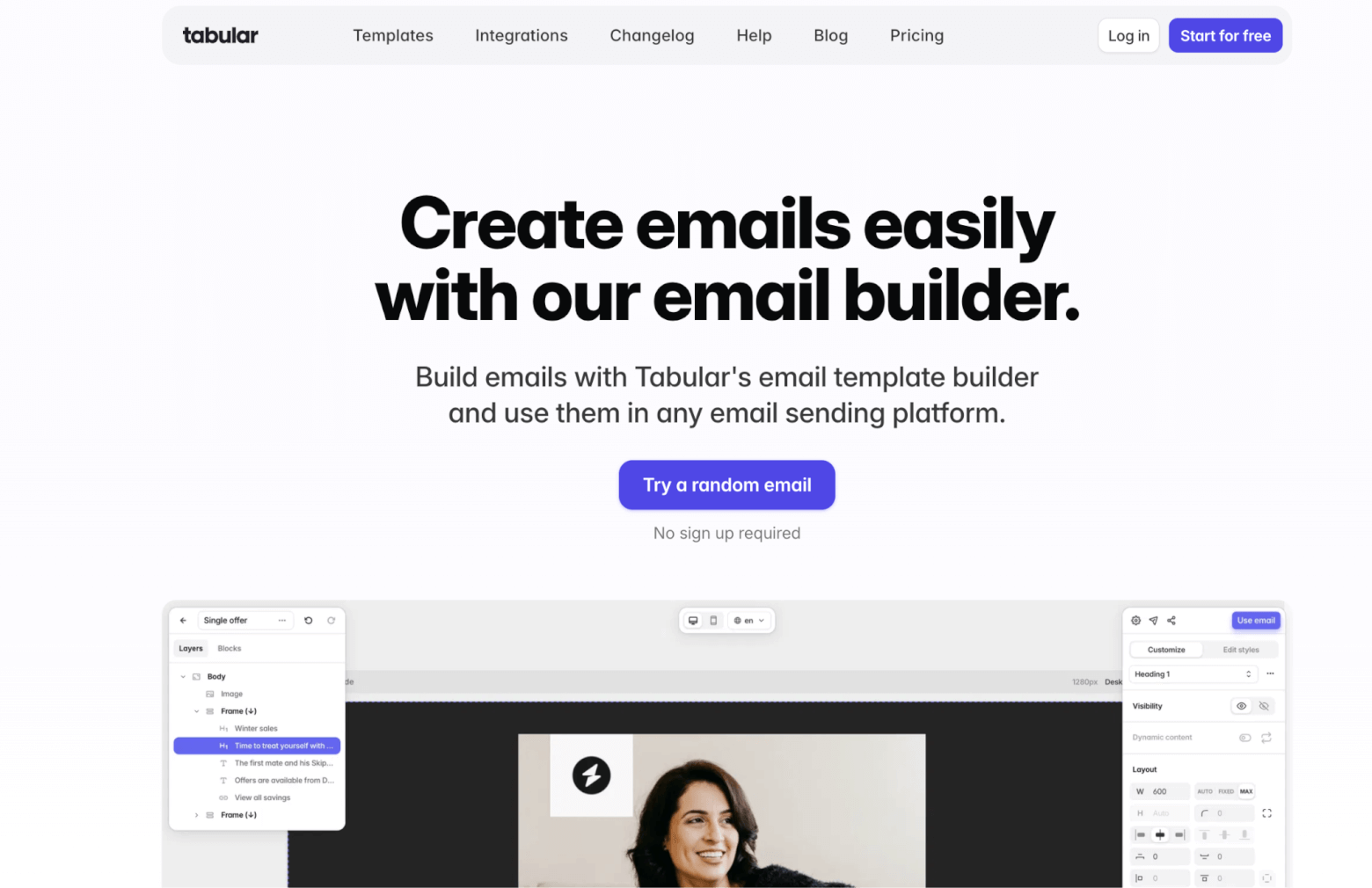
Best for: Teams that want simple workflows with time-saving preview and QA features.
Tabular Pricing
- Free forever for anyone, 3 custom emails per month
- Plus: $29/month
- Pro: $42/month
- Organization: $99/month
Tabular is one of the newer email template builders dedicated solely to creating responsive HTML email templates. You can pick from any of the 37 eye-catching email templates or the pre-built blocks, or establish pre-built “team blocks” to enforce design consistency and save time for your co-workers.
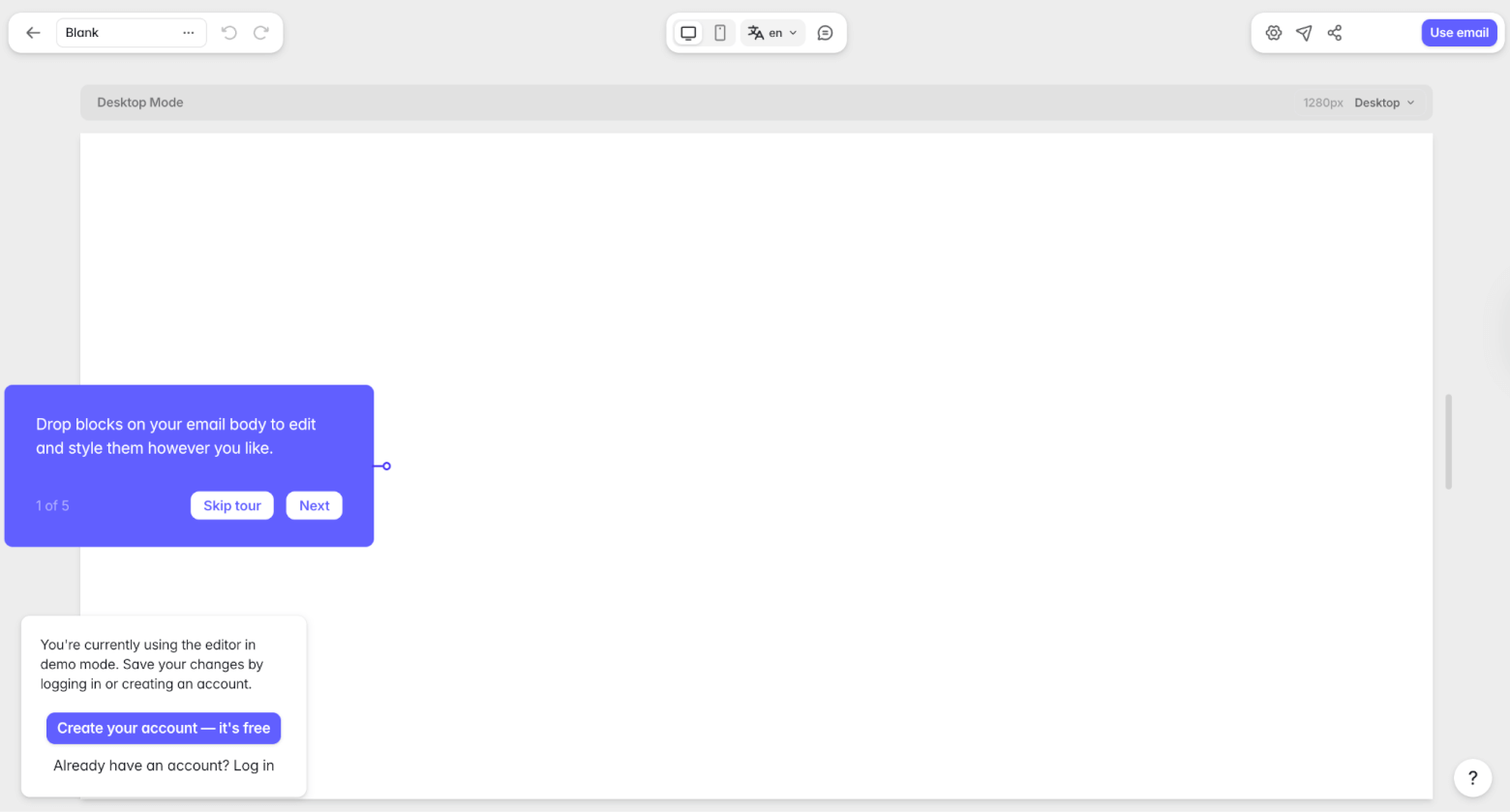
We also noticed how clean and sophisticated the user interface is. The layout is uncluttered, so you can focus on design without getting lost in settings or menus.
What We Like About Tabular (As A Stripo Alternative)
- Public demo access. There’s a fully accessible demo version on their website. No sign-up needed. (Note: The demo doesn’t include advanced features available.)
- Solid free version. The free tier gives genuine value with basic exports and previews. It’s great for marketers who don’t require heavy usage.
- Email testing functionality. You can preview how your templates render across multiple email clients and devices. You can avoid broken layouts and unprofessional appearances when email clients interpret HTML differently.
Where We Think Tabular is Lacking
- Integrations: There are only 26! Some of them include our top picks for small business email marketing platforms. But if your ESP or CRM isn’t covered, you’ll face manual exports or workarounds.
- Feature maturity. As a newer tool, certain features like deeper personalization aren’t as developed. If you’re coming from a more established tool like Stripo, you might feel some gaps.
Try Tabular for free (use offer code 25FORYOU for a special discount)
5. Postcards by Designmodo
Best for: Designers who prefer pre-made modules over deep customization.
Postcards Pricing
- Start: Free forever plan. It’s limited to 10 template projects, exports, and test emails.
- Plus: $19/month. There are unlimited template projects, but limited exports and test emails, and only 1 teammate.
- Pro: $29/month. There are unlimited template projects, exports, and test emails, and up to 3 teammates.
Designmodo does a lot of things: website design, presentations, and a talent marketplace. But its email template builder, Postcards, makes it on our list of Stripo alternatives.
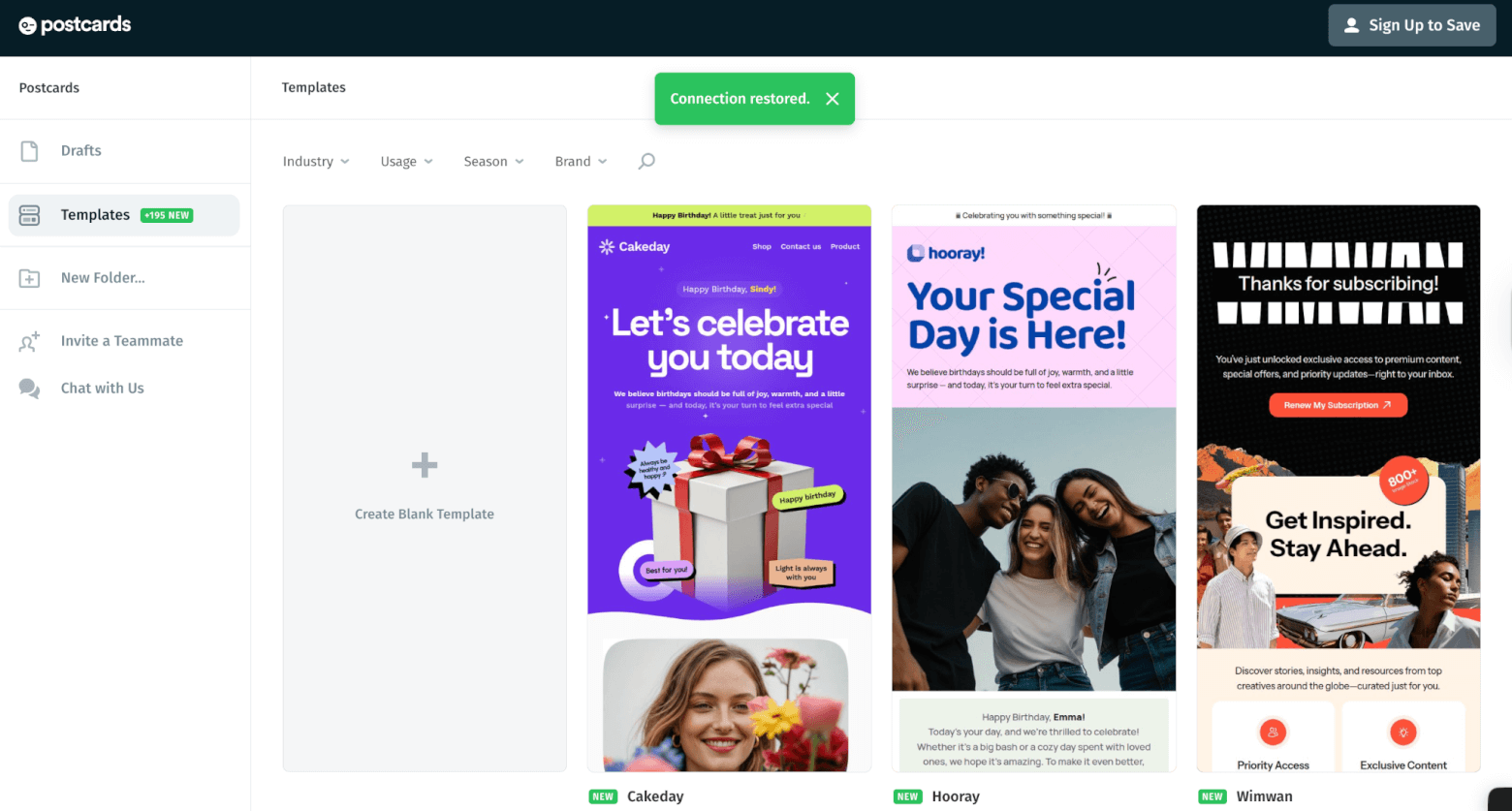
It’s a clean HTML email designer with around 160 modern templates, 100+ design modules, and 900+ Google Fonts. With that much flexibility, you can get remarkably close to your design vision—even though it’s block-based, not drag-and-drop.
When you generate a code, it comes out clean, readable, and easy to tweak. It’s a big advantage if you or your developer ever needs to make manual adjustments later.
What We Liked About Postcards (As A Stripo Alternative)
- Options, options, options. With hundreds of modules, fonts, and pre-designed layouts, you can build a polished, on-brand email with no coding needed. It’s ideal for designers who like to experiment or fine-tune details within clear structural boundaries.
- Collaboration. You can invite teammates to collaborate as viewers or editors. You can even see where their cursors are!
Where We Think Postcards Lacks
- Free plan. You’re capped at 10 projects and only 5 exports on the free tier. If you’re running some tests or producing at volume, you’ll need to move up to a paid plan quickly.
6. Brevo (formerly Sendinblue)
Best for: Users who want to design and send within one tool.
Brevo Pricing
- Free forever plan
- Starter: $9/month – includes access to the email editor and template library.
- Standard: $17/month – adds landing pages and advanced automation and reporting tools.
- Professional: $499/month – includes more AI features and enhanced data analytics.
- Enterprise: Custom pricing for high-volume or complex email needs
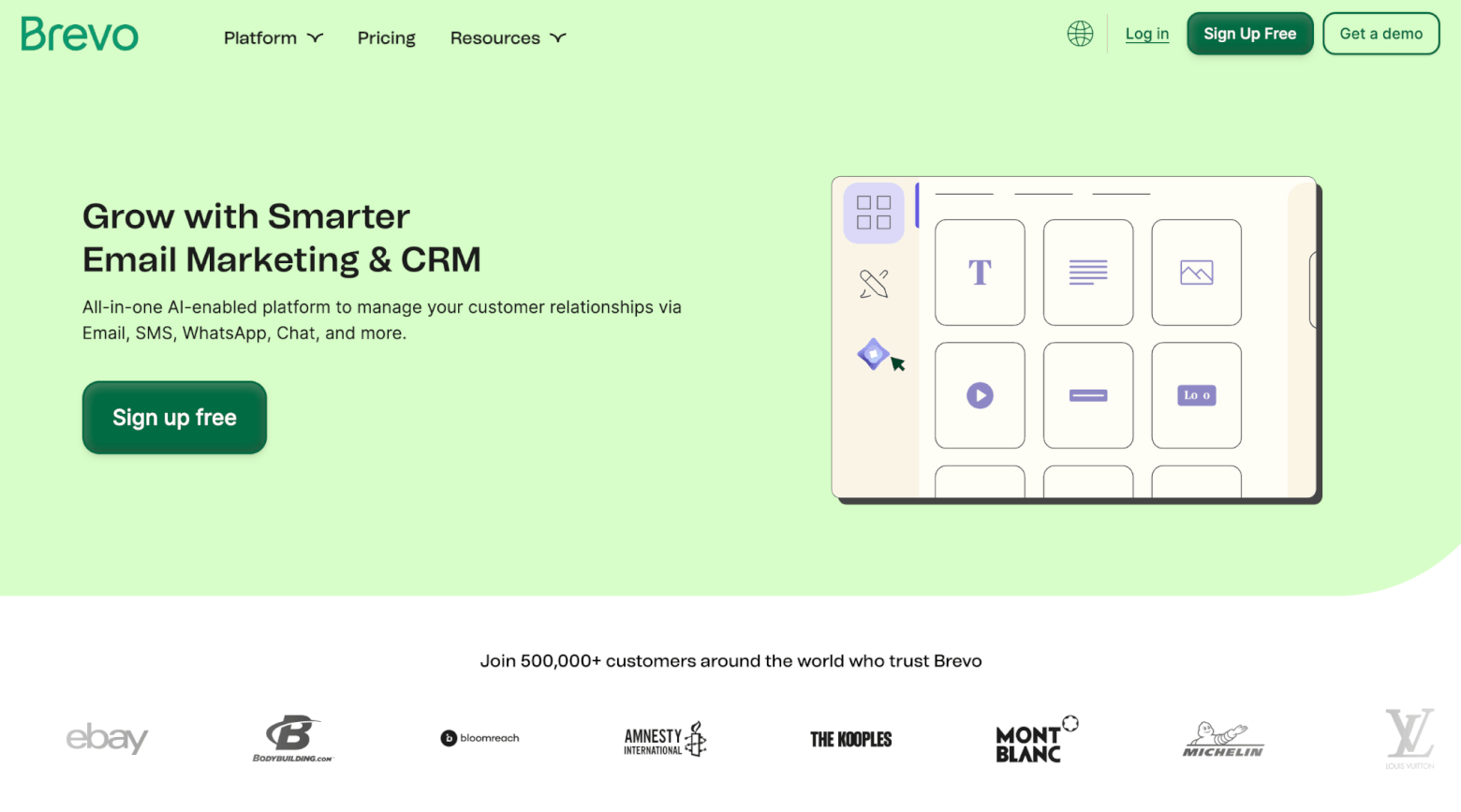
We recognized Brevo as the “Best Value for Money” option for marketers, since it offers professional tools beyond email design.
But for users looking for a suitable Stripo alternative, how do its email design tools measure up? For starters, its email templates are polished and responsive. Combined with the intuitive drag-and-drop editor, you can easily design engaging emails across all devices.
Additionally, the brand library feature lets you save and apply your brand colors, fonts, and logo automatically, so you can maintain a consistent design across campaigns.
The cherry—or cherries, rather—on top? Its landing page editor and automation workflow builder. For marketers, these features mean you can handle both design and delivery without switching between tools.
A useful extra: share templates instantly between Brevo accounts
One of Brevo’s underrated strengths is how easy it is to share designs with other Brevo users. You can generate a shareable link directly from your account, allowing someone else to import your template into their own Brevo workspace without exporting or importing HTML. This saves time and avoids errors that often occur when copying code between tools.
This feature is ideal for internal teams, agencies working with clients, or collaborators who want to reuse a design across multiple accounts. The imported template opens in the same editor in which it was created, so the recipient can customise it freely without affecting your original version.
It is worth noting that this feature is designed for templates created within Brevo. If you want to import a template from a third-party editor such as Stripo, you will still need to paste the HTML into Brevo’s HTML editor.

What We Like About Brevo (As A Stripo Alternative)
- Design-to-send workflow. Brevo combines design, personalization, automation, and delivery in one space (something Stripo users would need an extra platform for.)
- Personalization and automation. Since Brevo is a complete email marketing tool, you can design templates that automatically adapt to who’s receiving them. Its personalization options let you insert dynamic details, display or hide sections for different audiences, and even pull in live data like recent purchases. You can create flexible templates to serve multiple campaigns at once.
- Fast template sharing: The ability to share templates via a simple link is particularly helpful for teams producing email content at scale. It removes the friction of exporting HTML or downloading ZIP files, and keeps everything editable in Brevo’s native editor.
Where We Think Brevo Lacks
- Limited engagement elements. Brevo comes with some preset elements, but it lacks interactive content blocks such as countdowns, surveys, and polls.
- Template variety. Despite the high quality, the library isn't as extensive as Stripo's, BeeFree's, or even Mailmodo's. Only 40+ templates are available.

Find The Right Fit: Stripo Alternatives
Choosing the right email design tool depends on your team’s workflow, budget, and feature needs.
Each Stripo alternative on this list brings unique strengths, whether it’s better collaboration, templates, or being an all-in-one email marketing tool. Our advice? Take advantage of the free trials or free plans they offer to see which one matches your needs.
Want more options? Feel free to dive into our blog for detailed reviews of other email marketing solutions to improve your campaigns.
The authors
Learn more about us

Our Methodology
This article has been written and researched following our EmailTooltester methodology.
Our Methodology