


I’ve used email signature generators for Gmail for years, but I hadn’t had time to dive into the more complex side of email signature automation until now.
An attractive and professional email signature makes a big difference when prospecting, delivering client proposals, or communicating with external contacts. It’s a convenient way to share contact information and ensures you share information for compliance.
Beyond that, you can use email signature generators as mini lead generators to deliver campaign links or social media feeds, and put them in front of your most important contacts.
I found 5 impressive tools that cater to freelancers, small businesses, or corporations, and I looked at the features that make them different… in addition to just generating a signature.
Best Email Signature Generators (Summary)
- Signitic – For running sophisticated campaigns across teams
- MySignature – Best free plan for small teams
- Exclaimer – Best for enterprises looking for built-in compliance
- WiseStamp – Excellent templates
- Newoldstamp – Email signatures for lead generation
Why I Use an Email Signature Generator
I’ve used an email signature generator for almost as long as I’ve had a Gmail account. Gmail doesn’t have the best email signature tools, so a free generator was enough for me to fill that feature gap.
I feel much more comfortable sending out business emails that have all the company information I need to include to stay legally compliant. I also like to know my contacts have my social media and web links without the need to send them over on demand.
That said, I have never tried using my email signature as a place to market my business or share updates. I’ve only ever done that with email marketing tools.
I tested that for the first time while writing this post, and I can definitely see how powerful it could be, especially when scaled up over hundreds of users in a team.
Of course, this also means you need a place to manage everyone’s email signatures since they represent your brand in every message that’s sent.
All of the email signature generators I tried will cover the basics: templates and email signature building. So for this post, I looked outside of those fundamentals to figure out which one would be right for different types of users and for a variety of use cases.
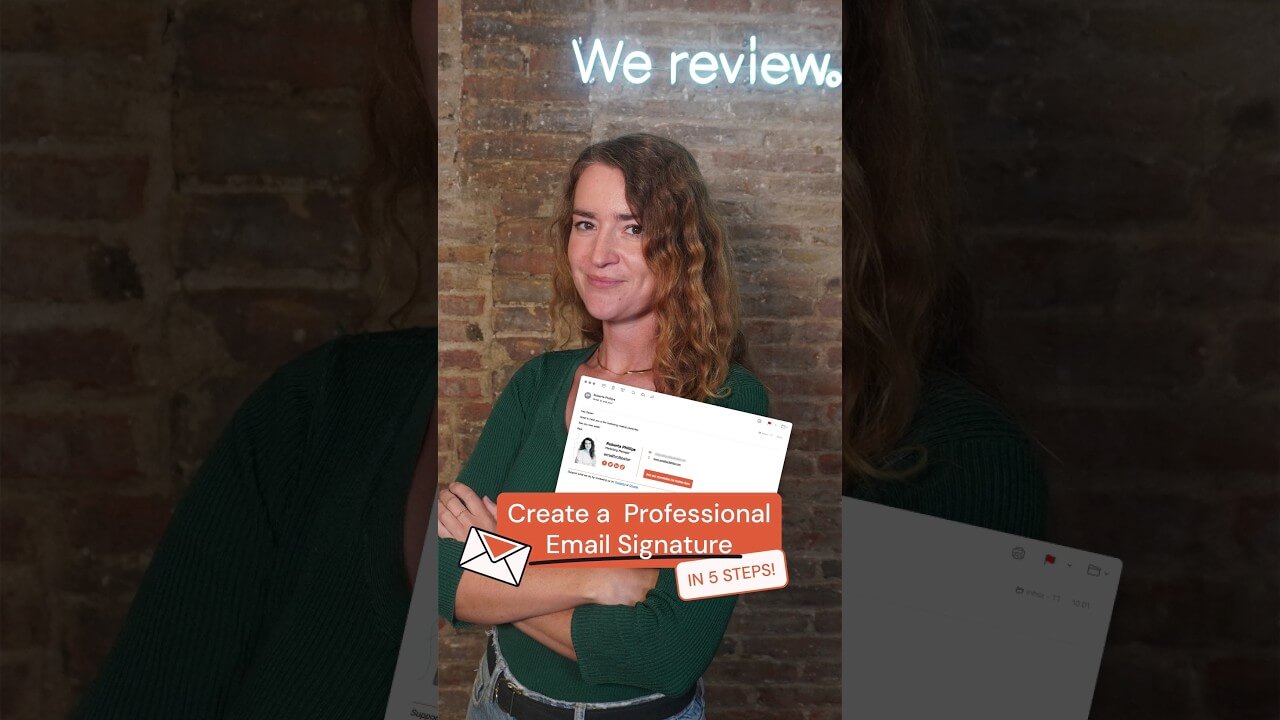
You can also see how easy it is to set up an email signature using a generator in the video below:
1. Signitic
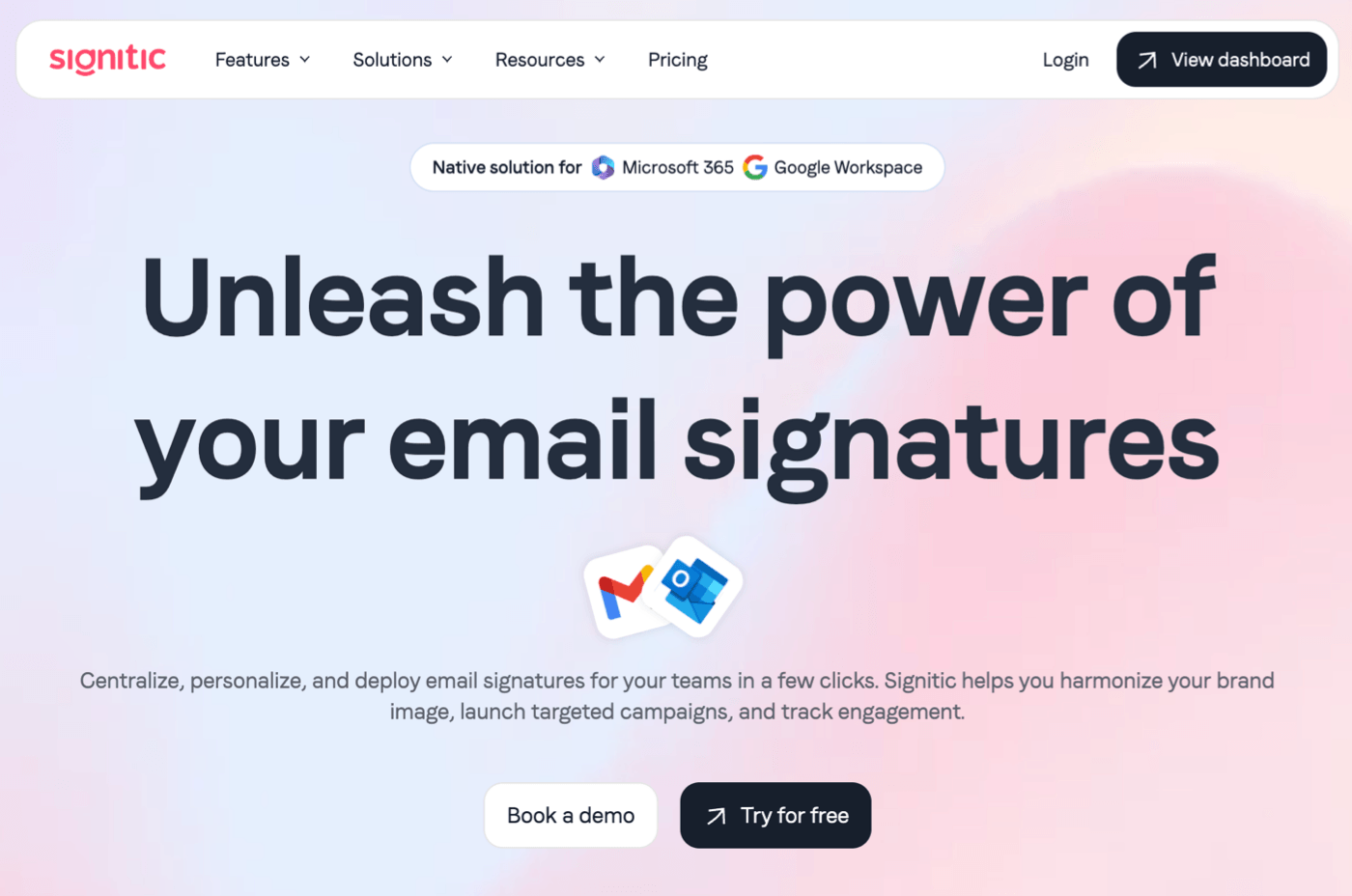
Signitic is an email signature generator that also allows you to run pretty sophisticated banner marketing campaigns inside the emails you send.
The templates are modern and attractive, and I liked the option to use a logo, a headshot, or both. There are plenty of templates if you don’t have the time to build a signature completely from scratch, and the drag-and-drop editor has no learning curve.
Looking at more advanced features, the campaign builder is surprisingly sophisticated. It allows you to build a campaign that gets attached to your team members’ emails, but you get a great deal of control over when it runs and who sees it. For example, you can schedule the campaign, set it only for external recipients, and control which team members’ signatures you want to add it to.
One small quality-of-life feature really impressed me: I liked being able to send a test email so I could see my signature in my mailbox before actually deploying it. It’s a tiny feature, but definitely made me think that this was a refined product.
You can’t sign up for Signitic from a personal email address, so that’s an immediate signal about its customer base. The paid plan starts at 20 licenses. It can automatically pull in contacts from your organisation, so setting up your team and managing their signatures is straightforward (and fully centralized).
Signitic works in Google Workspace or Outlook, and I think it does an impressive job of adding value to email signatures and turning them into a source of revenue.
Pros
- Unlimited signatures
- Unlimited team members
- Unlimited banner campaigns
- A/B testing
- Affordable and transparent pricing
- Responsive customers support (real humans!)
Cons
- Not designed for individuals
Pricing
Signitic is very affordable, with the paid plan priced at just €1/ mo per user for a minimum of 20 people. The Pro plan will likely pay for itself once your campaigns are up and running.
There’s a free plan for 1 signature that can be used by 19 employees, but you’ll have a Signitic logo on your emails, which will likely mean it’s not suitable for long-term usage.
2. MySignature

I’ve used MySignature for almost as long as I’ve had a Gmail account, right when I was in the early days of freelancing.
It’s a very straightforward email signature generator with a few decent templates, a usable interface and – most importantly – a functional, free plan. It’s also the only tool I tested that is specifically aimed at individuals or small teams of 5 people or fewer.
I still believe that this is the best free email signature generator for small teams and anyone who needs to make a static email signature for Gmail. To be clear, it doesn’t have a fancy interface, but I find it easy to use and it gets the job done.
If you choose to pay for it, you’ll get email tracking for Gmail, which saves you having to use a separate email tracking Chrome extension.
Paid plans look a little pricey compared to the larger email signature providers here, but it’s important to remember that it’s not priced based on a minimum of 20+ seats.
Pros
- Genuinely usable free tier
- Good templates
- Simple marketing banner integration
- Custom domain
- Analytics
- Supports Google Workspace and Office 365
Cons
- Limited signature variations and rules
- Larger businesses will find it expensive
Pricing
MySignature is a freemium product. A free tier covers basic templates and is likely all you need if you’re starting out. Paid plans start at $6/mo per user.
3. Exclaimer
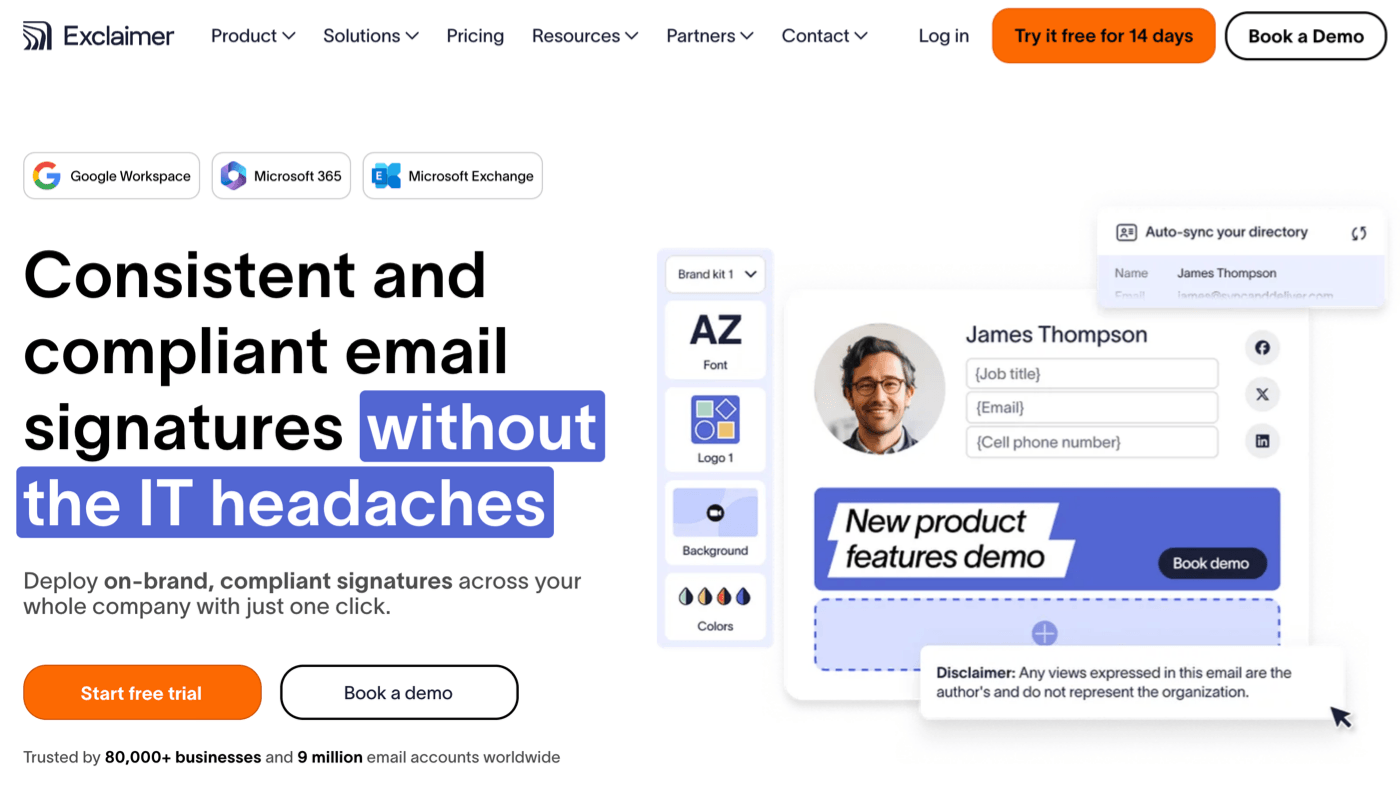
If you’ve tested email signature generators in the past, you’ve likely run into Exclaimer – one of the biggest names in the business. It claims to power signatures for 9 million users, and there are some seriously big brands using it: the BBC, HP, and Sony, to name but three.
Like Signitic, Exclaimer works by giving you access to a centralized email signature creator, then automatically appending the signatures to your team’s emails. There’s a strong focus on compliance and auditing, which gives you an idea of the type of customers it attracts.
It also supports Microsoft 365/ Outlook/ Exchange and Google Workspace, as well as regular Gmail accounts, giving it excellent comprehensive coverage of email providers and clients.
However, it differs from Signitic in that it branches off into branded backgrounds for meetings and complete brand kits. You’re only likely to need these if you make frequent changes to email signatures, have different signatures for different business units, or need to be compliant with strict branding rules.
Exclaimer also supports banner campaigns in email signatures, much like the other tools in this list. I really like the ability to include recent social media posts, which is a nice alternative to banners if you prefer to drive engagement.
You can also integrate with CRMs, user directories, social media platforms, and meeting booking services.
I found this a little overwhelming in testing, but then I’m not the target client. If you’re not looking for an enterprise solution, this email signature generator might be overkill for your business. But it is a mature product that offers a lot more than just signature automation.
Pros
- Well-established, dependable provider
- Complete branding solution for company communications
- Compliance is baked in
- Integrates with other services across the entire company
Cons
- Breadth of features likely to be overwhelming for small businesses
Pricing
After the 14-day free trial, you’ll need to pick a paid plan. The most affordable plan covers one signature per user at $1 per month, and the plans step up to full enterprise integration. Users report prices around the $1-2 mark per user per month on custom plans, although you may need to reach out for a quote.
4. WiseStamp
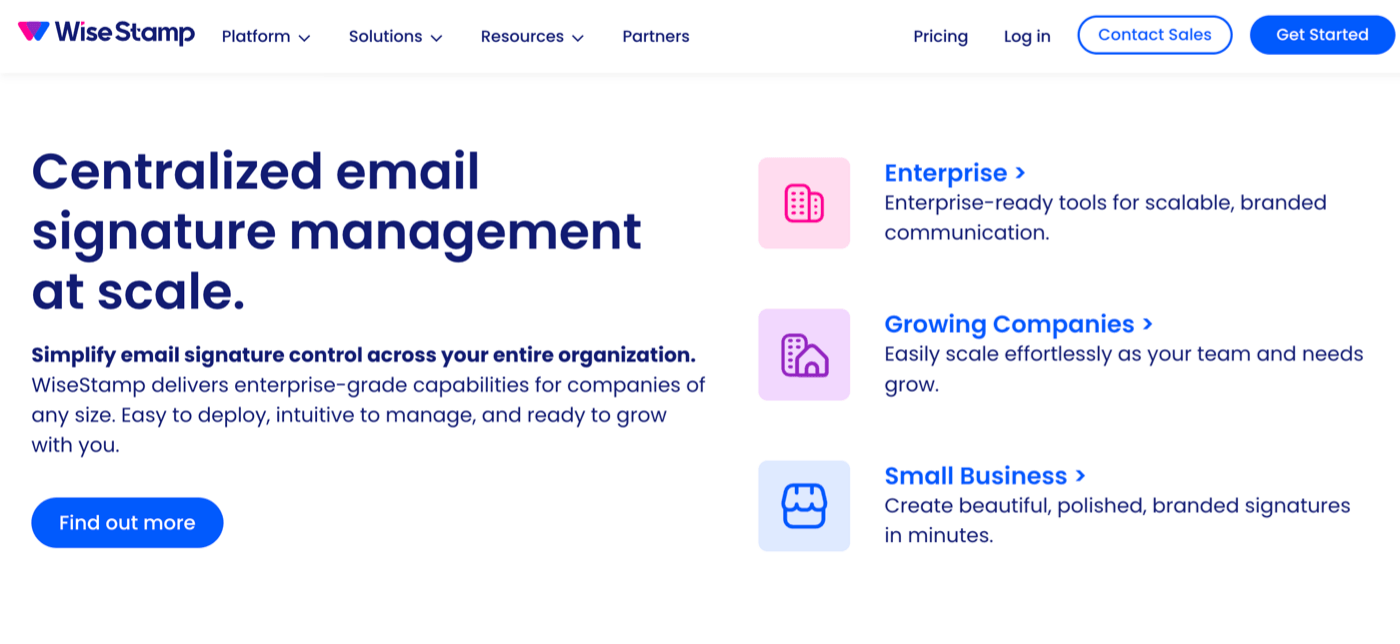
WiseStamp felt more familiar to me than Exclaimer. It’s more suited to individuals, freelancers, and small businesses where paying for an entire team in one subscription wouldn’t make sense. Even so, it boasts an impressive client roster with many tech companies on its books.
It is perfectly possible to use WiseStamp just for email signatures, but then step up plans to get access to automation, auto-adding legal disclaimers, and saving audit logs for compliance reasons.
In testing, I felt that WiseStamp was designed for companies with ambitions to grow. It feels easier to use compared to Exclaimer, but I can also see that it’s positioning itself as an alternative in that the more advanced features are there if you need them.
WiseStamp has easy email signature editing features and templates, but I liked being able to create different signatures for different email accounts. There’s an AI designer, which is nice, although potentially a little over-the-top if all you need is a template.
You can also integrate social media into signatures. Any updates you make will automatically apply across all users during a daily sync.
With support for Microsoft 365, Outlook, and Google Workspace, this is a good Explainer alternative if you want a serious email signature generator with slightly leaner brand features.
Pros
- Very good templates
- Designed to support a growing team
- Email signature editor is easy to use
- Some of the best templates I tested
- HubSpot and Salesforce integration
Cons
- Expensive as it charges both both monthly and user-based pricing
- Templates are limited to 5 on the lowest priced plan
Pricing
WiseStamp pricing starts at $19/mo, plus a fee of $1 per user on top.
5. Newoldstamp
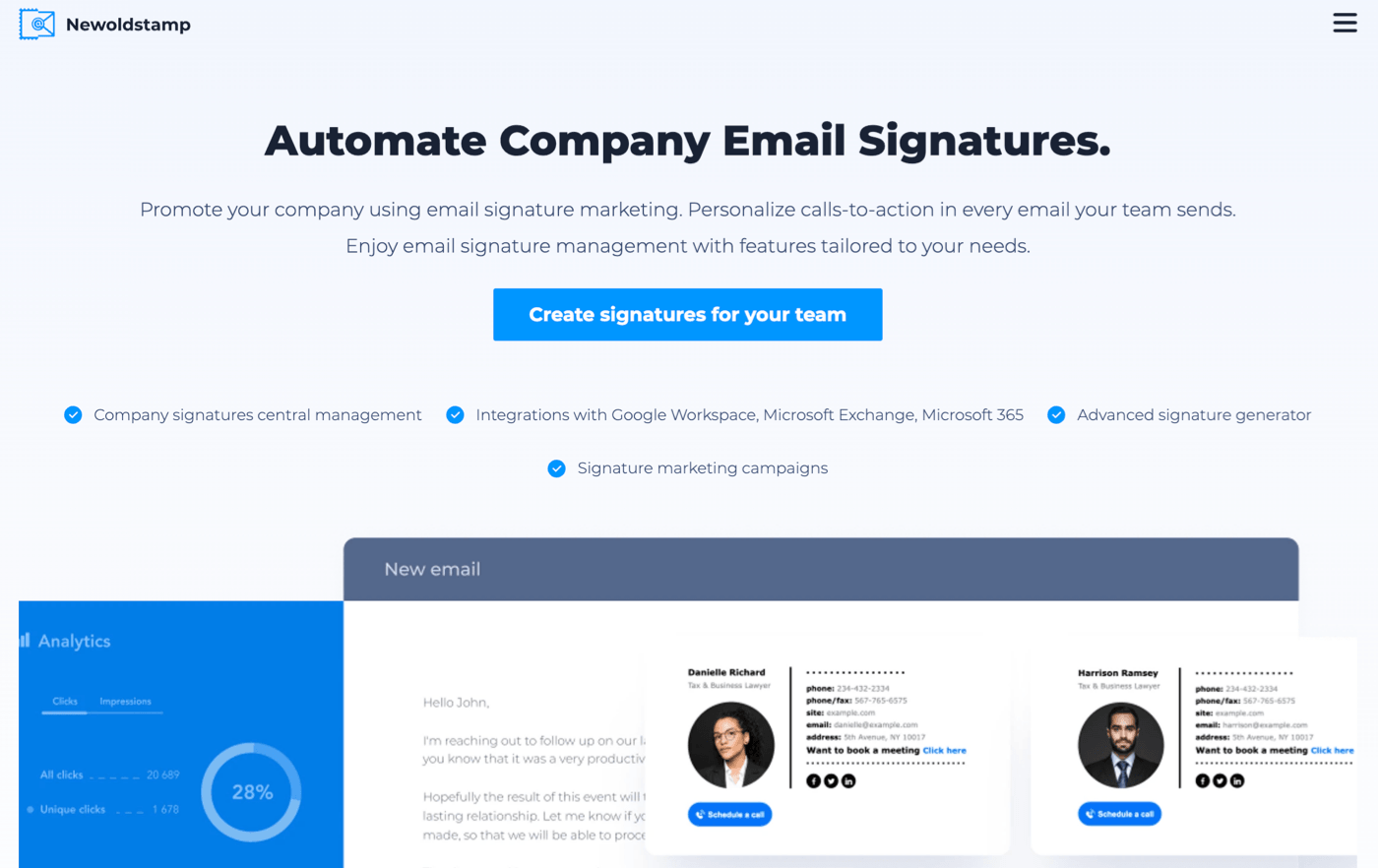
Newoldstamp is the email signature generator that I immediately understood. It focuses on using email signatures for lead generation, and the analytics are presented in a way that makes sense to me.
But I was disappointed that you have to step up a couple of levels in the paid plans to get access to any analytics at all. For many companies, this will make the investment difficult to justify. If you’re going to use an email signature generator to manage campaigns, you need to be able to measure ROI.
On the whole, this platform just feels limited. There are no rules or automations on the basic plan either.
In testing, I felt that WiseStamp had designed its pricing to make the product unattractive to smaller teams because you’ll have to pay a monthly fee and a fee for each seat on top. It’s a good product let down by the pricing structure, and feel there are better options here.
Pros
- Banner campaigns
- Good click and impression tracking for campaigns
- Easy to use
Cons
- High cost for features compared to other tools
- Paid plans on lower tiers are quite limited
Pricing
Pricing starts at around $1.30 per month per user for larger companies on an annual subscription. Smaller companies may pay a lot more (up to $4.50/month), so it’s worth thinking about whether this is a tool you’re likely to grow into.
My Recommended Email Signature Generators
I don’t like to end my tests without making clear recommendations, but this is definitely a case of, “it depends.”
For individuals, freelancers, and small businesses, I can easily recommend MySignature as a simple solution that does the job you need it to do. It’s free on a small scale, and you likely won’t need team management or coordinated lead generation campaigns.
Once you start to get past 20 seats, the choice becomes slightly more difficult.
I favour Signitic, mainly because I think it finds the right balance between price and features. It’s comprehensive for the job it’s designed for, but doesn’t incorporate bloat that you won’t need. Larger companies might want to push their campaigns through client emails, and if that’s you, I think it’s worth paying for.
All of these email signature generators cover the basics: generating an attractive and professional signature that replaces the default and shows your business in the best light.
The authors
Learn more about us

Our Methodology
This article has been written and researched following our EmailTooltester methodology.
Our Methodology