

So maybe you’ve decided your email newsletters are in need of a refresh. Or you’re just sick of your newsletters falling apart when viewed on mobile.
Unfortunately, sometimes the templates available in your newsletter tool just don’t cut it. And, understandably,you simply may not have the budget to have new templates designed (which can literally cost thousands!).
Luckily we’ve got some great news. We’ve compiled this list of 1000+ completely free email newsletter templates , which you can download and use with any email service – Mailchimp, MailerLite, Constant Contact, you name it. No strings attached!
What’s more, all the templates are already mobile-responsive, meaning they’ll automatically adjust to look great on any device.
So, if you’re ready to give your newsletters a makeover, and you love a good freebie (who doesn’t?), check out our list of the best free newsletter templates below. Also, don’t forget to read our tips on usage at the end.
If you’d like some inspiration, you can also check out these newsletter examples.
Best Places to Download Free Responsive Email Newsletter Templates
Stripo – Best Email Template Builder
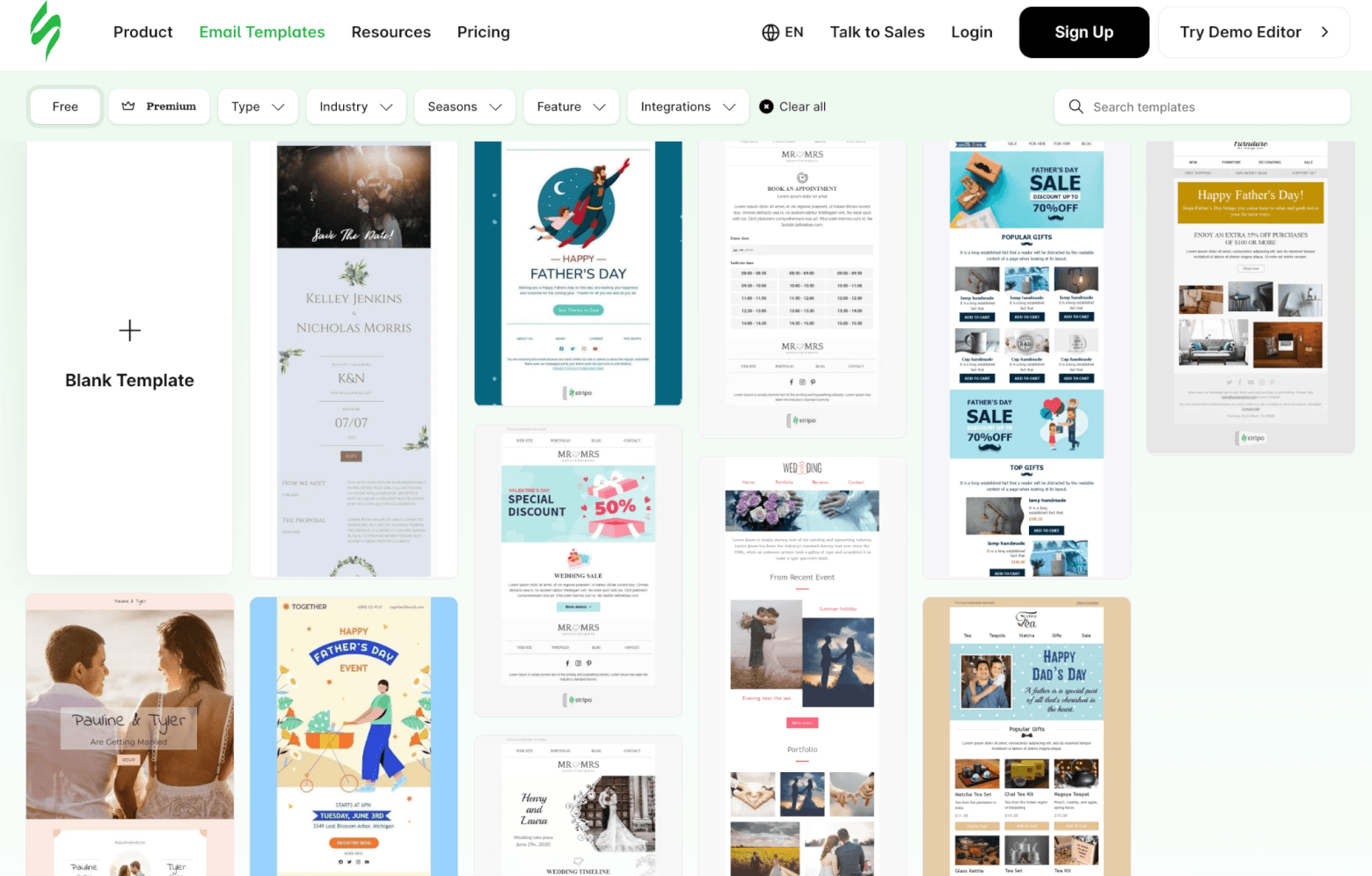
 Stripo offers over 1650 free newsletter templates that are easy to use and easy to export to your preferred email marketing tool. The impressive number also includes 43 AI-powered templates for email marketers who are short on time, as they already come with AI-generated imagery and copy.
They have some really good-looking HTML designs, which are categorized by type, industry, season, feature, and integration. The latter includes various popular email marketing services (e.g., ActiveCampaign, GetResponse, Omnisend, and Moosend) and other tools (e.g., CRM software, HubSpot, Zapier, and Pardot).
You can also preview your emails across 90+ popular environments, including multiple mobile devices, and sync with 70+ popular ESPs. Find out more about Stripo in this article on dedicated email template builders. If you’re considering moving away from Stripo, however, we have a list of excellent alternatives that, of course, come with free templates.

Unlayer
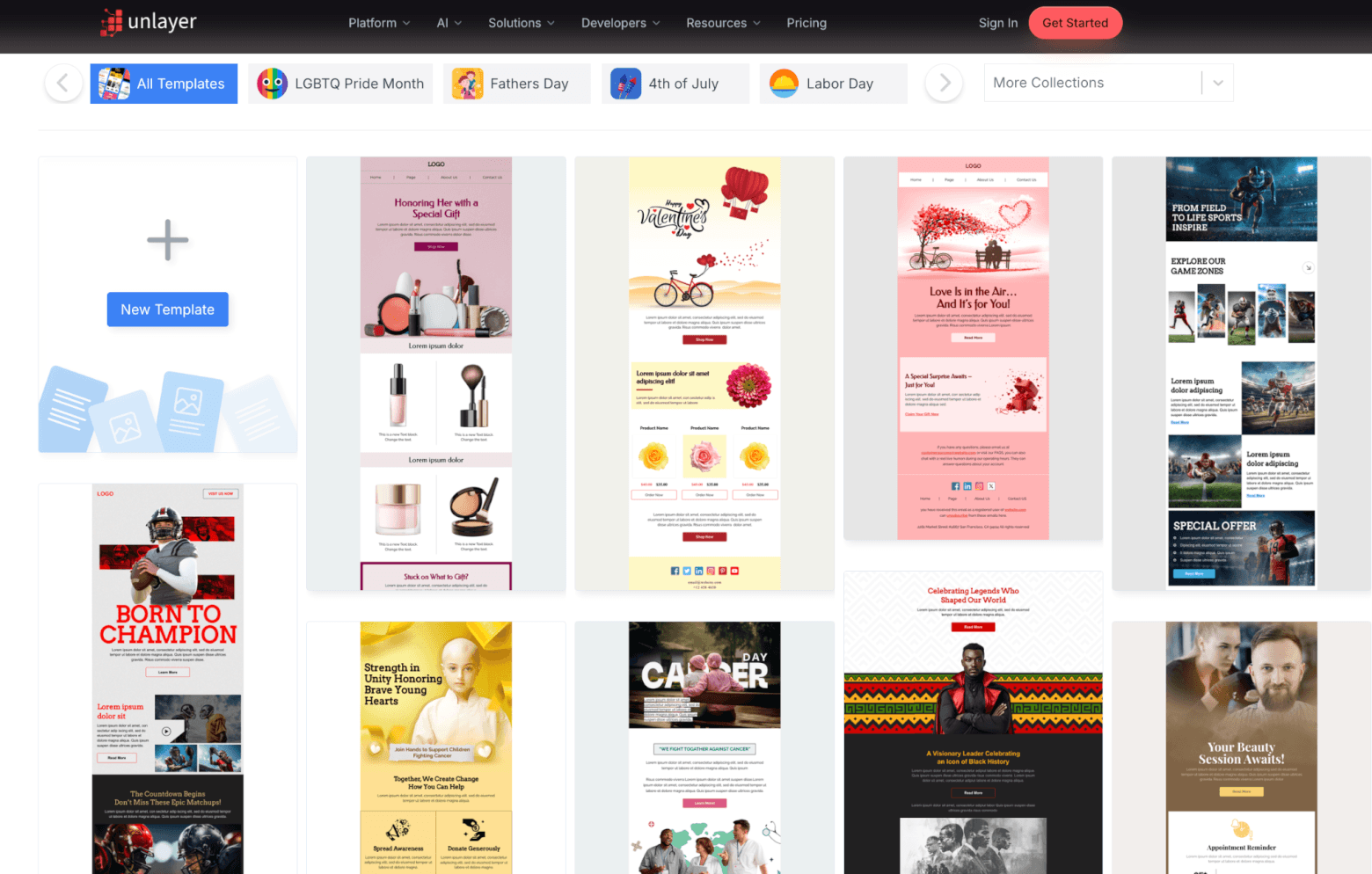
Unlayer has over 1,500 AI-powered HTML templates for newsletter designs. There are loads of well-designed responsive templates to choose from. You can sort by industry, usage (e.g., Retargeting, Survey, and other transactional emails), and occasions. Occasions range from popular holidays such as Christmas, Halloween, and Black Friday to other calendar-based events like International Childhood Cancer Day and Veterans Day.
The categorization is particularly useful, as it helps you quickly narrow down the template library and find relevant designs without having to sift through hundreds of options manually.
Beefree
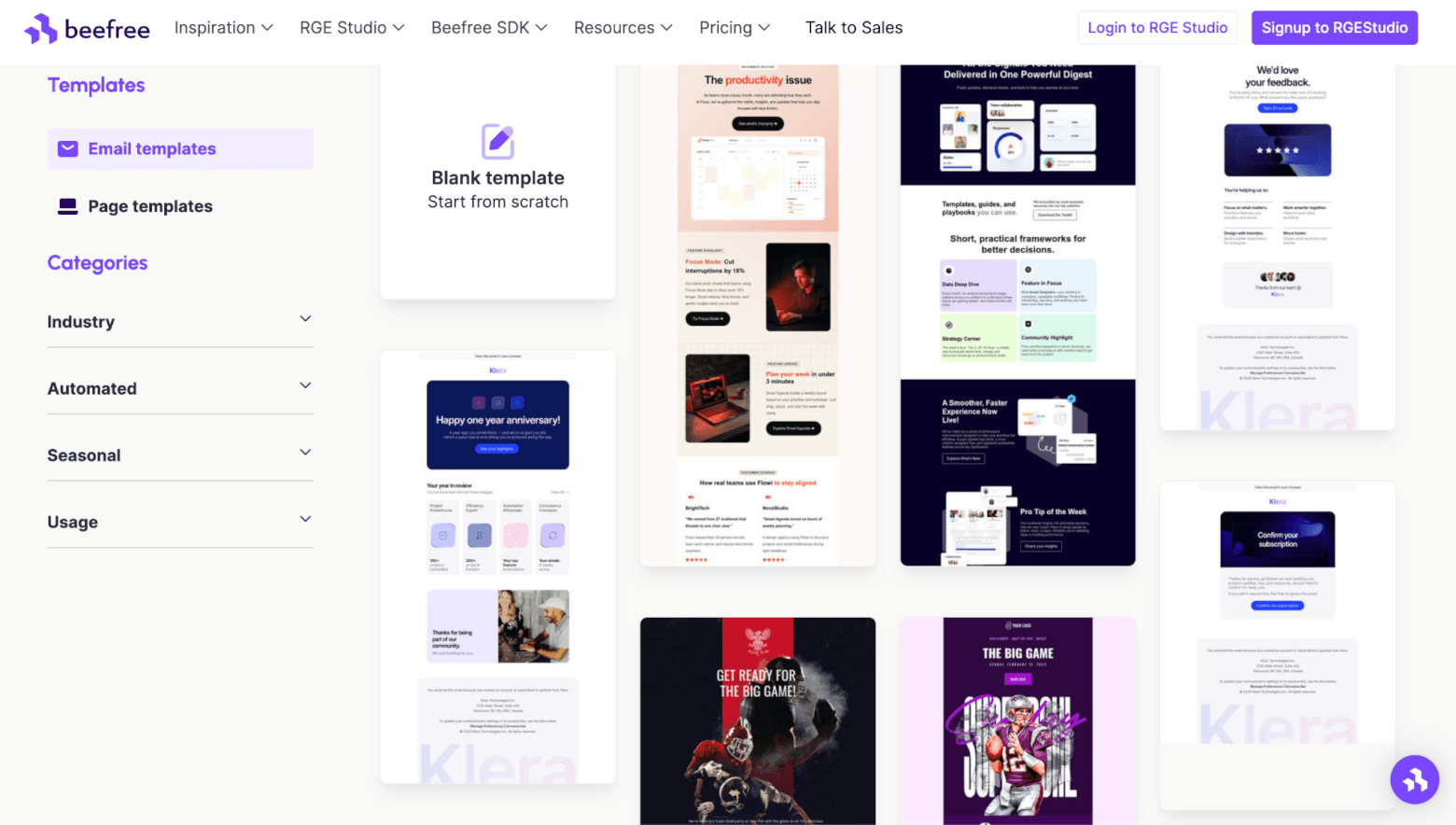
Boasting over 1,600 HTML email templates, Beefree offers one of the largest free template libraries around, with designs covering everything from newsletters and promotions to seasonal campaigns and ecommerce emails.
ESP-specific merge tags help personalize the emails. You can then either export your design directly to your preferred email marketing platform or download the HTML file for use elsewhere.
Alongside HTML export, you can also download your design as a PDF. This is a useful option if you need to share mockups with clients or print a hard copy for review.
Moosend
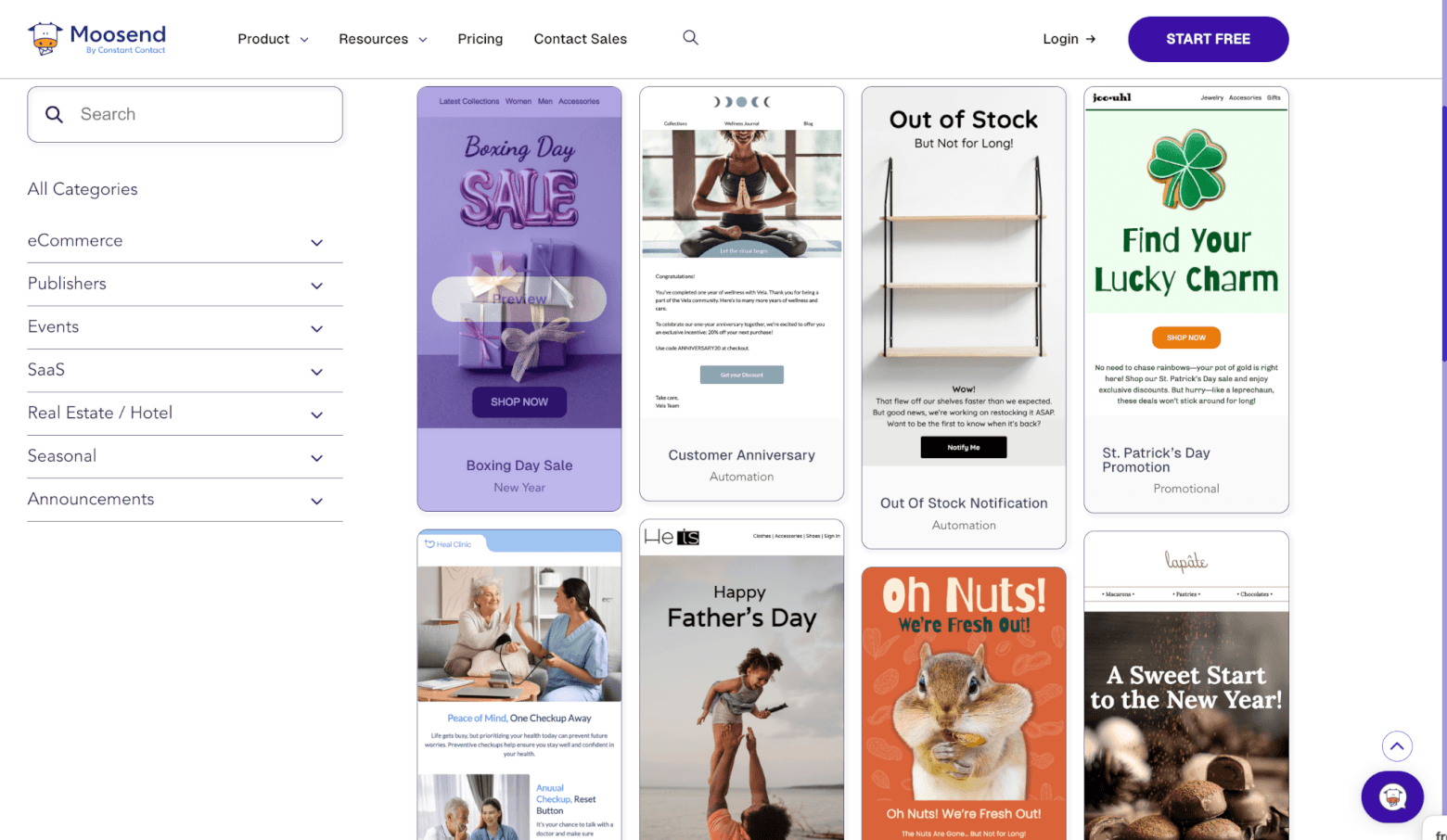
Moosend is an email marketing service that offers a small but quality selection of free HTML templates for email. Currently, they have 135 newsletter designs.
If you want the newsletter templates, you can download the JSON file or copy the HTML code. The benefit of using Moosend is that you can use the email marketing platform to send your newsletters, set up automated campaigns, and see reports, all for free. What’s more, you won’t have to worry about them adding their logo because all emails are branding-free!

TOPOL.io
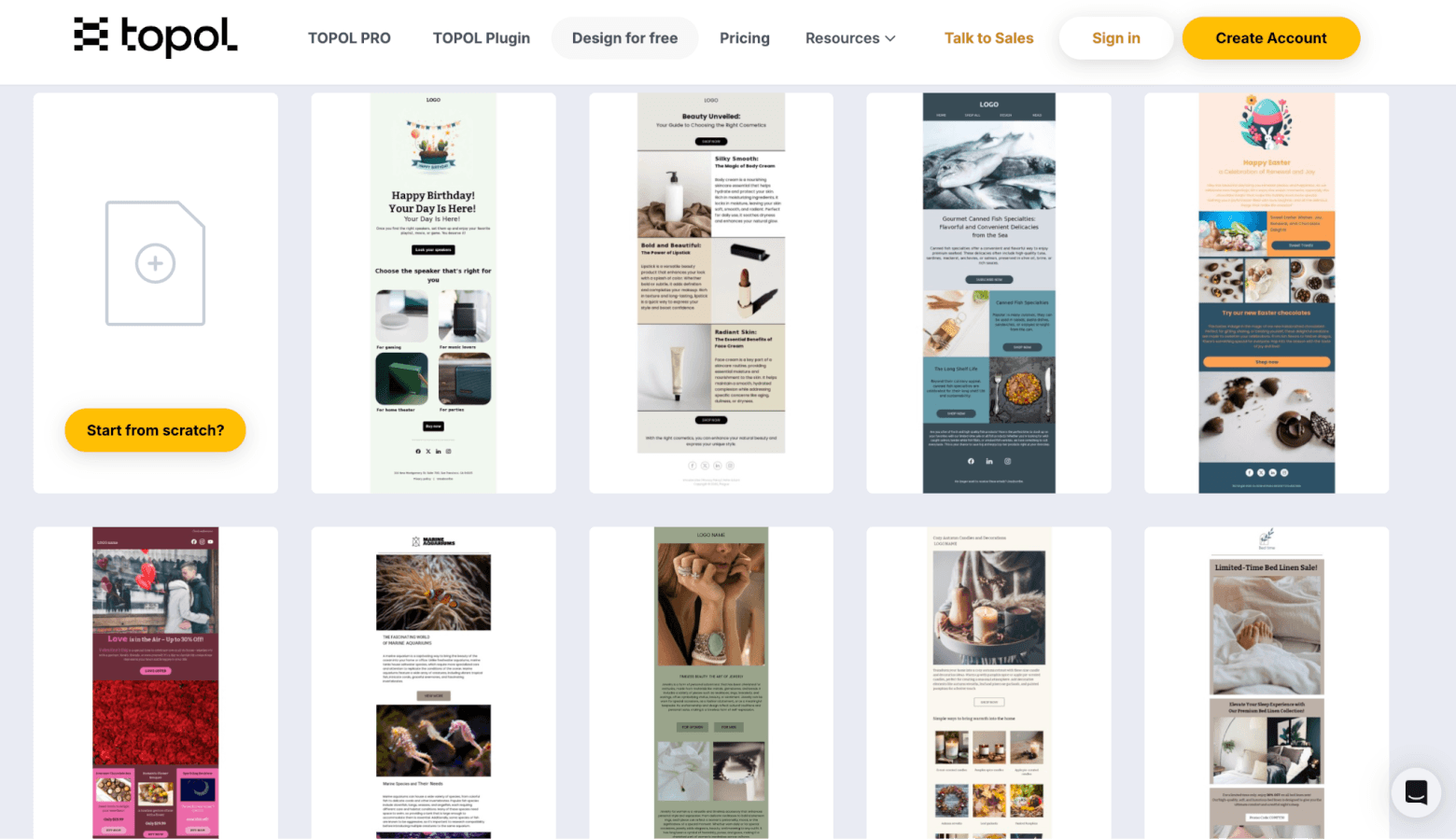
TOPOL.io offer 180 free responsive email newsletter templates for free. Many designs are colorful and fun, and there’s quite a variety. Most of which are image-heavy, but there are also plenty of text-based templates. You can download the HTML or export it directly to email marketing platforms such as Brevo or Mailchimp.
MJML
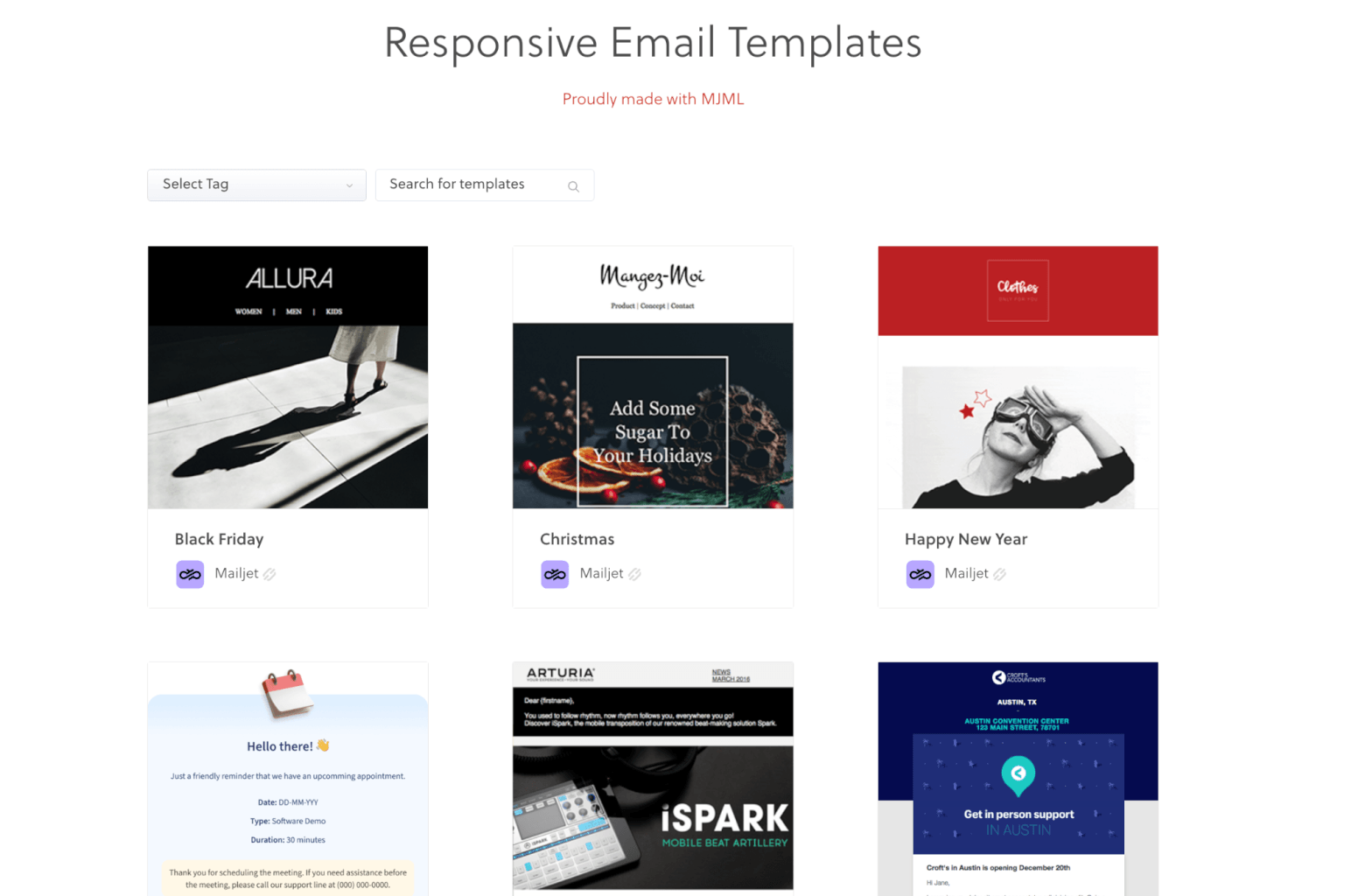
If you’re looking for a free HTML newsletter template, MJML uses their open-sourced markup language to generate responsive HTML code that can be copied and pasted into your email tool. Over 20 free HTML templates for email are available on their site, which you can sort using tags like marketing, transactional, and receipt. Each template looks clean, which makes them quite easy to personalize.
MailBakery
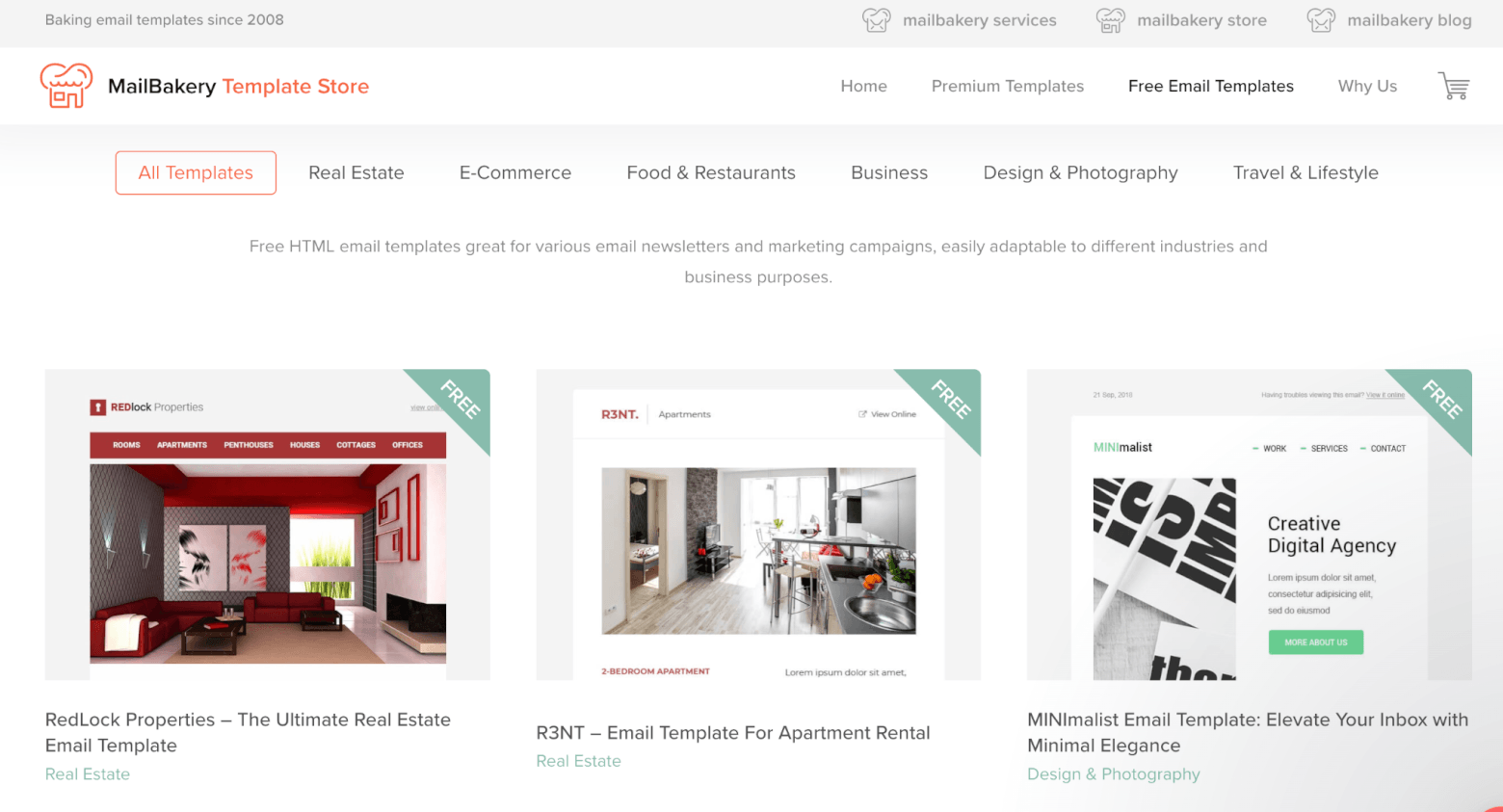
MailBakery provides over 50 modern, free HTML templates for you to choose from. These are organized into categories such as ecommerce, food & restaurants, travel, etc. All emails are fully responsive and can be sent across over 40 email clients.
Cakemail
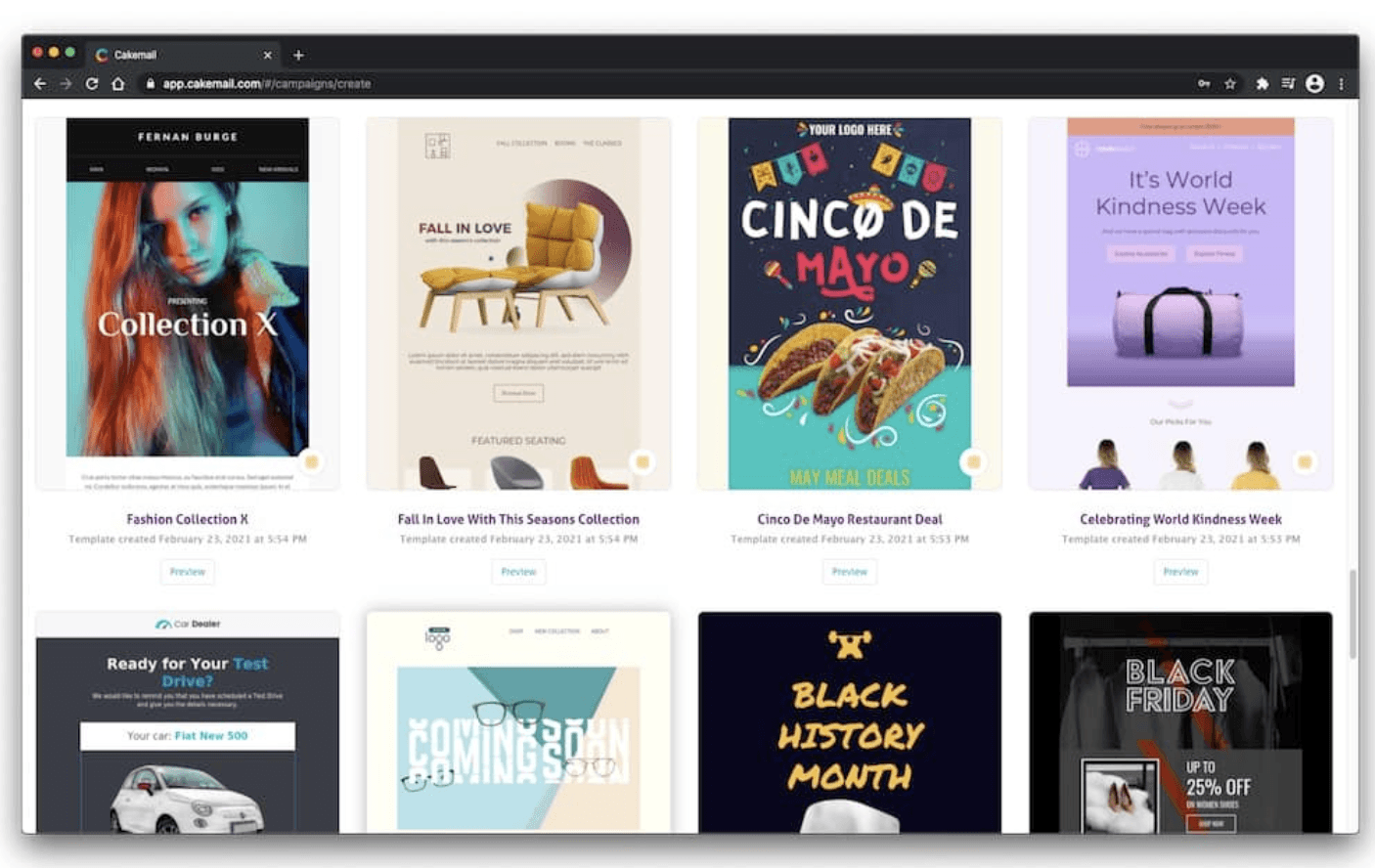
Email marketing service Cakemail has grown its free template library extensively through the years. They currently have over 700 responsive templates—the majority of which are email marketing-related. Designs are vibrant and easy to customize. Businesses can take advantage of email categories like Cinco De Mayo, Small Business Saturday, and Black Friday.
Dyspatch
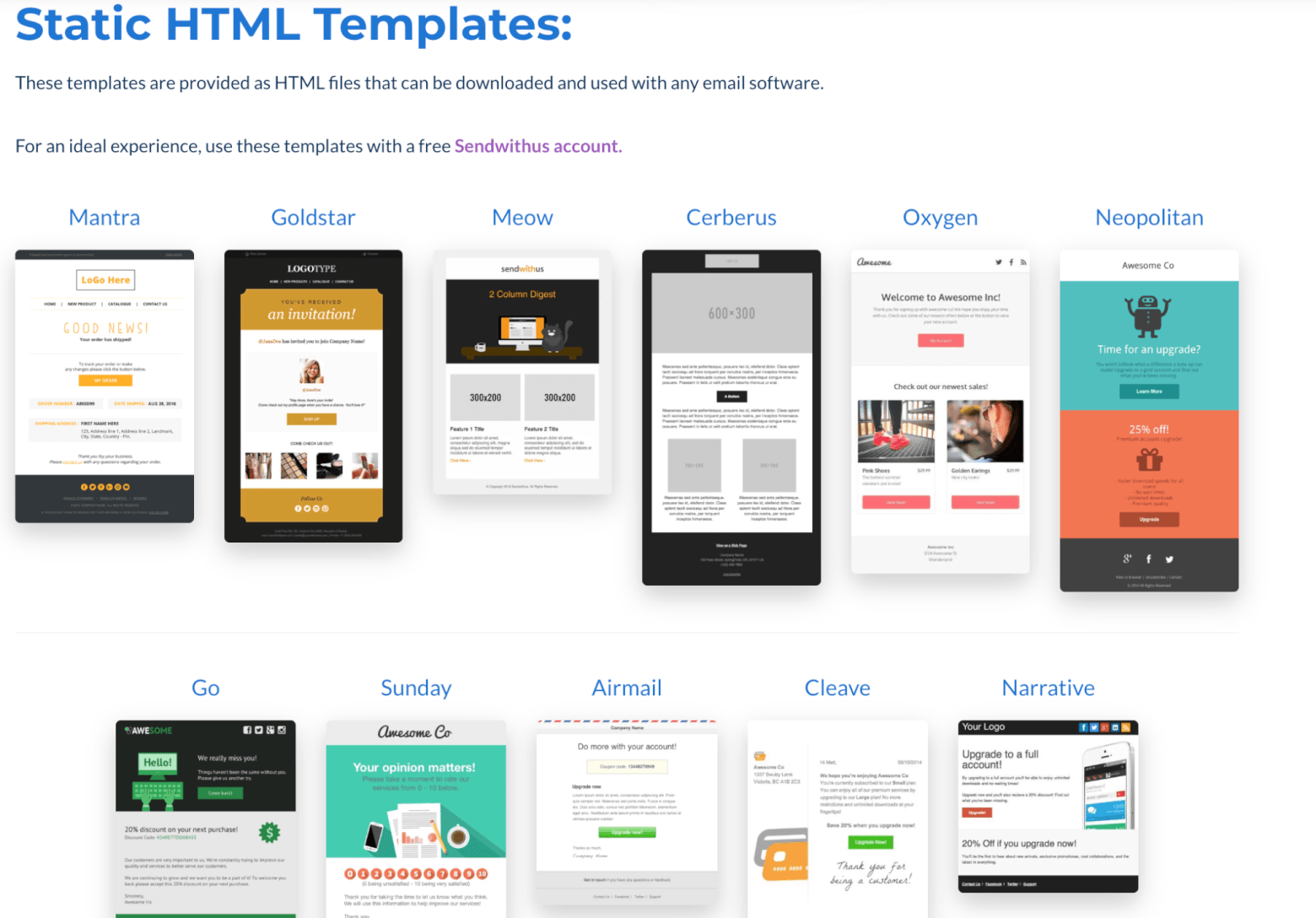
Dyspatch provides 14 open-source free HTML templates for email, including newsletters, welcome, and confirmation emails. Three of which are bundles, and can only be tweaked using Dyspatch’s own drag-and-drop builder, while the rest are static email templates that can be customized using your email marketing software of choice.
GitHub
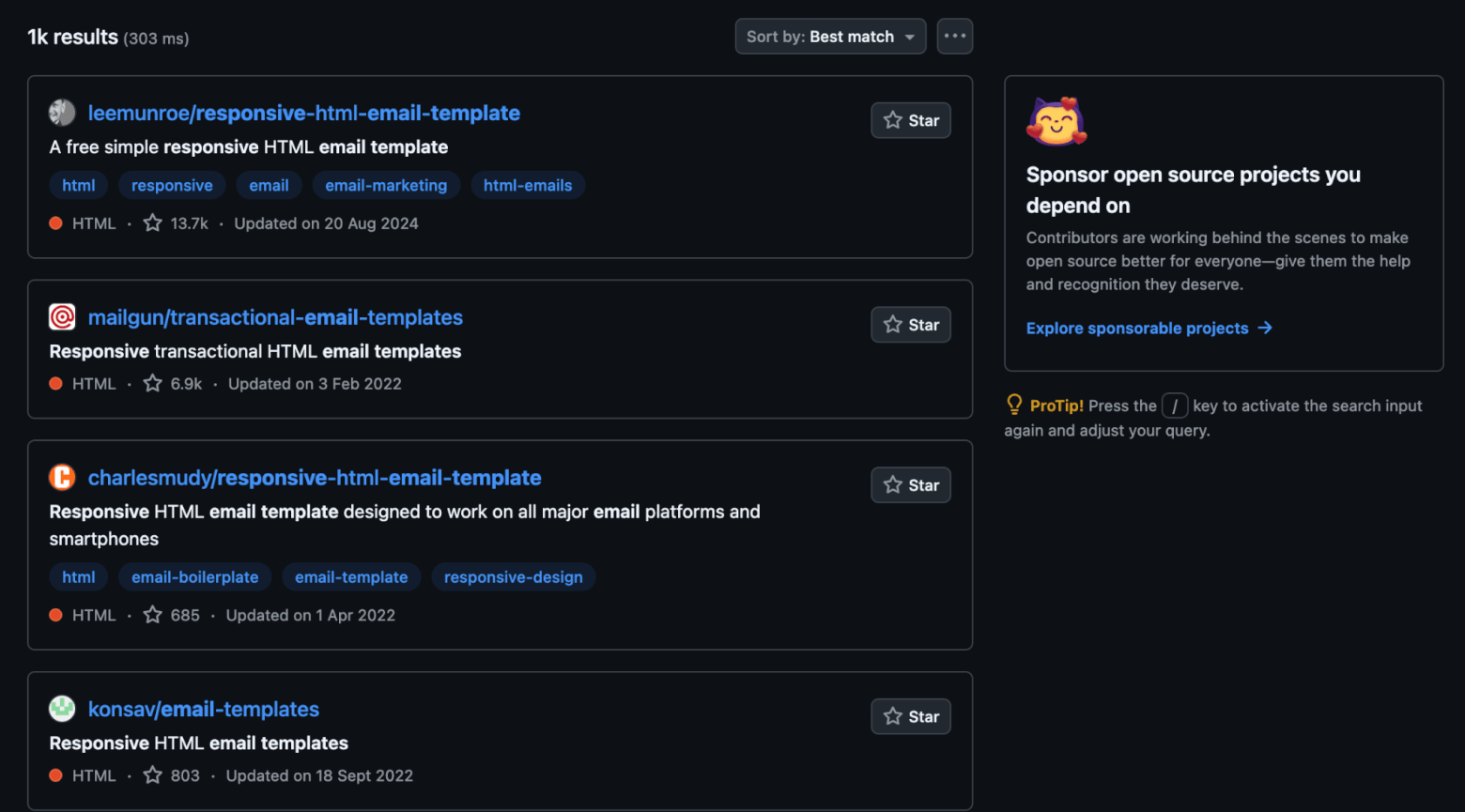
GitHub‘s repository includes hundreds of responsive email HTML files, which you can browse through and download. Recommended open source email templates include Antwort and EmailOctopus.
Pixelbuddha
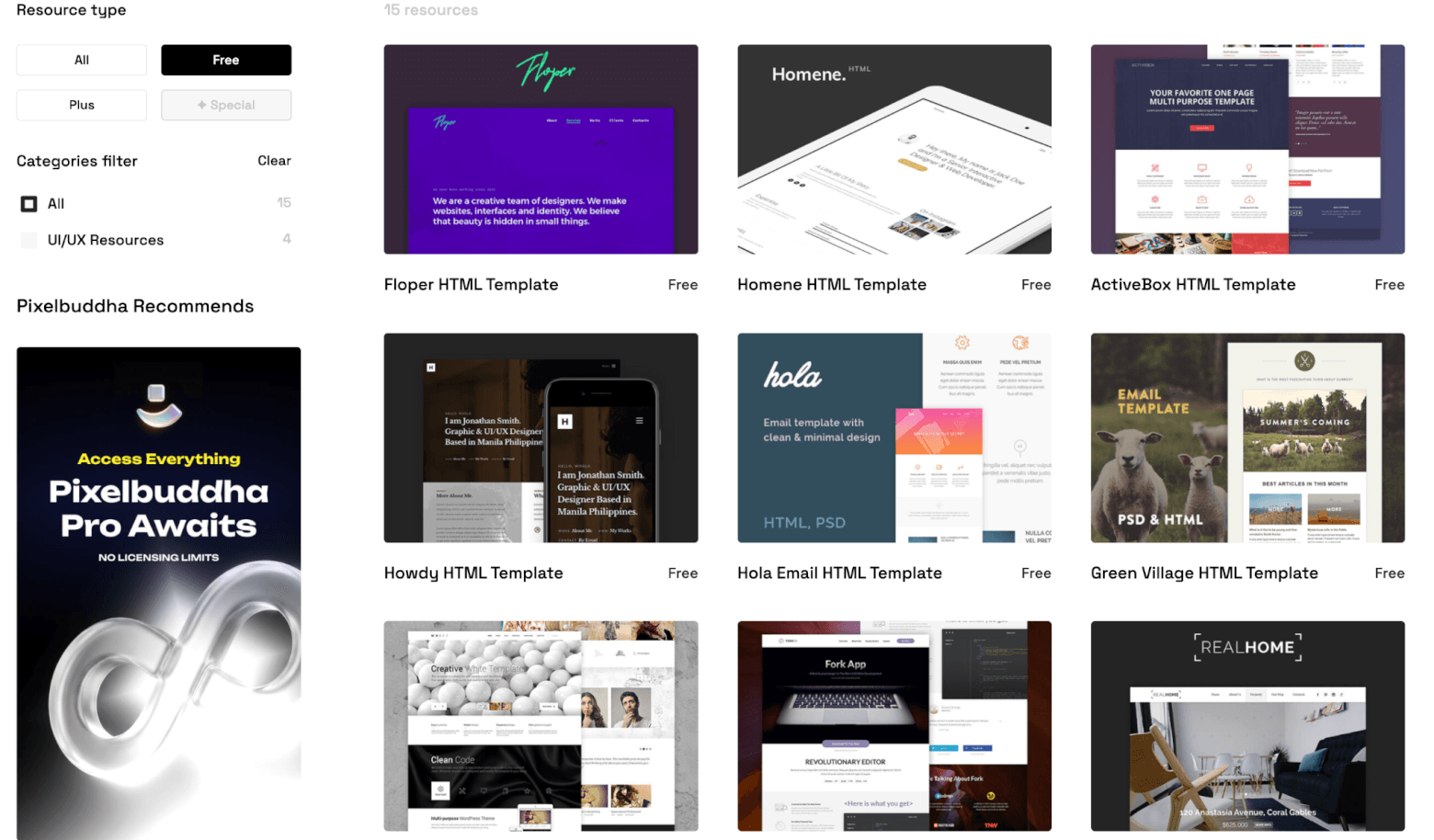
Pixelbuddha gives you 15 different responsive HTML templates, including holiday themes. Their designs vary, but almost all come with a rich media layout. They’re definitely worth checking out.
Dribbble
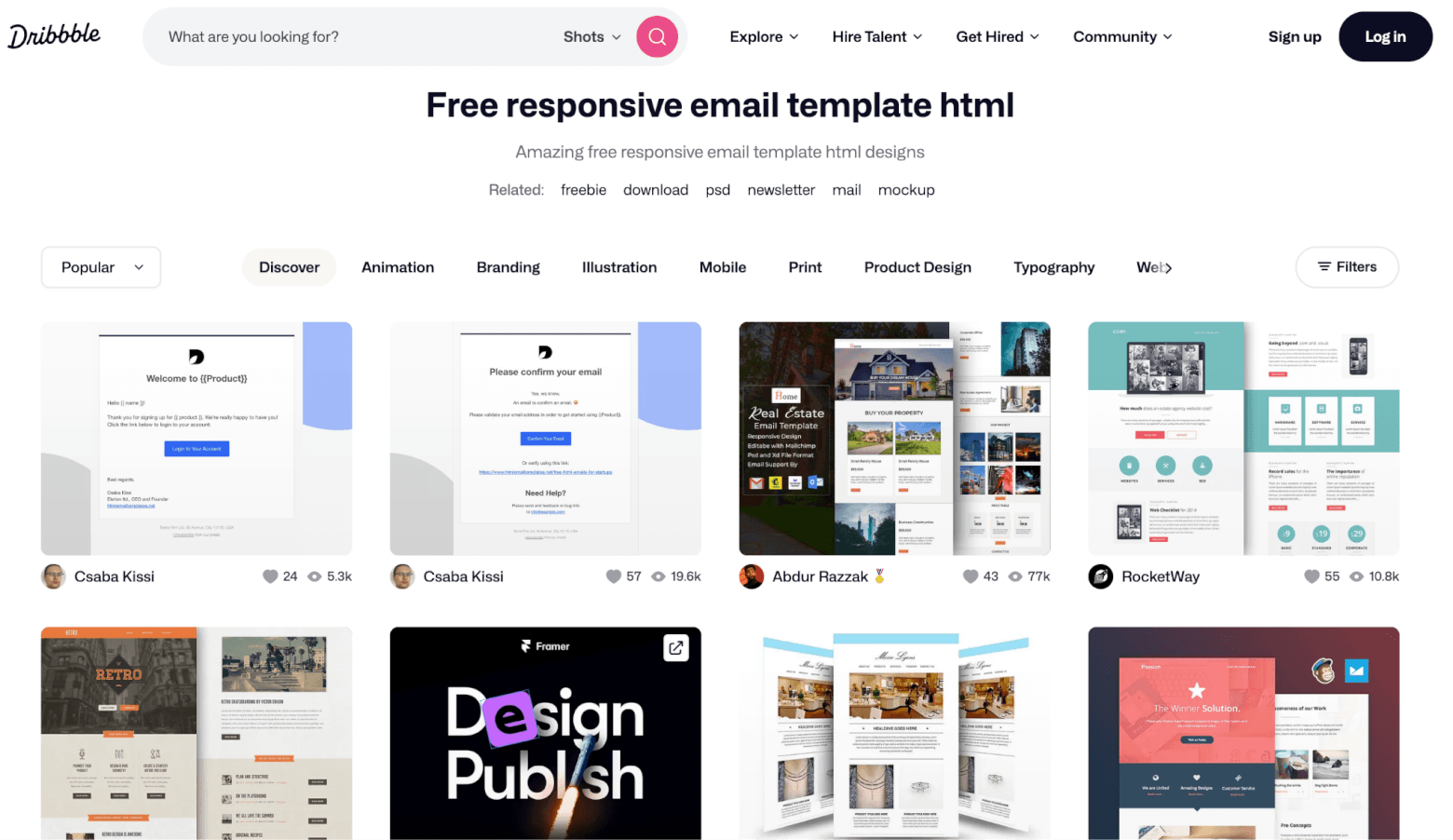
Dribbble is an online community of designers. A quick search through the site will help you find more than 40 modern-looking HTML email templates that are free to download. You can also see how many views and “favorites” each template has, which can help you quickly identify the most popular and well-received designs.
Copernica
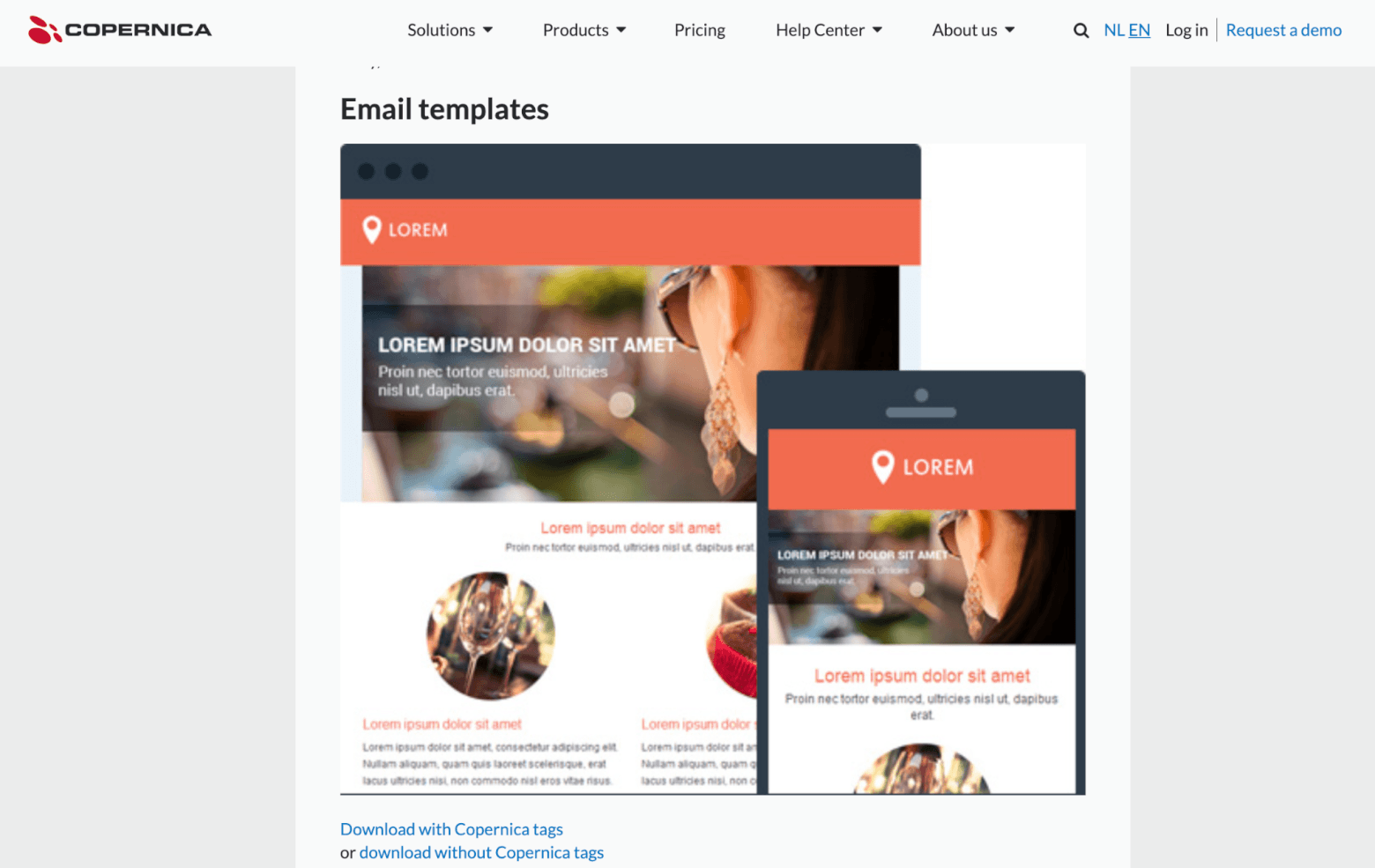
These 5 mobile-optimized templates are available from Copernica, an marketing automation provider. They’re not the most visually appealing templates, as many of the designs feel dated. However, they’re complete, content-rich examples with images, copy, and layout elements already in place, making customization quick and easy.
Email on Acid
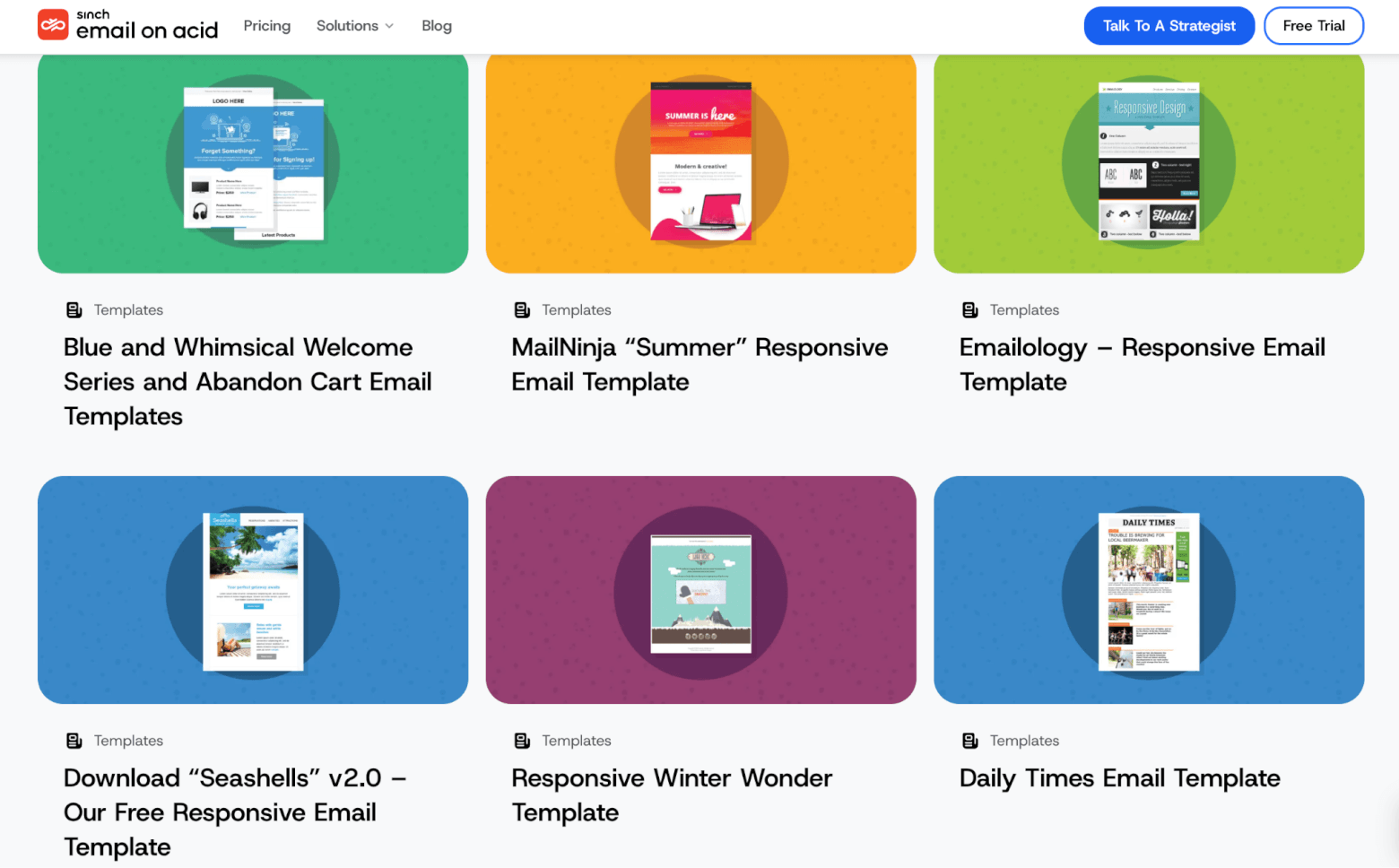
Email testing company Email on Acid has designed 6 versatile email templates. Some of them have two versions: welcome and abandoned cart.
Behance
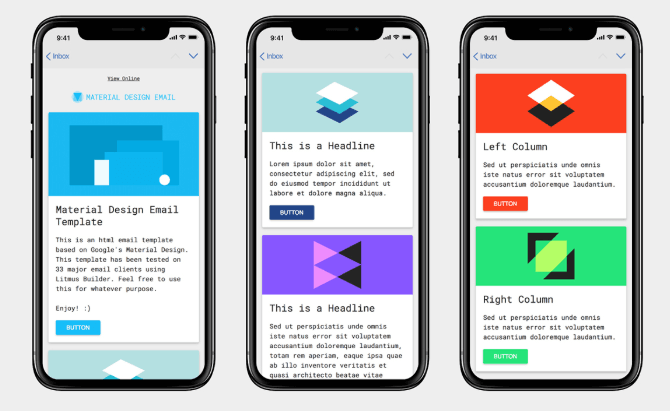
Hop on over to Behance, a design portfolio site, and you’ll find over 10,000 free HTML email templates, but this particular one has been tested on 33 email clients using Litmus and is based on Google’s Material Design.
Sketch App Sources
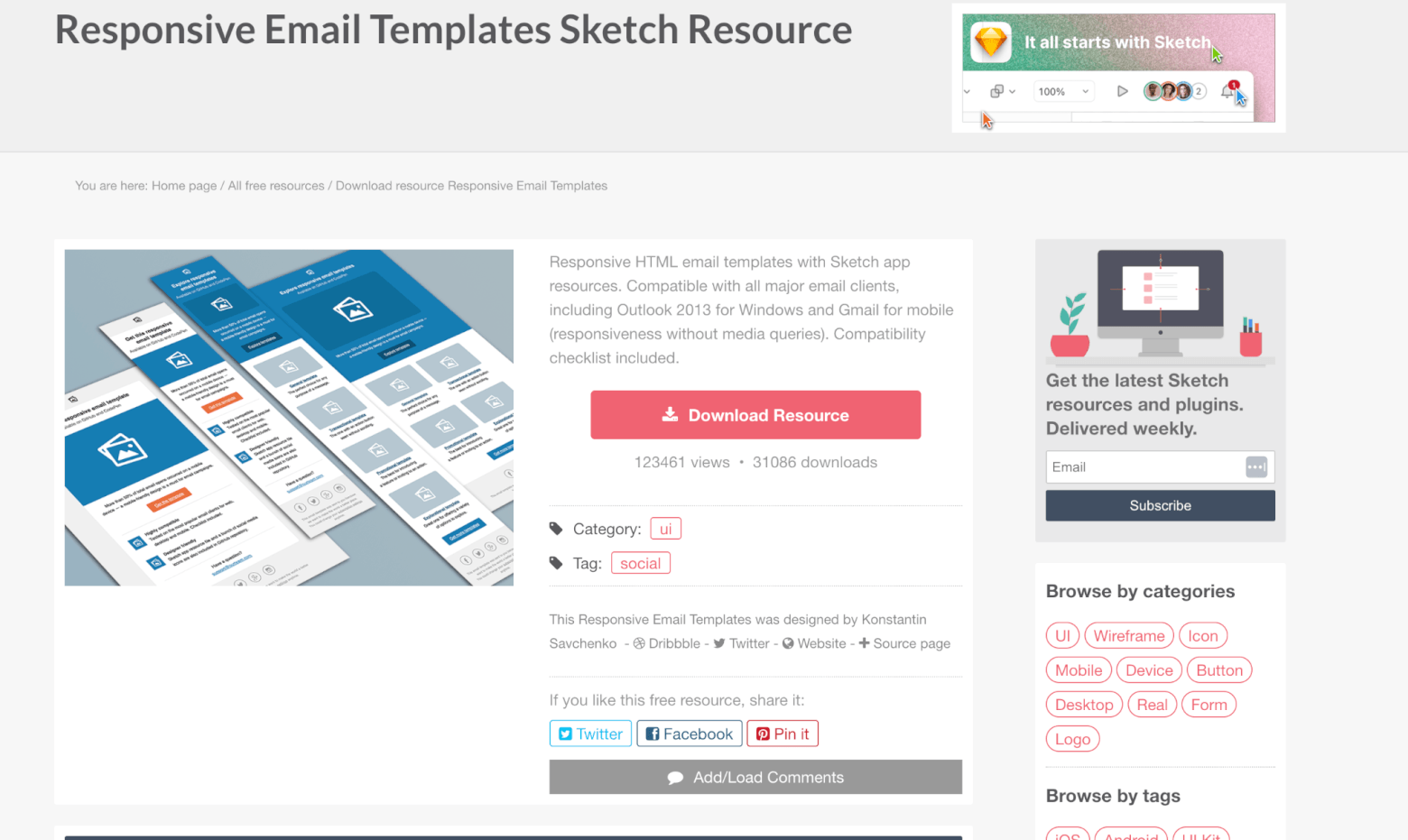
These 3 simple, flat-design templates from Sketch App Sources look great on mobile and have been tested with all major email clients.
Slicejack
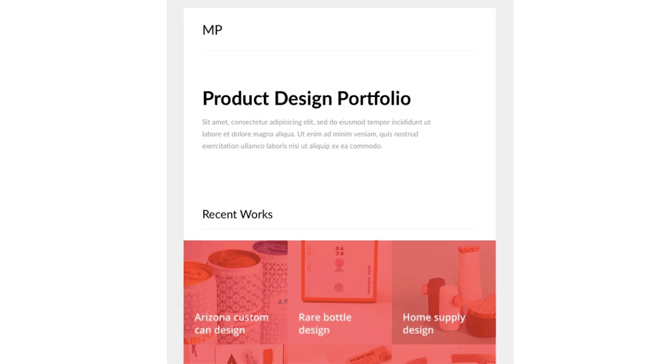
Development agency Slicejack offers a stylish newsletter template that’s been tested with Litmus and Email on Acid.
Mailchimp
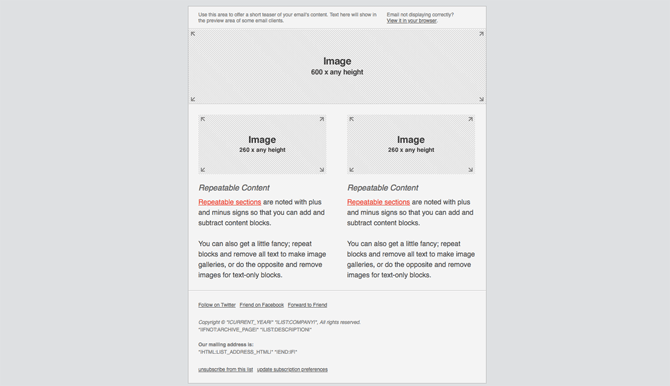
Mailchimp offers about a dozen free HTML templates for email, some of which are simply email layouts, so you’ll have to add your own colors and styling to make them pop.
In the past, the free plan granted you access to 100+ Mailchimp templates to be used within Mailchimp. Now, the selection is much smaller. You’ll can upgrade to a paid plan to access the rest. Different categories include ecommerce, newsletters, events and holidays:

You can sign up for free and get access to the free Mailchimp templates here.
Zurb
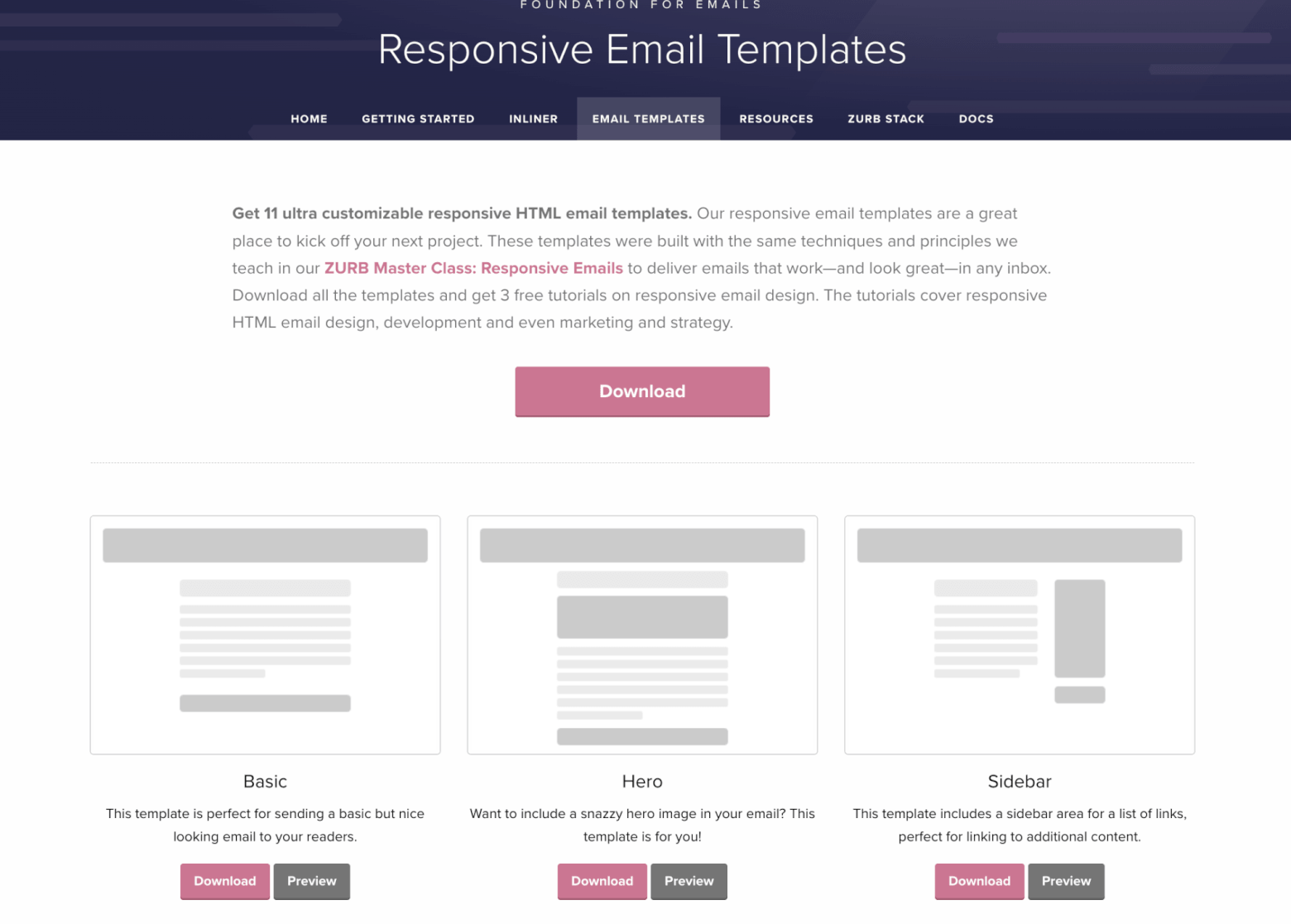
Zurb’s 5 free original templates are basic and will probably be hard to personalize. But they’ve been optimized for a wide range of mobile and desktop email clients, so they’re a safe bet. Note that HTML and CSS files come separately – they’ll need to be combined using either your email service (if it does this) or an inline tool like Zurb’s own.
Fortunately, Zurb’s Foundation Framework contributes another 11 to the list. These newer, more customizable templates are quick to download.
Canva
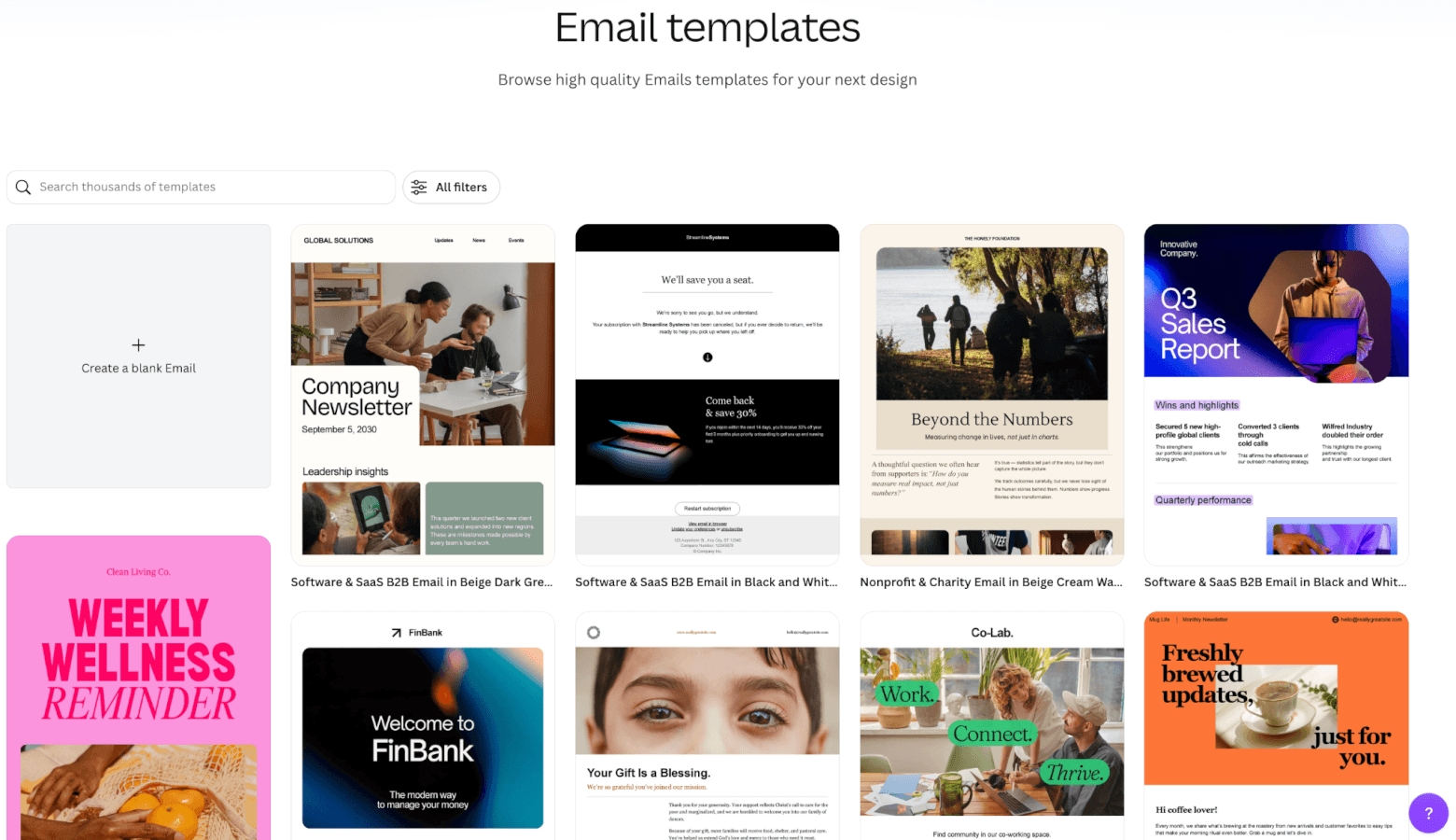
We previously didn’t include Canva because it used to only generate PNGs or PDFs, but now you can download HTML code for free as well. That’s great news because Canva’s 250+ email templates are sleek and modern. Better still, they’re fully customizable, making it easy to adapt colors, fonts, images, and branding to match your campaign.
ZippyPixels
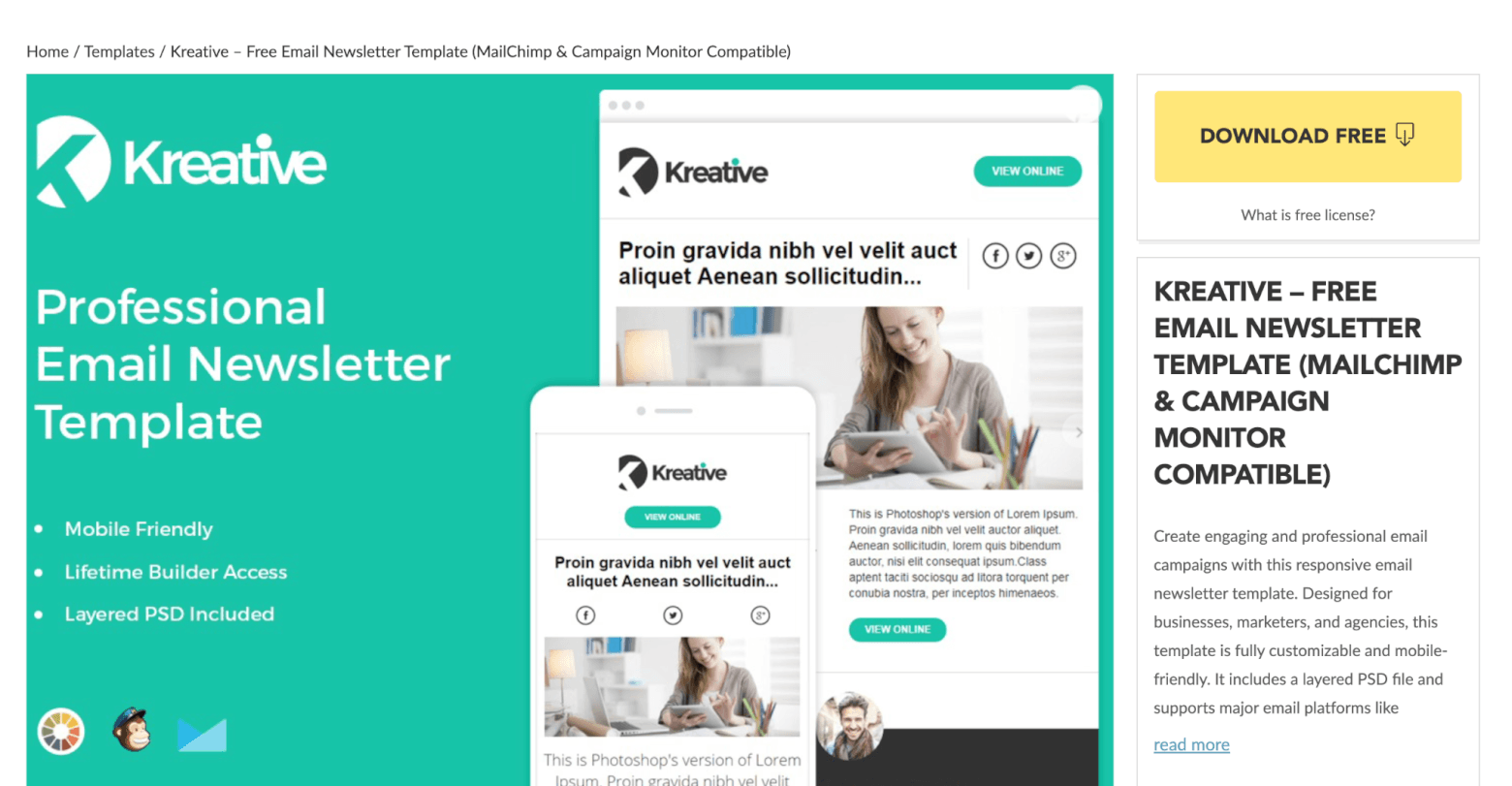
This email newsletter template created by Kreative using ZippyPixels’ online editor is available for free download. The template is compatible with Photoshop, CampaignMonitor and Mailchimp. Note that it can only be used for non-commercial purposes, and that ZippyPixels must be credited.
Litmus
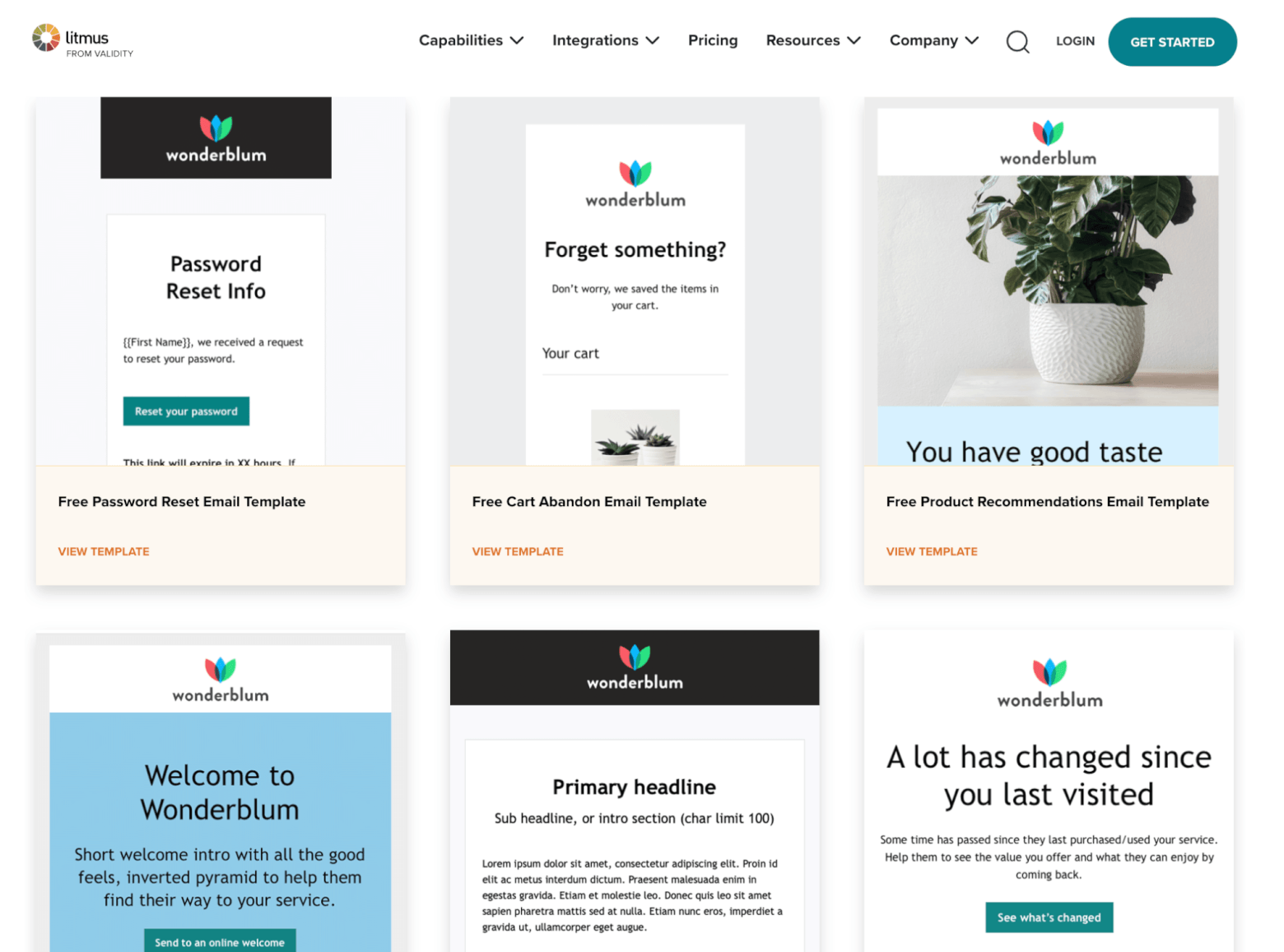
Litmus is the authority on email design and testing, so it’s no surprise that they’d offer their own responsive email templates for download. They have 20 free and fully tested. You need to subscribe to their mailing list to download them.
99designs
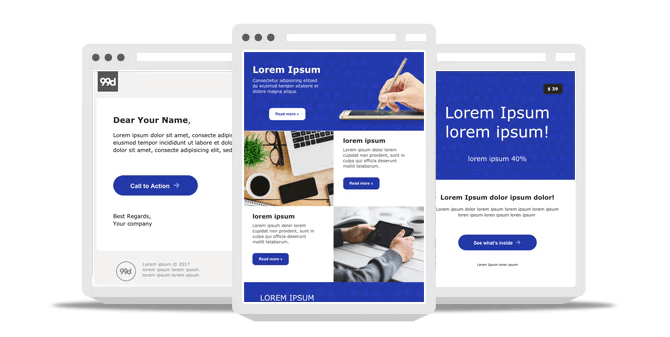
99designs has put together these 3 professionally-designed email templates (newsletter, promotional, and personal email), in various styles and colors, giving you a total of 45 options.
Just download the file, and you’ll see a folder containing three others labeled 01, 02, and 03.
Postcards
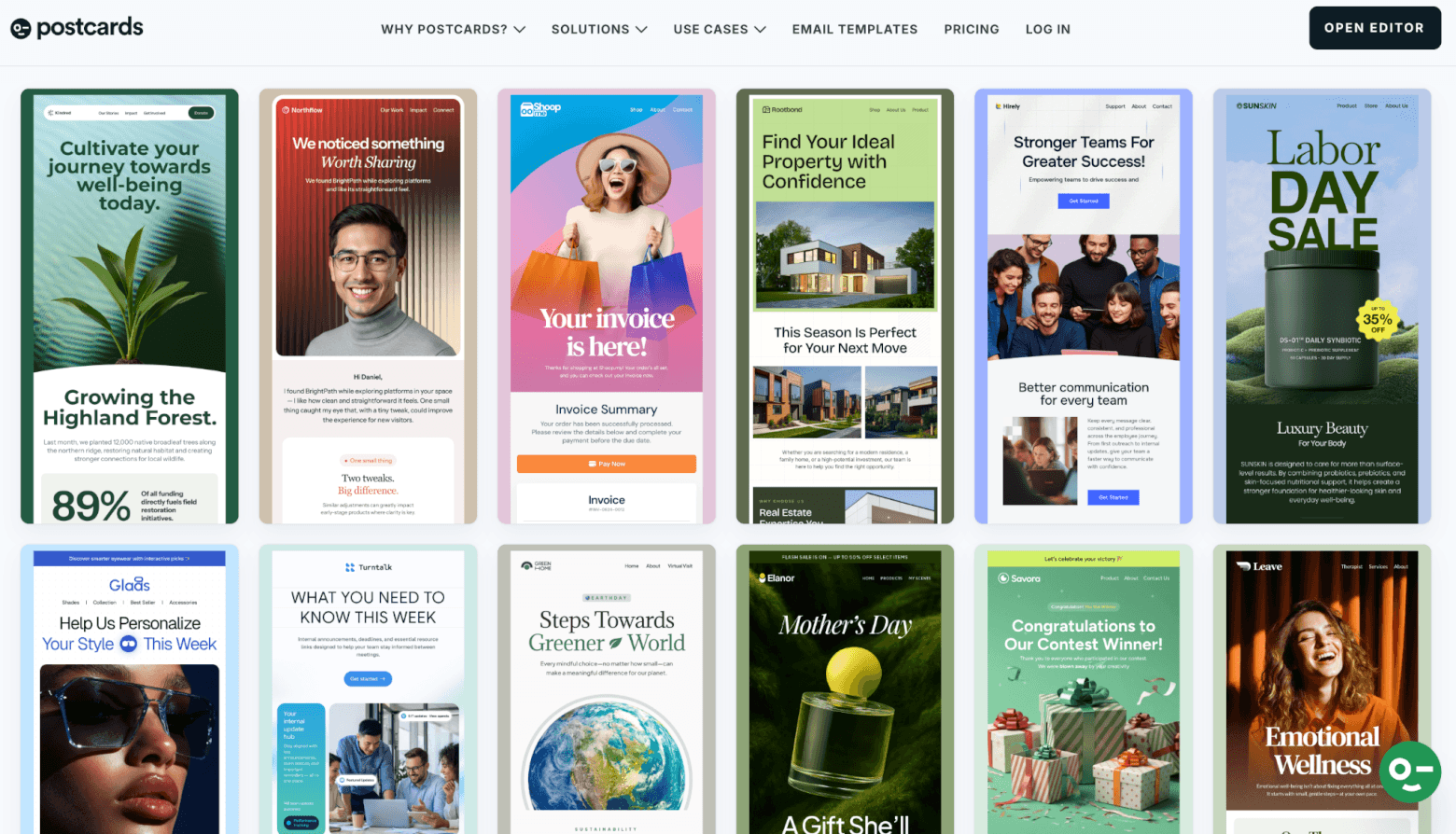
Designmodo’s Postcards is an email template builder that letsyou create your own ready-to-go email, using drag-and-drop content blocks. However, if you’re new to email design or simply want to speed up the process, you can get your project off the ground with one of their 190+ free HTML templates. Try it here.
Quick Tips for Using These Free Email Newsletter Templates and HTML Newsletter Design
- These templates should be compatible with any email service or newsletter tool that allows you to create emails using your own HTML (e.g. Mailchimp, ActiveCampaign). That being said, you’ll need some HTML knowledge to edit the content of the emails (text, images, links, etc). We’d recommend preparing the code in an HTML editor like Visual Studio Code, PhoenixCode (formerly Brackets), or even Notepad++, before uploading it to your newsletter tool.
- Instructions for uploading your own templates should be available from your email tool. Some tools allow you to upload zip files, meaning all content (including HTML and image files) will get added to the tool and be ready to use. Others will allow you to upload only the HTML files or to just paste in the code. In the event of the latter, you’ll need to make sure the images are hosted publicly online, or uploaded to your sending tool. Otherwise, they won’t display correctly in your final email.
- While many of these templates have already been tested, it’s important to do your own spam and design testing once you’ve finalized your email. You’ll want to make sure there are no problems with deliverability or display. Services such as Glock or Litmus can help with this and many email platforms include built-in design and delivery testing as part of their feature set.
- Without getting too technical, it’s worth remembering that email HTML is very different from website HTML. For example, while CSS (the code that defines email and webpage styling) is often inserted in the <head> of a webpage’s HTML, or saved in an external file, these methods won’t work with a lot of email clients. That’s why CSS needs to be inlined for emails (most of the templates above already have this). And while you’ll often find JavaScript, videos, flash and other media files used on webpages, spam filters will block out any email containing these, so make sure not to include them in your emails.
- Always—and we mean, always—send test emails to yourself. View them on both desktop and mobile devices before sending them out. Even professionally designed templates can display differently across email clients. Performing a quick test can help you catch issues before your subscribers do.
For more tips on HTML email newsletter design and email coding best practices, check out the resources from Mailchimp and Benchmark.
As you can see, you can access so many newsletter templates for free!
Are there any other free email newsletter templates we’ve missed? Let us know in the comments below!
Couldn’t find the right free template for your newsletter? Check out ThemeForest’s range of best-selling newsletter templates.
Email Marketing Ebook: Beginner's Guide
Sign up to receive your free copy and avoid common mistakes!
The authors
Learn more about us

We keep our content up to date
12 Jun 2026 - General update, including adding Beefree and removing providers that are no longer available
13 Dec 2022 - Added Moosend YouTube review
29 Nov 2022 - Added badge and updated Stripo profile
18 Jul 2022 - Updated Mailchimp section
05 Apr 2022 - Added Moosend
27 Oct 2021 - Removed SendX as no longer free
29 Sept 2021 - Stripo added more templates
25 May 2021 - New features image and templates
17 May 2021 - Added TOPOL.io
16 Feb 2021 - Added MailBakery and Unlayer
18 Nov 2020 - General update
23 Apr 2020 - Added Stripo
Our Methodology
This article has been written and researched following our EmailTooltester methodology.
Our Methodology