


If you’re sending outreach from a brand new mailbox, a new domain, or even an account that’s been sitting unused for months, inbox providers won’t automatically trust you.
After all, Gmail, Outlook, and Yahoo look at far more than just your email copy. They also pay attention to your technical setup, sending history, engagement patterns, and whether your mailbox behaves like a real sender over time.
That’s where email warm-up tools come in. These tools are designed to help build your sender reputation gradually. They do this by sending emails through a network of inboxes that open messages, reply to them, and sometimes even pull them out of spam.
Some tools also include authentication checks, spam testing, inbox health monitoring, or more advanced deliverability insights.
That said, warm-up tools are not a miracle fix. They won’t rescue a poor-quality list, bad targeting, or a domain with broken SPF, DKIM, and DMARC records. They also won’t protect you if you suddenly blast out hundreds of cold emails from a fresh inbox.
What they can do is help you build a healthier foundation, especially if cold outreach is a serious channel for your business.
In this guide, I’ll walk you through the best email warm-up tools right now, what each one does well, where they fall short, and which type of sender they’re best suited to.
What is an email warm-up tool?
An email warm-up tool helps build trust in your mailbox by creating gradual, realistic email activity. Usually, that means sending messages to a network of inboxes that open, reply to, and interact with those emails in ways that are meant to look natural to mailbox providers.
The goal is to show Gmail, Outlook, Yahoo, and other inbox service providers that your inbox is legitimate before you begin sending larger outreach volumes.
This is especially relevant if you are:
- using a new mailbox for cold outreach
- sending from a newly created domain
- reviving an old account that has been inactive
- trying to improve inbox placement before scaling campaigns
- seeing early signs of spam-folder placement
Do you actually need an email warmup tool?
You don’t always need a warm-up tool.
If you mostly send newsletters to people who explicitly subscribed (which is best practice), then your ESP’s authentication tools, segmentation features, and list hygiene practices will usually matter more than a dedicated warm-up platform.
But if you run cold outreach, outbound sales, agency prospecting, or link-building campaigns, warm-up becomes much more relevant. In those cases, sender reputation can affect everything from open rates to reply volume.
So realistically, not every sender needs an email warm-up tool. But for cold outreach teams, it’s often one of the first things worth considering.
Best email warm-up tools: a quick snapshot
| Tool | Automated warm-up | Deliverability monitoring | Spam / domain checks | Best for |
|---|---|---|---|---|
| Warmup Inbox | Yes | Yes | Yes | Beginners and simple warm-up |
| Mailreach | Yes | Yes | Yes | Warm-up plus deliverability diagnostics |
| Lemwarm | Yes | Yes | Basic | Lemlist users and ongoing warm-up |
| Warmy | Yes | Yes | Yes | Advanced deliverability insights |
| Mailwarm | Yes | Yes | Yes | Scaling teams and agencies |
| InboxAlly | Yes | Yes | Yes | Sender reputation repair |
| Instantly | Yes | Yes | Limited | All-in-one outreach platform |
| PlusVibe | Yes | Yes | Limited | AI-led outreach teams |

A quick explanation of the main features
Automated warm-up
Our main character for this article. The tool sends and receives messages on your behalf to create a natural sending pattern and gradually build trust with mailbox providers.
Inbox or reputation monitoring
Some tools show a reputation score, inbox health score, or ongoing trends so you can see whether your mailbox is improving or slipping.
Authentication guidance
Several tools now highlight setup support for SPF, DKIM, DMARC, and other DNS records. This is useful because warm-up is far less effective if your technical foundations are broken.
Spam and deliverability checks
A few tools go beyond basic warming and also test your content, domain setup, or likelihood of landing in spam.
Outreach integration
Some tools are purely for warm-up. Others are built into larger outreach platforms, which can be convenient if you want to avoid stacking too many tools.
A detailed look at the best email warm-up tools
1. Warmup Inbox
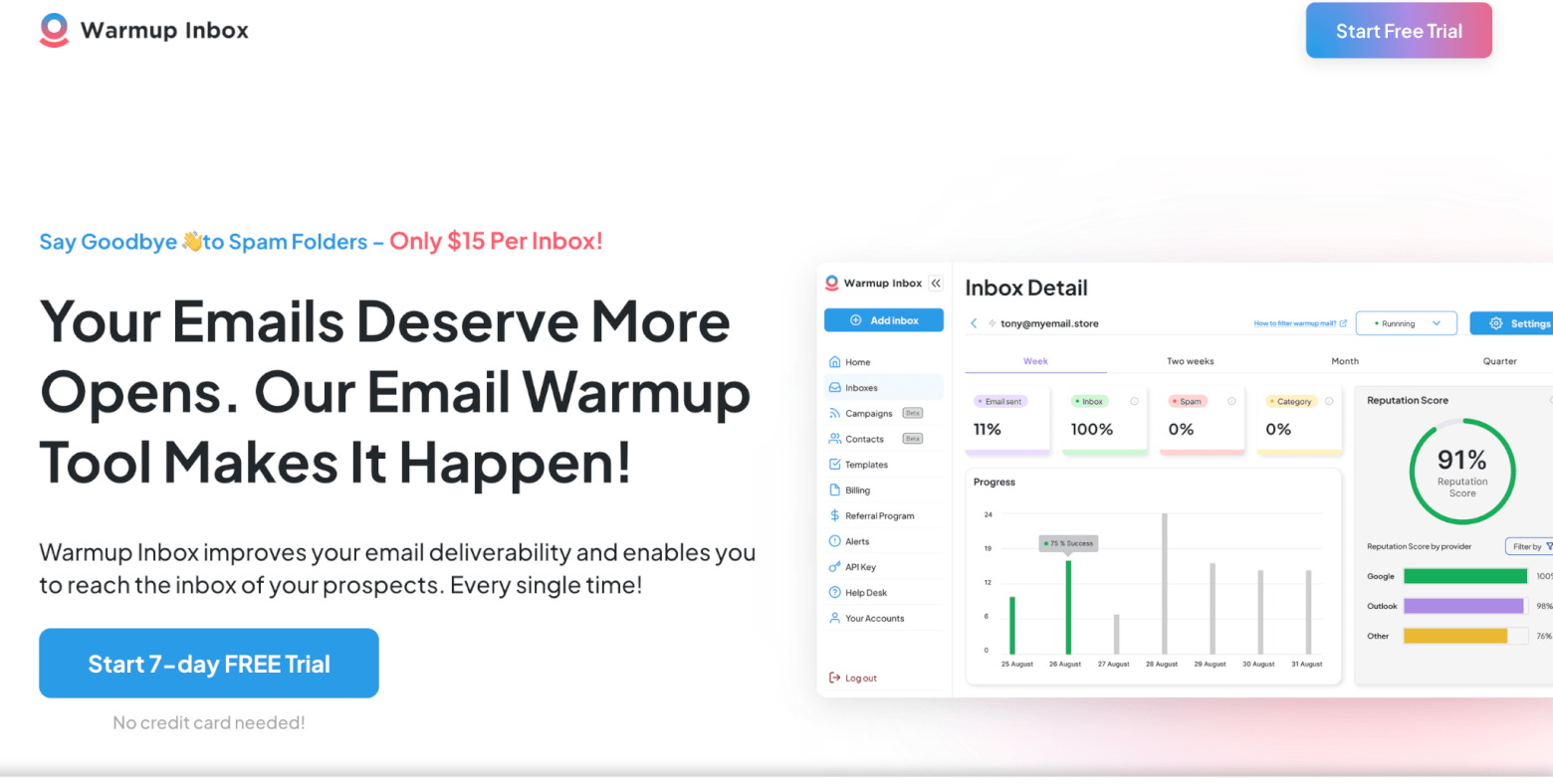
Warmup Inbox is one of the more straightforward tools in this space, and that simplicity is very much part of its appeal. The platform focuses on a single core job: helping you build and maintain sender reputation through automated inbox warmup.
Once connected, Warmup Inbox sends and receives emails through a large network of real inboxes, gradually increasing your sending activity in a way that mimics natural behaviour. These interactions include opens, replies, and moving emails out of spam, all of which signal to inbox providers that your emails are legitimate and should be trusted. Over time, this helps improve your chances of landing in the inbox rather than the spam folder or promotions tab.
The platform doesn’t just stop at initial warmup either. It’s designed to run continuously in the background, helping you maintain a healthy sender reputation over time. This is particularly useful if you’re running cold outreach or sending campaigns irregularly, where reputation can drop quickly without consistent activity.
The dashboard is intentionally simple, giving you a clear view of your inbox health without overwhelming you with technical metrics. You can track placement rates, spam rates, and overall reputation trends, as well as receive alerts if something starts to go wrong.
Because of this ease of use, Warmup Inbox is particularly well-suited to smaller teams, freelancers, or anyone new to deliverability tools. It doesn’t require much setup or ongoing management, and you don’t need a deep understanding of email infrastructure to get value from it.
Pros
- Easy to set up and use
- Includes reputation monitoring and inbox health tracking
- Accessible pricing for getting started
- Works well for solo users and small teams
Cons
- Reporting is less detailed than some premium tools
- Per-inbox pricing can add up at scale
Pricing: Starts from $15 per inbox, with a 7-day free trial and no credit card required.
Best for: Freelancers, solo sales reps, and small outreach teams looking for a simple, hands-off warmup tool.
2. Mailreach

Mailreach sits somewhere between a basic warm-up tool and a more complete deliverability solution, which makes it a strong addition if you want a bit more depth.
In addition to automated warm-up, it includes spam testing and inbox health checks. This covers things like blacklist status, as well as SPF, DKIM, and DMARC configuration, giving you a clearer picture of why your emails might not be landing where they should.
This combination makes it more useful than tools that focus purely on sending warm-up emails. You’re not just improving reputation, you’re also identifying technical issues that could affect deliverability.
It’s not the most polished platform visually, but it makes up for that with practical functionality and a more well-rounded feature set.
Pros
- Combines warm-up with spam testing
- Includes domain and inbox health checks
- Stronger deliverability focus than basic tools
- Stronger visibility into potential issues
Cons
- Interface is more functional than polished
- Costs can increase depending on usage
Pricing: Starts from $19.50 per mailbox per month (annual billing).
Best for: Teams that want a warm-up combined with practical deliverability checks.
3. Lemwarm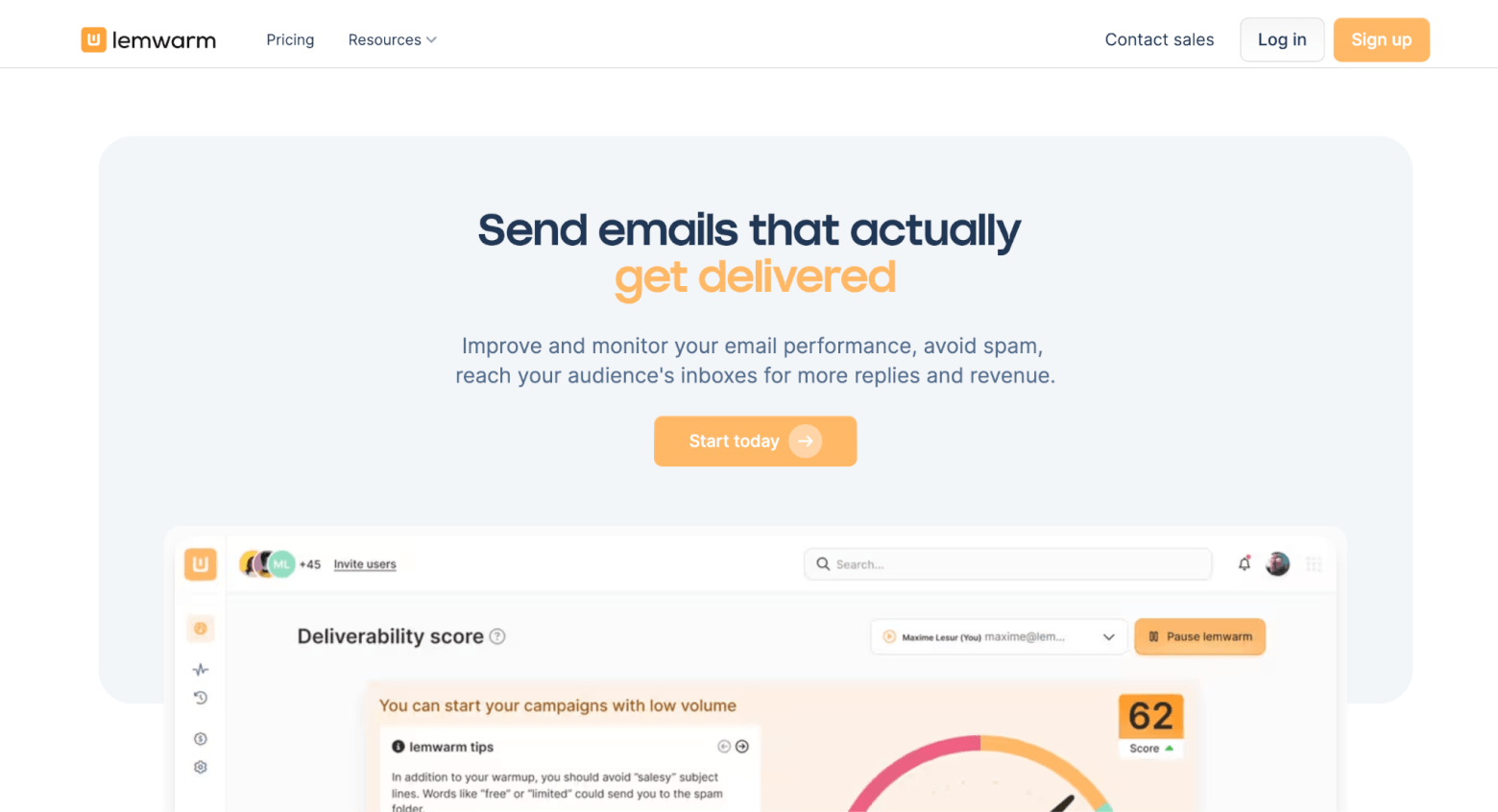
Lemwarm focuses on automated warm-up through a network of real users, helping to build sender reputation and keep emails out of spam. It also places more emphasis on setup than many competitors, offering guidance around SPF, DKIM, DMARC, and other technical configurations that directly affect deliverability.
What makes Lemwarm stand out is that it’s designed for ongoing use, not just a short warm-up phase. It continues monitoring and supporting your sender reputation over time, which is particularly useful if you rely heavily on outbound email.
While it can be used on its own, it is clearly designed to work alongside a broader outreach workflow, which is where it tends to deliver the most value.
Pros
- Strong focus on setup and sender reputation
- Designed for ongoing deliverability support
- Offers more control over warm-up behaviour than many tools
Cons
- Best suited to use alongside other outreach tools
- Not the broadest standalone platform
- Pricing is higher than some simpler alternatives
Pricing: Starts from €29 per email per month (Essential plan), with higher tiers offering more advanced warm-up customization and deliverability insights.
Best for: Existing lemlist users, teams that want a more controlled, long-term approach to warm-up as part of a wider outreach setup.
Try Lemwarm for free with Lemlist
4. Warmy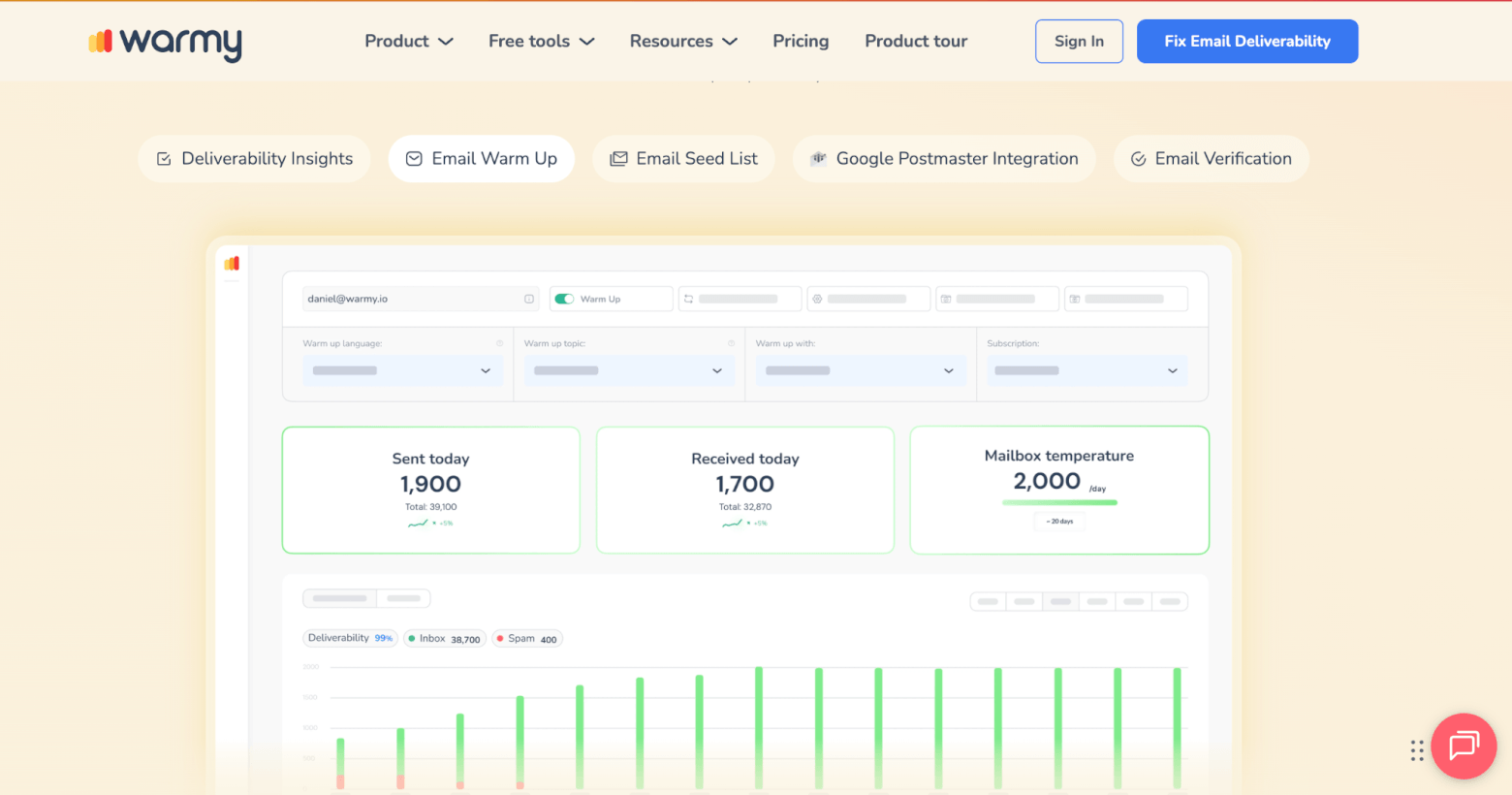
Warmy leans more towards being a full deliverability tool rather than just a warm-up solution.
Alongside automated warm-up, it offers features like deliverability insights, inbox placement monitoring, and optimisation based on data from tools like Google Postmaster. The platform also uses AI to guide improvements, which can be helpful if you’re trying to diagnose ongoing issues.
This makes it a stronger option for teams that want more support and visibility, rather than just background warm-up activity. It’s less about “set and forget” and more about actively improving performance.
For smaller senders, this may feel like more than you need. But for more serious outbound operations, the additional tooling can be valuable.
Pros
- Broader deliverability focus
- Includes monitoring and optimisation tools
- AI-supported insights
Cons
- More complex than basic tools
- Pricing is less transparent than other tools
- Can be expensive
- Less suited to casual users
Pricing: Offers a 7-day free trial with no credit card required. Prices start from $49 per mailbox per month
Best for: Advanced users who want a warm-up tool plus deeper deliverability support.
5. Mailwarm
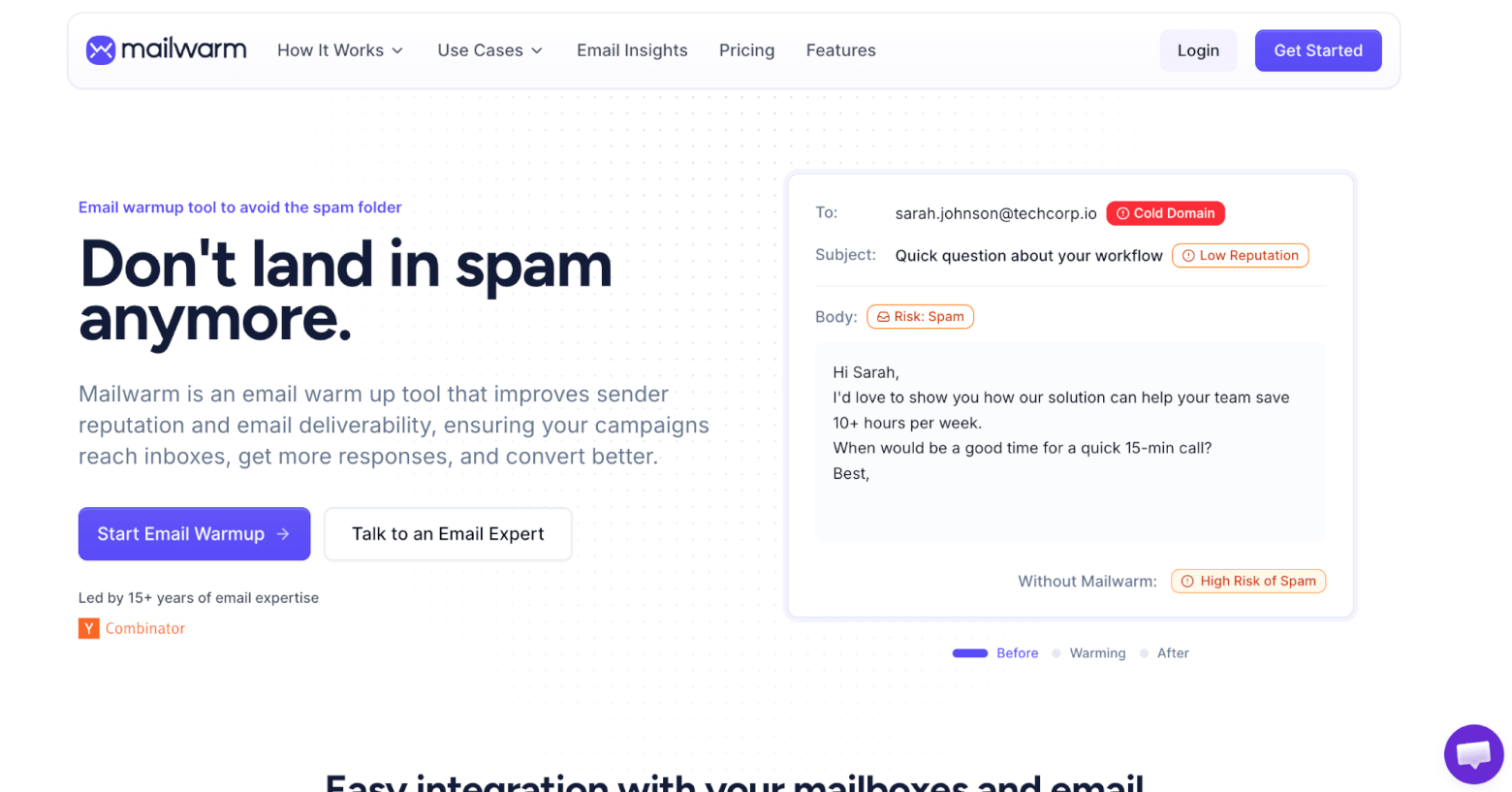
Mailwarm is a dedicated warm-up and deliverability tool that combines automated inbox warming with provider-level insights, making it better suited to teams that want more visibility as they scale outreach..
According to Mailwarm, its network includes over 50,000 inboxes across providers like Gmail, Outlook, Yahoo, and Microsoft 365. This allows it to create more consistent engagement signals compared to smaller warm-up networks.
Beyond basic warm-up, Mailwarm also includes deliverability monitoring features such as inbox placement insights and spam score tracking at the provider level. This gives you a clearer view of how your emails are performing and can help identify issues before increasing your sending volume.
The platform supports multiple inboxes and domains, making it more suitable for teams or agencies managing outreach at scale. It also uses adaptive sending patterns and your own email content to keep activity looking realistic.
Overall, Mailwarm is a strong option if you’re looking for a more advanced, data-driven approach to warm-up, rather than a simple set-and-forget tool.
Pros
- Focused, dedicated warm-up tool
- Includes useful deliverability analytics
- Offer advanced support
Cons
- No free trial
- Less appealing if you want an all-in-one platform
- Pricing is higher than entry-level tools
Pricing: Starts from $69/month (billed annually) for 50 emails per day
Best for: Users who want a dedicated warm-up tool without being overwhelmed by additional sales features.
6. InboxAlly

InboxAlly positions itself as more than just a typical email warmup tool. While many tools focus on automated warmup alone, InboxAlly takes a more hands-on approach to improving deliverability, combining warmup with active reputation repair and diagnostics.
At its core, the platform works by adding seed inboxes directly into your real email campaigns. These seed accounts then perform a range of engagement actions, including opening emails, reading them, replying, marking them as important, and moving them out of spam. Unlike network-based warmup tools that rely on simulated activity, InboxAlly’s interactions happen at a browser level, which more closely mimics real human behaviour.
Beyond warmup, InboxAlly also includes a broader set of deliverability features. These include inbox placement testing with a more comprehensive seed list, email list verification to reduce bounce rates, and authentication checks for SPF, DKIM, and DMARC. There’s also an AI assistant built into the platform, designed to help identify and resolve deliverability issues as they arise.
Another useful feature is its warmup planning tool, which helps you determine how many emails to send daily based on your goals and current reputation. This makes it easier to ramp up sending safely, particularly if you’re launching a new domain or recovering from deliverability issues.
Pros
- Actively improves sender reputation through real campaign engagement
- Uses browser-level interactions that closely mimic real user behaviour
- Includes inbox placement testing, list verification, and authentication checks
- Supports Gmail, Yahoo, Gsuite, Hotmail, and Outlook inboxes
- Works with any ESP or sending platform
- Transparent, flat-rate pricing model
Cons
- More complex setup compared to plug-and-play warmup tools
- Higher starting price than many alternatives
- Primarily focused on English-language usage
Pricing: Starts from $149/month for 1 sender profile and up to 100 seed emails per day. A 10-day free trial is available with no credit card required.
Best for: Businesses that need more than basic warmup, especially those repairing sender reputation or scaling email campaigns across multiple inboxes.
7. Instantly
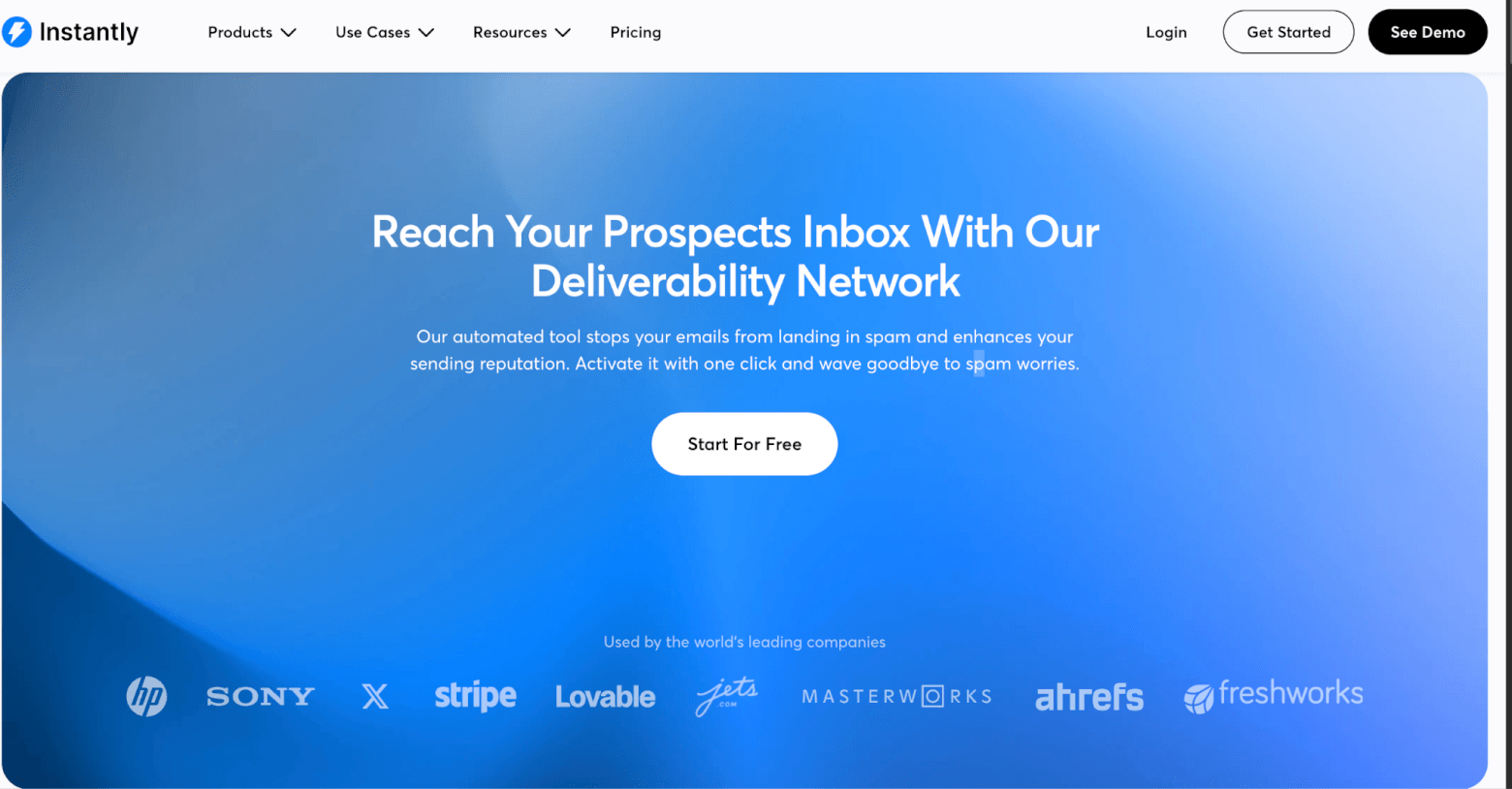
Instantly isn’t a standalone warm-up tool. It’s a cold outreach platform with warm-up built in, and that distinction matters. If you’re already looking for outreach software, Instantly can be a very cost-effective option.
Once you’re set up, the platform handles both email sending and inbox warm-up in the background. This means you don’t need to connect a separate tool or manage multiple subscriptions, which can simplify your workflow considerably. The warm-up feature works in a similar way to dedicated tools, using automated interactions to build sender reputation over time.
Instantly stands out for its affordability for larger teams. Paid plans include unlimited email accounts and unlimited warm-up, which makes it particularly appealing for agencies or teams managing multiple inboxes. Instead of paying per inbox, everything is bundled into a single plan.
That said, Instantly is built for outbound sales workflows. So a lot of the platform’s value comes from features you may not use if you only need warm-up functionality.
Pros
- Warm-up is built into the outreach process
- Unlimited inboxes and warm-up on paid plans
- Strong fit for agencies and outbound teams
- Good value if you also need outreach tools
Cons
- Warm-up is just one part of a broader product
- Less relevant if you don’t need a full sales platform
Pricing: Growth plan starts at $47/month, including unlimited email accounts and warm-up.
Best for: Agencies and teams that want email warm-up included in their outreach platform.
8. PlusVibe
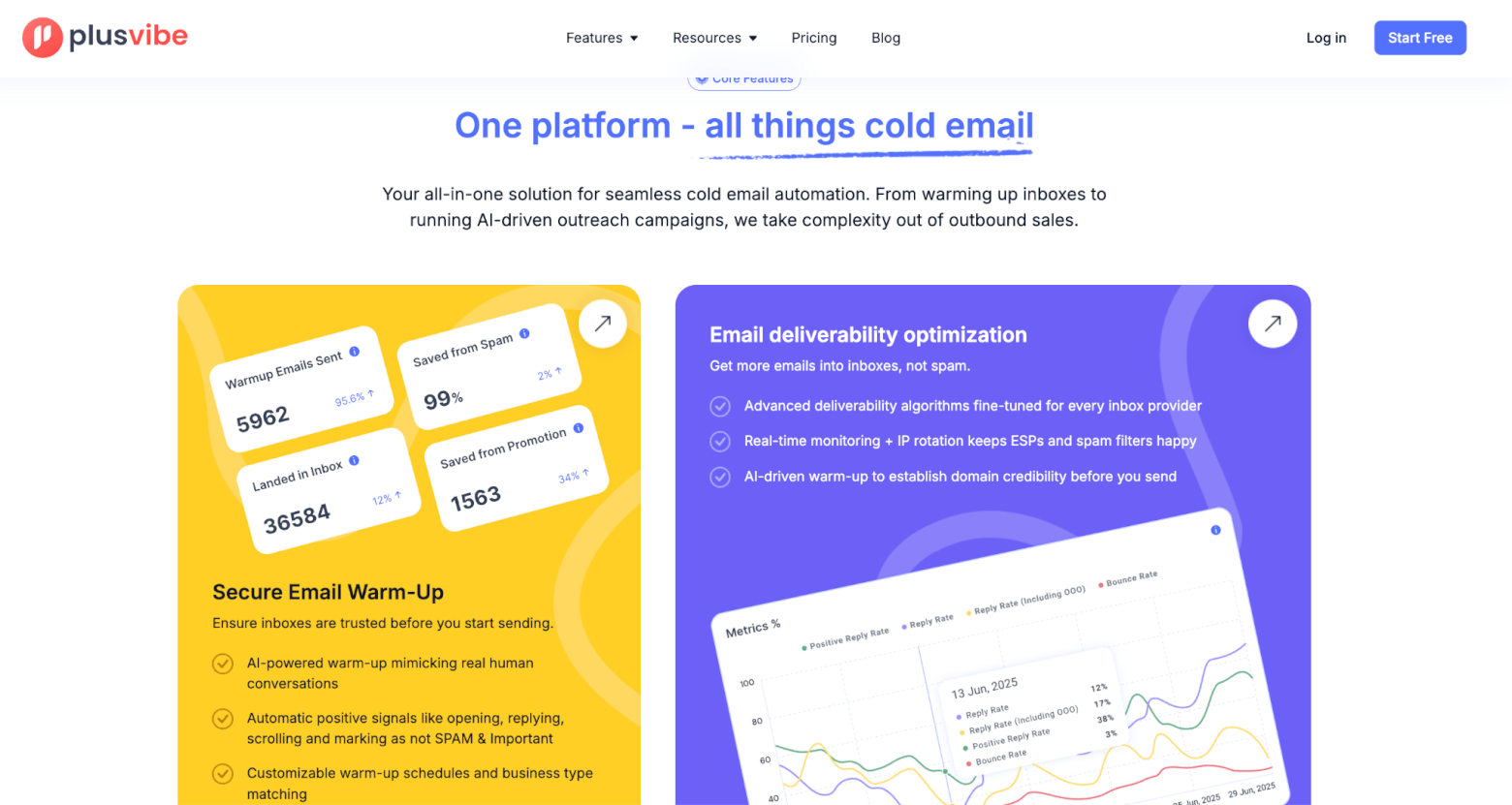
PlusVibe takes a more AI-led approach to email warm-up, positioning itself as a modern alternative to more traditional tools.
The platform uses a private network of inboxes combined with AI-driven behaviour to simulate realistic engagement. This includes adjusting tone, timing, and interaction patterns, as well as mimicking actions like opening emails or replying within threads. The aim is to make the warm-up activity feel as close to genuine human behaviour as possible, which can help improve sender reputation over time.
Warm-up is not a standalone feature here. It sits within a broader outreach platform that also includes elements like automation, verification, and campaign tracking. This makes PlusVibe more of an all-in-one outbound tool rather than a dedicated warm-up solution.
Pros
- Strong focus on deliverability
- Private warm-up network
- AI-driven behaviour for more realistic activity
- Free warm-up option available
Cons
- Less established than more mature tools
- May be more complex than necessary for basic warm-up use cases
Pricing: Includes a free 14-day trial, no credit card required. Paid outreach plans starting from $37
Best for: Users who want an AI-driven outreach platform with built-in warm-up.
Get access to 15% off the first 3 months with the following Plus Vibe discount code:
Code: EmailToolTester15
How to choose the right email warm-up tool
The right email warm-up tool depends on your goal, your level of experience, and how you plan to use email.
Some tools are designed to be simple and hands-off, focusing purely on warming up your inbox in the background. Others are part of broader platforms that include outreach, automation, and deliverability features. The best choice comes down to whether you want a focused solution or something more integrated into your wider workflow.
Whichever route you take, there are a few important things to keep in mind:
- Warm-up works best when your authentication (SPF, DKIM, DMARC) is already set up correctly
- It’s most effective before you start increasing your sending volume
- It won’t fix poor list quality, weak messaging, or overly aggressive sending
- Good sending practices still matter, and stopping them can undo any progress
Final thoughts
Email warm-up tools can play a useful role in improving deliverability, particularly if you’re starting with a new inbox or domain, or running cold outreach campaigns. They help build sender reputation over time and can increase your chances of reaching the inbox.
That said, they are only one part of a broader deliverability setup. Strong fundamentals like proper authentication, consistent sending patterns, and relevant, well-targeted emails are just as important.
It’s also worth being realistic about what these tools can do. They can support your deliverability efforts, but they won’t guarantee inbox placement on their own. Treat them as a supporting layer rather than a complete solution, and you’ll get much more value from them.
If you have any questions, please leave a comment!
The authors
Learn more about us

We keep our content up to date
07 May 2026 - General update and added InboxAlly
Our Methodology
This article has been written and researched following our EmailTooltester methodology.
Our Methodology