


EmailTooltester is supported by readers like you. When you purchase through our links, we may earn a commission that helps keep our reviews independent and free.
Free email template builders are genuinely useful, but they are not all generous in the same way. Some tools offer full email design freedom but limit how many email templates you can export. Others allow you to create and download email templates freely but restrict branding options, mobile controls, or advanced layout features.
To help you choose the best free email template builder for your needs, we’ll break down what’s included on each free plan and where the limits start to apply. That way, you know exactly what to expect before you invest time building your templates.
What to expect from free email template builders
These are the areas where free plans tend to differ the most:
Template access on free plans
Most builders include at least a small selection of templates for free, but access varies widely. Some tools let you use their full library but cap how many templates you can save. Others restrict premium templates entirely unless you upgrade.
If you plan to design multiple campaigns or build a reusable template system, it’s worth checking whether the free plan limits the number of saved templates or projects.
Mobile and desktop responsiveness
All modern email template builders claim to be responsive, but that does not always mean you have full design control.
On free plans, responsiveness often works automatically, with layouts stacking by default on mobile. More advanced controls, such as hiding sections on mobile, adjusting spacing independently, or changing font sizes per device, are sometimes locked behind paid plans.
If mobile optimization matters to you, look closely at whether the free tier allows editing mobile layouts, not just previewing them.
Visual editing vs HTML access
One of the biggest benefits of using a template builder is avoiding HTML altogether. On free plans, most tools allow full drag-and-drop editing, but some restrict access to code editors or advanced blocks.
For most marketers, visual editing is enough. But if you occasionally need to tweak HTML or reuse templates across different platforms, export restrictions can become a bottleneck.
Export limits and branding
This is where free plans most often draw the line.
Some builders limit how many times you can export HTML each month. Others allow unlimited exports but add branding or watermarks (e.g. in the email footer). A few tools let you design freely, but only export on paid plans.
If your goal is to build templates once and reuse them elsewhere, export rules are one of the most important things to check.
Reusable blocks and brand styles
Reusable headers, footers, buttons, and product sections are a huge time-saver, but they are not always fully included on free plans.
Some tools allow basic block saving for free, while others reserve brand kits, global styles, and shared libraries for paid users. If consistency matters — especially in team environments — this is often where upgrading becomes worthwhile.
Previews and testing
Free plans usually include basic desktop and mobile previews. More advanced testing, inbox rendering checks, or downloadable proofs are often limited or excluded.
That does not make free plans unusable, but it does mean you may need to rely on your ESP or third-party tools for final checks.
With all this in mind, let’s take a look at the best free email template builders and what each offers on its freemium tier.
Best free email template builders at a glance
| Tool | Visual builder | HTML export | Reusable blocks | Free plan limits |
|---|---|---|---|---|
| Stripo | Yes | Yes | Yes | 4 exports/month, limited projects and stored templates |
| Tabular | Yes | Yes | Yes | 3 exports/month, preview caps, storage limits |
| Beefree | Yes | Yes | Limited | Beefree branding, limited reusable rows, export limits |
| Postcards | Yes (modular) | Yes | Yes | Demo-style usage, project and export caps |
| Topol.io | Yes | Yes | Yes | Pre-made templates and integrations restricted |
| Unlayer | Yes | Yes | No (free plan) | Core editor only, no saved blocks or team features |
| Mailmodo | Yes | Yes | Yes | Branding applied, sending and automation limits |
| Canva | Yes | Yes | Limited | HTML not email-optimized, no dynamic content or ESP logic |
Note: While all tools listed support HTML export on free plans, dedicated email builders (like Stripo and Tabular) generally produce HTML code that correctly renders across a wider range of email clients than design-first tools (such as Canva). Our advice is to always test your templates across various clients/devices before sending your final campaigns, by using seedlists or email preview tools.
Best free email template builders in detail
1. Stripo
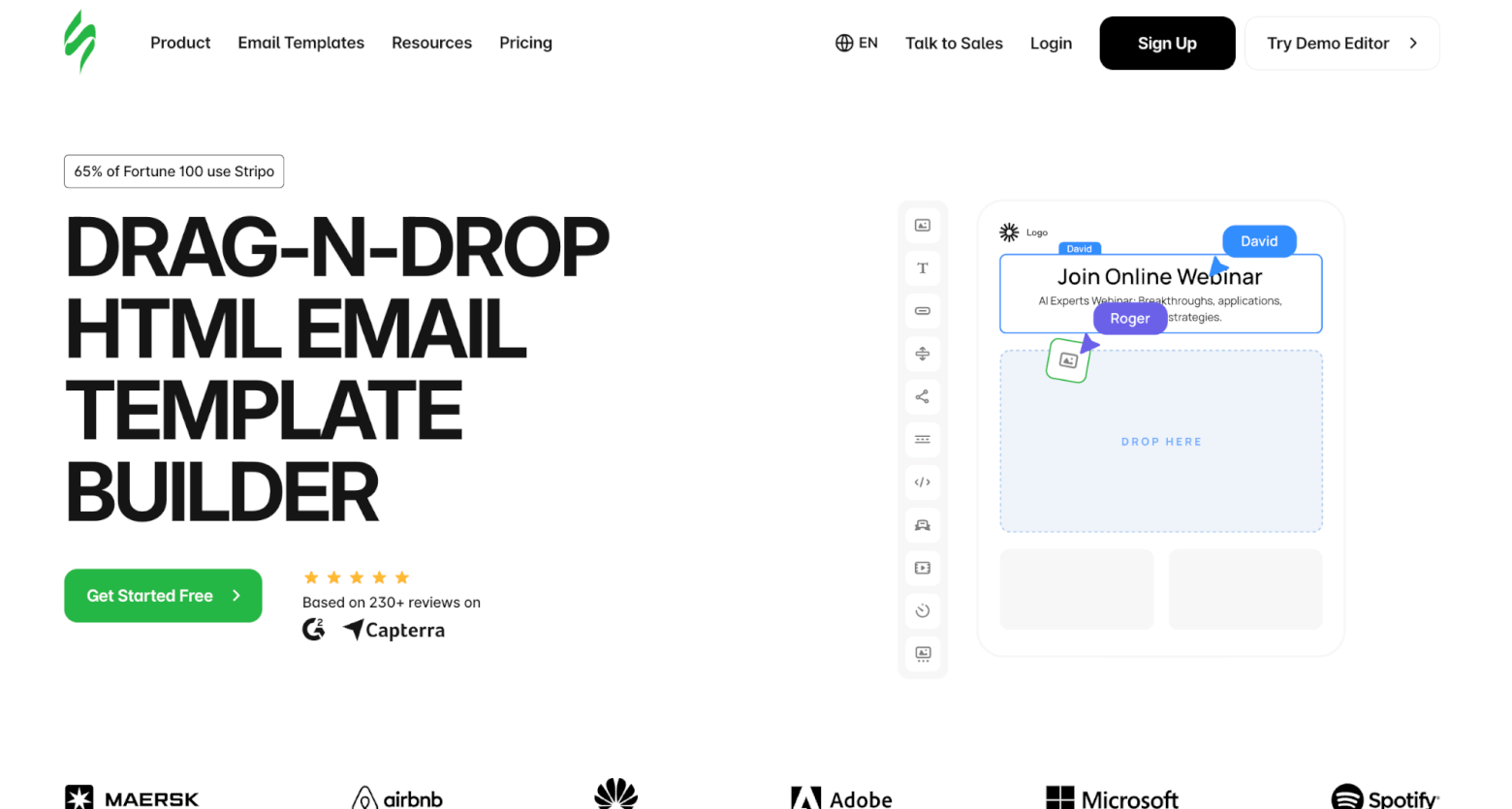
Stripo is one of the most complete free email template builders available and is often used when teams want more control than a typical ESP editor offers, without falling back on manual HTML fixes.
The editor combines drag-and-drop design with optional HTML and CSS access. For most users, the visual editor is more than enough. Layouts are built using content blocks and modules that are already optimized for email clients, which removes much of the trial-and-error usually associated with email design.
Stripo’s template library is one of the largest on the market, with 1,600 prepared HTML email templates covering newsletters, promotions, lifecycle emails, product announcements, and seasonal campaigns. Beyond full templates, you can save reusable modules such as headers, footers, buttons, product cards, countdown timers, and interactive elements. Over time, this makes it much easier to build a consistent design system without recreating common sections.
We also like that responsiveness is handled automatically, with separate controls for mobile layouts. You can adjust spacing, stacking behavior, and visibility on mobile without affecting the desktop version, which helps to reduce post-export fixes and last-minute layout checks.
Stripo also stands out for the breadth of features available even before upgrading, including AI-powered assistance and interactive content tools that are often locked behind paid plans elsewhere.
What’s included in the free plan
Stripo’s free plan gives you full access to the editor and template library, with clear usage limits.
The free plan includes:
- Access to the drag-and-drop editor and HTML/CSS editor
- Access to the free email template library (1,600+ templates)
- Up to 2 users
- 2 projects
- Storage for 10 templates
- 4 exports per month
- Support for exports to 90+ email service providers (within export limits)
You also get access to core tools such as:
- AI-powered features (including subject line optimization, email copy, images and descriptions, and an assistant for email production)
- Engagement-boosting extras such as interactive modules, signature generator, Gmail promo annotation builder, calendar links and QR codes
- UTM tag generator
Free plan limitations:
- Exports are limited to only 4 exports per month
- Advanced collaboration (custom roles, SSO, large teams) scales with paid plans
- High-volume production and automation require an upgrade
The free plan works particularly well for building a core template library, testing advanced features, or supporting smaller campaigns before committing to a paid plan.
2. Tabular
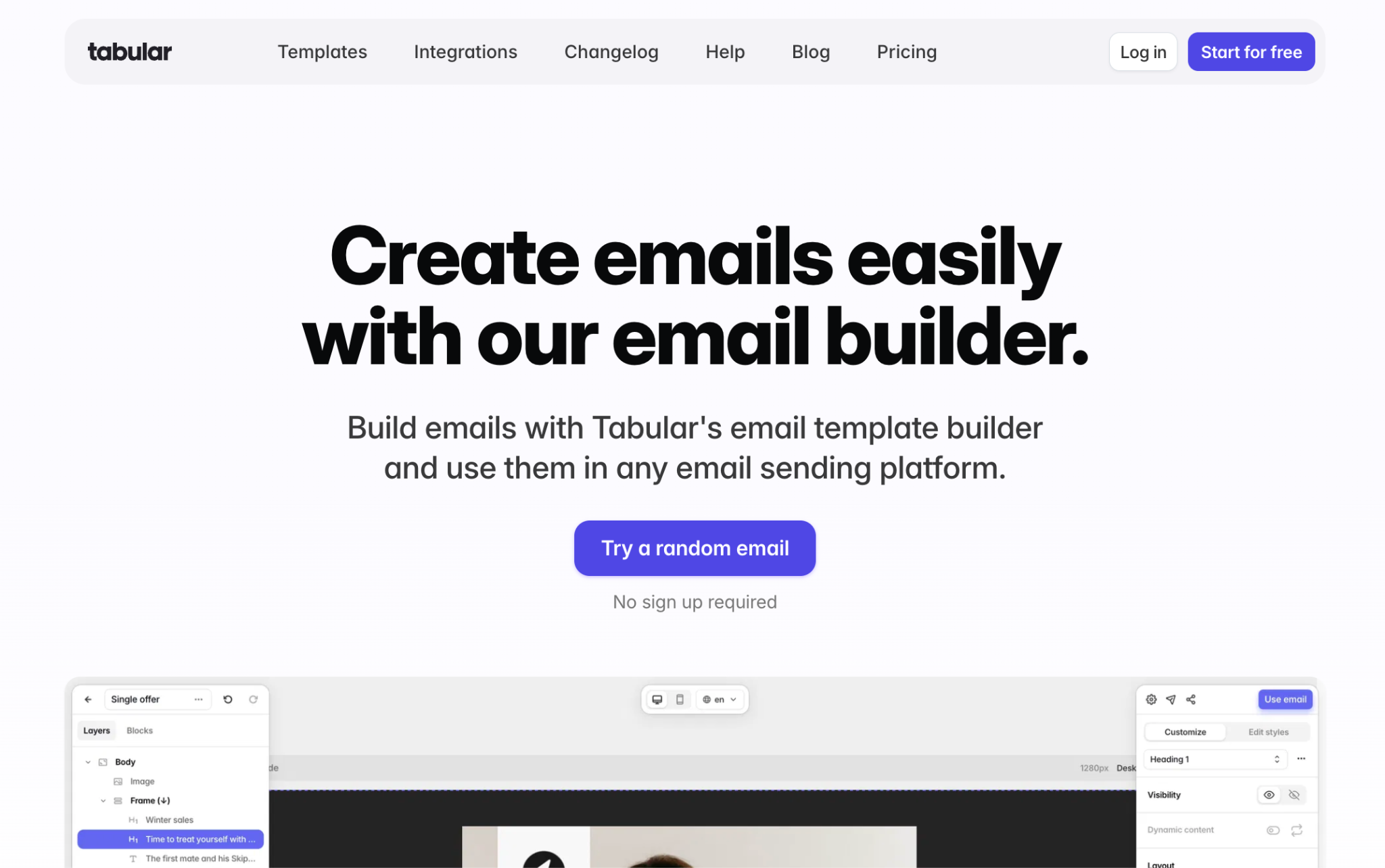
Tabular is built for marketers who care about layout precision but want to avoid working directly with HTML. Instead of adjusting spacing through settings panels or code, you edit layouts visually by dragging and resizing elements directly on the canvas.
This approach makes it easier to fine-tune padding, margins, and column widths while immediately seeing the result, which cuts down on the usual export-preview-fix cycle.
Tabular handles responsive email design particularly well. Desktop and mobile layouts can be edited independently, allowing you to collapse columns, hide elements, or adjust typography specifically for smaller screens without affecting the desktop version.
The platform focuses purely on email template creation, keeping the interface uncluttered and practical. Reusable “team blocks” help standardize headers, footers, and branded sections across campaigns.
One thing that really stood out to me was that from the homepage, you can click “Try a random email” and start testing the editor instantly, without creating an account.
What’s included in the free plan
Tabular’s free plan is generous when it comes to access and collaboration, with clear limits on storage and exports.
The free plan includes:
- Access to the full visual drag-and-drop email editor
- Unlimited members, guests, and teamspaces
- Independent desktop and mobile editing
- Automatic HTML generation optimized for 50+ email clients
- Inbox preview testing
- 3 stored emails, 3 HTML exports per month, and 5 email previews per day
- 20GB per month CDN quota
Free plan limitations
- More restrictive on email storage and HTML exports compared to other free providers
- Preview emails are limited daily
- Secret teamspaces are not included
- Higher-volume production requires an upgrade
Tabular’s free plan works particularly well for teams that want to test layouts, collaborate freely, and validate designs before committing to higher export volumes.
3. Beefree
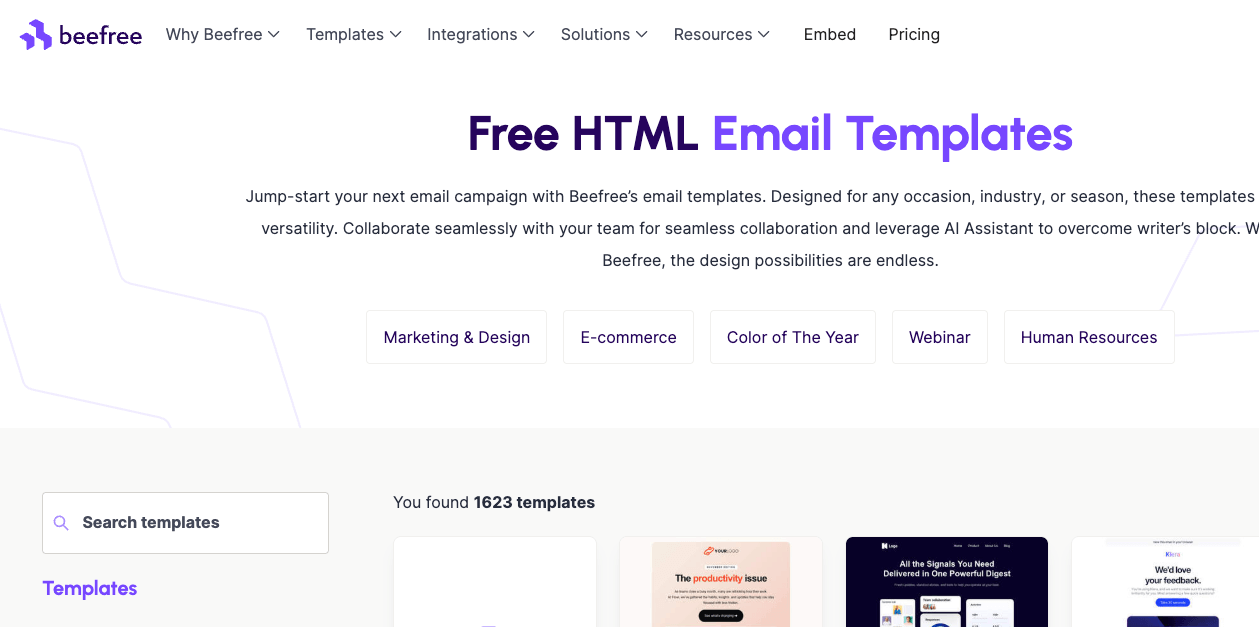
Beefree is designed for speed and accessibility. Its editor is easy to use and deliberately avoids complex layouts, which helps reduce rendering issues across different email clients.
Templates are built using predefined column structures and content blocks rather than free-form layouts. This keeps designs predictable and stable, especially in inboxes like Outlook, where overly complex HTML can cause problems.
One practical advantage is that you can start designing immediately without creating an account. You only need to sign up once you want to export or save your work, which makes Beefree easy to test before committing to.
Beefree also puts a strong emphasis on visual workflow. The editor includes a large template catalog, stock images, and basic image editing tools, so you can design complete emails without switching between multiple tools.
What’s included in the free plan:
Beefree’s free plan gives you access to the core editor and template catalog, with restrictions around branding, reuse, and collaboration.
The free plan includes:
- 3 custom reusable templates and 10 designs
- 6 exports per month
- Immediate access to the drag-and-drop editor (no signup required to start)
- Access to the full template catalog (2,000+ templates)
- Mobile-responsive email layouts
- Stock image library and basic image editing tools
- HTML export of email templates (after account creation)
- Single-user workspace
Free plan limitations
- Beefree branding is added to exported emails
- Reusable rows and saved content blocks are limited
- Advanced brand controls (custom fonts, global styles) are not included
- Collaboration features and unlimited exports require a paid plan
The free plan works well for quick designs and one-off campaigns, but it becomes restrictive once you need reusable components or consistent branding across multiple emails.
4. Mailmodo

Mailmodo is built around the idea that emails can do more than display content. Its editor is designed to help marketers create interactive, app-like email experiences without relying on developers or custom HTML. While Mailmodo is a full email marketing platform, it also offers an email template builder that is accessible on its free plan.
The editor uses a no-code, drag-and-drop interface that lets you adjust padding, fonts, backgrounds, and layout visually. Emails are built from blocks that are already optimized for email clients.
Where Mailmodo differs from most builders is its support for AMP and interactive widgets. You can add elements such as forms, polls, quizzes, calendars, image carousels, and even lightweight games directly inside the email. These features allow recipients to interact without clicking through to a landing page, which can be useful for surveys, RSVPs, feedback collection, and product engagement.
Responsiveness is handled automatically, with controls to stack or split columns, optimize images for mobile, and hide blocks on specific devices. Mailmodo also includes real-time warnings for broken links, oversized images, and accessibility issues, helping catch problems before emails are sent.
Because Mailmodo is also an ESP, templates are designed with delivery in mind. However, this also means the builder is most useful if you plan to send emails through Mailmodo itself, rather than exporting templates for use elsewhere.
What’s included in the free plan
Mailmodo’s free plan gives you access to its email editor and interactive components, with limits around sending and branding.
The free plan includes:
- Access to the no-code drag-and-drop email editor
- Use of responsive email templates and pre-designed blocks
- Support for AMP and HTML emails, including interactive widgets such as forms, polls, quizzes, calendars, and carousels
- Live preview and basic testing tools
- Built-in personalization fields
- Error detection and real-time warnings
- AI tools for subject lines and email copy
Free plan limitations
- Mailmodo branding is added to emails
- Sending limits apply on the free plan
- Designed primarily for sending via Mailmodo, not exporting to other ESPs
- Higher-volume campaigns and deeper analytics require an upgrade
The free plan is best suited to teams that want to experiment with interactive emails, test AMP-based formats, or build engaging campaigns without relying on developers. For ongoing production or higher send volumes, upgrading will likely be necessary.
5. Postcards by Designmodo
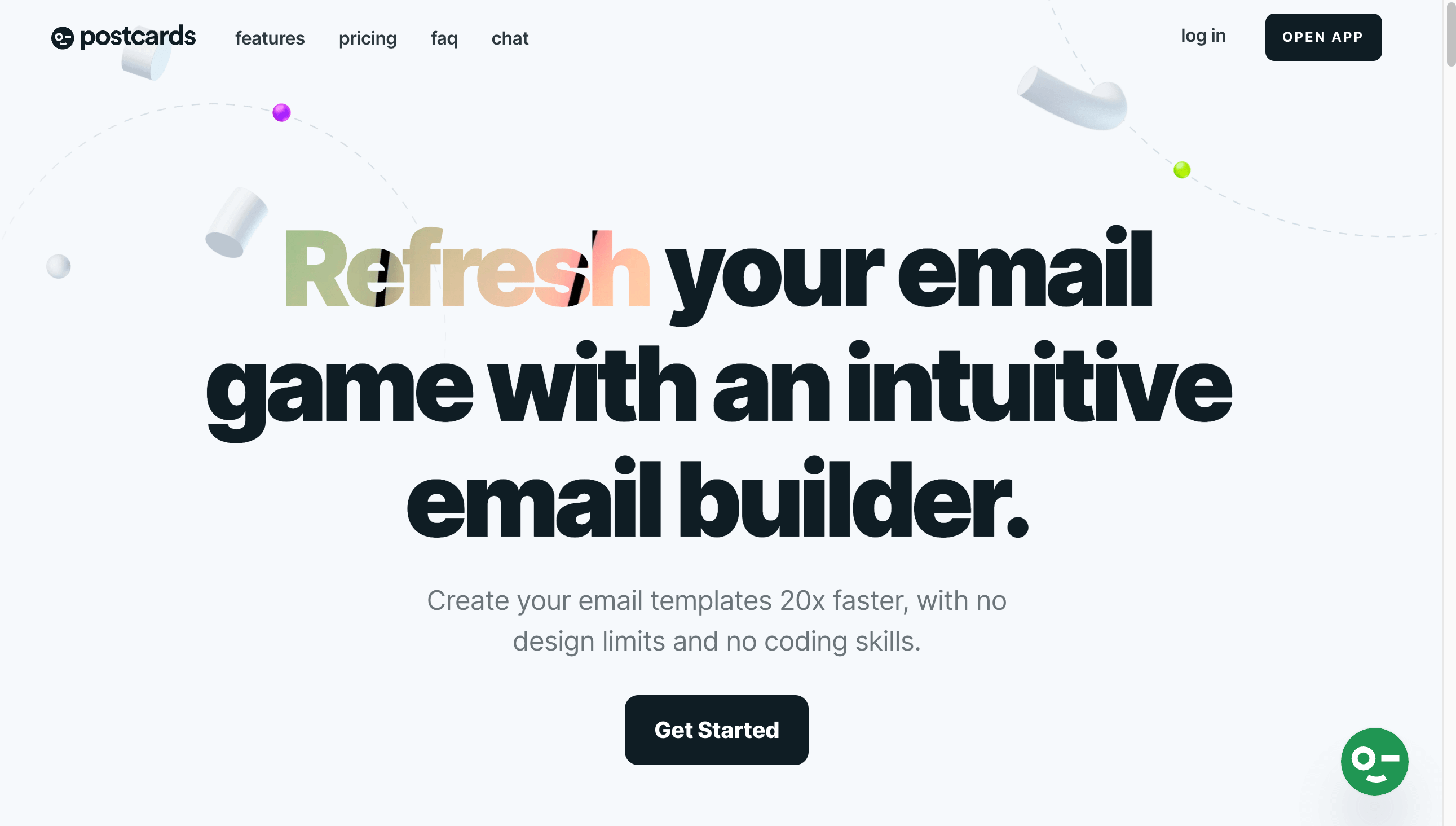
Postcards takes a modular approach to email design, focusing on speed, structure, and predictable output. Instead of free-form dragging, you build emails by stacking and customizing pre-designed modules, which helps keep layouts clean and consistent across email clients.
Like several other tools in this list, you can start building immediately without signing up. This makes it easy to explore the editor, test layouts, and understand how modules work before committing to an account.
The editor is especially popular with designers, as it borrows familiar concepts from tools like Figma. Modules can be rearranged, duplicated, hidden, or edited in bulk. And brand presets allow you to apply fonts, colours, and buttons consistently, reducing manual styling across campaigns.
Postcards also put a strong emphasis on rendering reliability. Templates are tested across major email clients using tools like Litmus and Email on Acid, and mobile layouts can be customized separately to ensure designs stack and scale correctly on smaller screens.
What’s included in the free plan
Postcards’ free plan works like a fully usable demo, giving you access to most design features with clear limits on projects and exports.
The free plan includes:
- Up to 10 template projects, 5 exports per month, and 10 test emails per day
- Immediate access to the drag-and-drop editor (no signup required to start)
- Access to all pre-made modules
- Creation of responsive email templates
- Separate mobile layout customization
- Online image hosting
- Unlimited teammates
Free plan limitations
- Export limit of 5 templates per month and project cap of 10 templates may be restrictive
- Advanced features like unlimited exports require a paid plan
- While templates are fully editable, long-term scaling requires upgrading
Postcards’ free plan is particularly useful for testing design concepts, collaborating with teammates, or building polished templates without touching HTML. Teams producing emails at a higher volume will eventually need to upgrade, but the free tier offers enough flexibility to evaluate the tool properly.
6. Topol.io
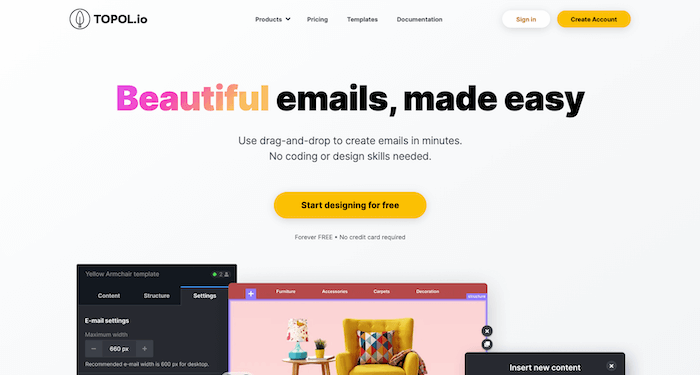
Topol positions itself as a no-code email template builder designed to help users create responsive, professional-looking emails quickly, without relying on designers or HTML specialists.
At its core, Topol offers a full-featured drag-and-drop editor with a clean, intuitive interface. Templates are built visually using rows, columns, and content blocks, which makes it easy to assemble layouts without worrying about email client quirks. The editor follows a classic WYSIWYG-style workflow, so what you see while designing closely matches the final output.
Emails created in Topol are designed to adapt to different screen sizes and inboxes, meaning you won’t need to manually adjust layouts for mobile versus desktop (in most cases).
Topol also supports more advanced use cases beyond simple template design. In addition to the standalone editor, the company offers a plugin version that can be embedded into other platforms. While this is primarily relevant to SaaS products and larger teams, it explains why the editor feels stable and production-ready, even on the free tier.
What’s included in the free plan
Topol promotes its editor as “forever free” for basic email design, and the free plan does give you access to the core building experience.
The free plan includes:
- Access to the drag-and-drop email template editor
- The ability to create unlimited templates
- Responsive email layouts that work across devices
- Reusable custom blocks (save and reuse sections within templates)
- Basic personalization using merge tags
- Ability to add custom HTML blocks
- HTML export of email templates
Free plan limitations:
- Access to the full 400+ pre-designed templates is restricted (requires Pro)
- Stock image library is limited compared to paid plans
- Advanced collaboration features are not available
- Integrations and product-feed features are limited or require an upgrade
- Designed primarily for individual users rather than teams
The free plan works best if you want to design responsive email templates from scratch, test layouts, or build a small set of reusable designs without committing to a subscription.
Once you rely on pre-built templates, team collaboration, or larger-scale production, upgrading to Topol Pro becomes necessary.
7. Unlayer
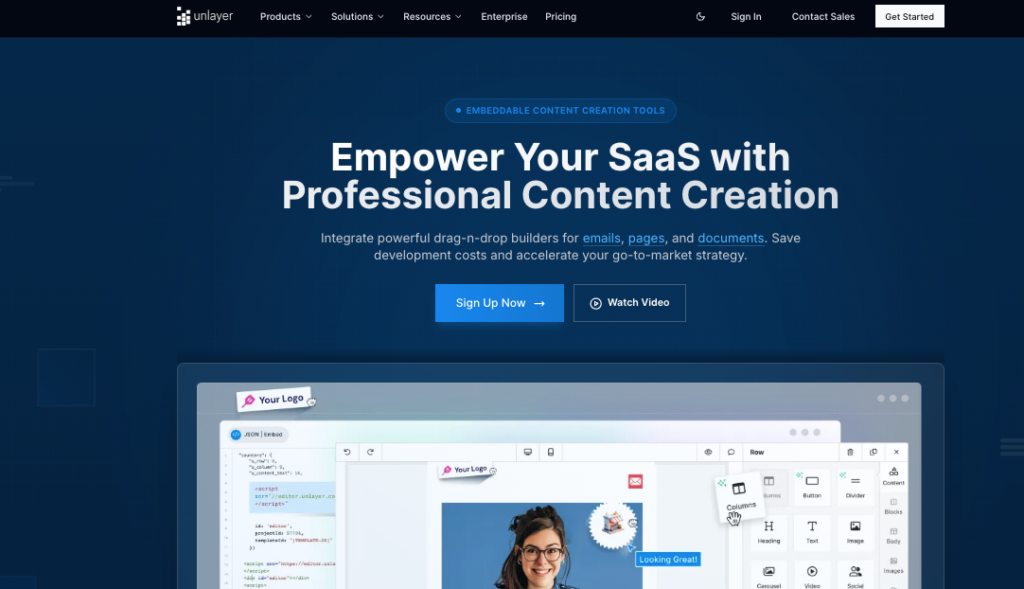
Unlayer is a visual email template builder designed to help users create responsive, production-ready emails without writing or maintaining HTML. It is widely used behind the scenes by SaaS platforms, but it can also be used as a standalone editor on a free plan.
The editor is built around a structured drag-and-drop system using rows, columns, and content blocks. This keeps layouts predictable and reduces the risk of emails breaking across inboxes. The WYSIWYG-style workflow means what you design in the editor closely matches the final exported result.
Responsiveness is handled automatically. Emails adapt to desktop and mobile screens by default, without the need for separate mobile layouts or manual adjustments.
Although Unlayer is often positioned as an embeddable solution for SaaS products, the standalone editor feels stable and fully usable for solo marketers and small teams. It focuses on clean output and consistency rather than complex visual effects, which helps minimize post-export fixes.
What’s included in the free plan
Unlayer’s free plan is available indefinitely and provides access to the core editor without time limits or trial restrictions.
The free plan includes:
- Access to the drag-and-drop email builder
- Creation of custom email templates from scratch
- Automatically responsive email layouts
- HTML export of email templates
- Basic merge tags for simple personalization
- Template previews inside the editor
- Single-user access
- No credit card required
You also get access to its landing page builder, pop-up builder, and document builder
Free plan limitations
The free plan covers the essentials, but more advanced features are locked behind paid tiers:
- No stock image library or advanced image editing tools
- No mobile-specific design controls
- No inbox or email client rendering previews
- No reusable saved blocks or synced content libraries
- No collaboration or team features
- No brand controls, such as custom fonts or white-labeling
The free plan works best if you want a dependable visual editor for building and exporting responsive email templates without touching HTML. For reuse, collaboration, or brand-heavy workflows, upgrading will become necessary.
8. Canva
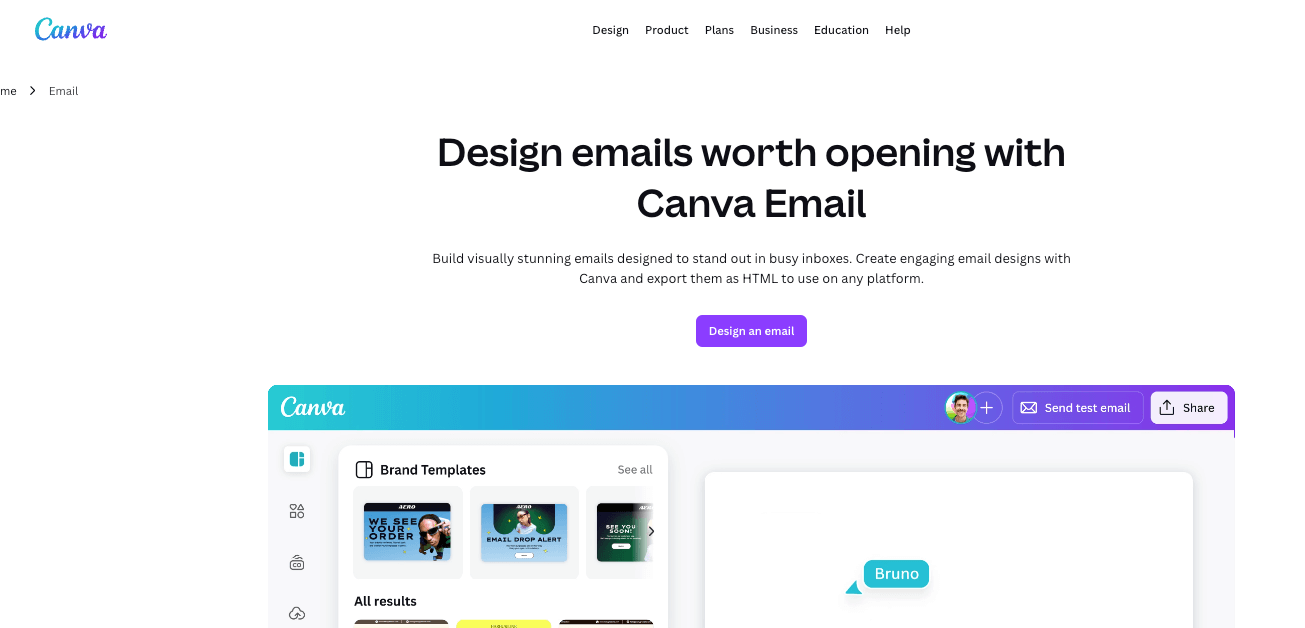
Canva takes a visual-first approach to email design. Rather than acting as a traditional email template builder, it lets you design emails using the same drag-and-drop canvas many marketing teams already use for presentations, social graphics, and marketing assets.
Email layouts are built visually using blocks such as headers, banners, columns, buttons, images, and footers. Spacing, colours, and typography are adjusted directly on the canvas, making it easy to create polished layouts without touching HTML. Canva also encourages the use of email-safe fonts and responsive columns, which help reduce basic rendering issues.
Once your design is ready, Canva allows you to export the email as HTML with images bundled in a ZIP file. This can then be uploaded into platforms like Brevo, Mailchimp, or any ESP that supports custom HTML. There is also a one-click option to open the design in a Gmail draft, which works well for one-off sends.
Canva focuses purely on the design stage. All email-specific elements, such as unsubscribe links, merge tags, and automation rules, must be added inside your email marketing platform.
What’s included in the free plan
Canva’s free plan includes:
- Access to hundreds of modern-looking email templates and layouts
- Drag-and-drop email editor with visual design blocks
- Headers, footers, banners, columns, buttons, and image sections
- Support for email-safe fonts
- Responsive column stacking on mobile
- Image uploads and access to free stock images
- Test email previews sent to your Canva login email address
- Export of email designs as HTML and images (ZIP file)
- One-click export to Gmail
Free plan limitations
- No support for ESP merge tags or dynamic content
- Unsubscribe links are placeholders only
- Interactive elements export as static content
- No inbox or email client rendering tests
- Editing after import usually requires code
The free plan works best for teams that want to design good-looking emails quickly and handle delivery and compliance inside their ESP.
Final thoughts on free email template builders
Free email template builders have come a long way. What used to feel like stripped-back demo tools are now genuinely useful email template design layers that can support real email workflows.
The key thing to understand is that free does not mean unlimited. Most free plans are designed to help you design and test templates, not run full-scale email production. As we’ve seen, export caps, branding, or reduced integrations are common. It’s the trade-off for getting access to solid editors, proven layouts, and responsive structures without paying upfront.
If your goal is to avoid messing around with HTML, save time on layout fixes, and build a small library of reusable email templates, free plans from top email template builders like Stripo, Tabular, Beefree, or Postcards can take you surprisingly far. They are especially useful if you already have a chosen email marketing platform and simply want better design control than your ESP’s native editor provides. (If you are still looking for an email service provider to send these beautiful templates with, you can check out our ESP comparison chart to see which one best suits you and your needs.)
That said, not all “free” builders serve the same purpose. Tools like Canva are great for visual concepts and simple designs, but they are not a replacement for proper email HTML builders.
Others, like Mailmodo, blur the line between template builder and sending platform, which can be useful if you want to experiment, but less flexible if you already have an established ESP.
In general, our advice is to treat free plans as a testing ground.
Use them to:
- Build a core set of templates
- Understand how much control you need over layout and responsiveness
- See whether a dedicated builder fits your workflow better than your ESP editor
Once you start hitting export limits, need collaboration features, or want tighter brand control, that is usually the point where upgrading to a paid email template builder makes sense.
Ultimately, the best free email template builder is the one that saves you the most time today, while offering a clear and practical upgrade path as your email marketing needs grow.
The authors
Learn more about us

Our Methodology
This article has been written and researched following our EmailTooltester methodology.
Our Methodology