Flodesk Review (2026): Are Its Stunning Emails Enough to Make it Worth It?


EmailTooltester is supported by readers like you. When you purchase through our links, we may earn a commission that helps keep our reviews independent and free.
Have you ever heard of Flodesk? If you prioritize design in your business and email marketing campaigns, chances are you have.
What's Special About Flodesk?
Founded in 2018, Flodesk emerged as an email marketing platform that aimed to help users send beautiful, and functional emails without the overwhelming complexity often associated with more established platforms. The tool is mostly known for its unique email designs and minimalist interface.
Over the years, Flodesk has garnered a loyal fan base of over 100,000 customers, who swear by its simplicity and aesthetic appeal – despite competing in a crowded market with so many email marketing tools. It’s especially popular among solo entrepreneurs and small businesses who want to effortlessly create eye-catching newsletters.
My Own Experience With Flodesk
I've been using Flodesk for about three years now to send monthly emails to a list of over 5,000 subscribers. When I was searching for an email marketing tool, I found that most services charged way too much for a list of that size, especially since I wasn't making any money from my personal newsletter.
Back then, Flodesk's flat-rate plans offered stable pricing that made sense to me, so I could focus on my content without worrying about sudden price hikes. Plus, I loved how simple and beautifully designed everything was!
While I'm still happy with my choice, I know Flodesk isn't for everyone. Since I have firsthand experience, I'm here to give you an honest and detailed look at what this tool offers — and where it falls short.
It's also worth noting that Flodesk's flat rate pricing is no longer available to new customers – somewhat reducing its appeal to cost-conscious users.
I hope this Flodesk review helps you decide if it's is the right tool for you (or not!).

MailerLite Email Marketing
The Powerful Alternative for Your Small Business
Flodesk Review: Summary
Flodesk offers great features and stunning, easy-to-use designs to simplify email marketing. The platform includes an intuitive email builder, beautiful templates, a checkout page for digital products and subscriptions, and cool automation capabilities.
After removing its popular flat-rate plans in December 2025, it now offers tier-based pricing that increases as your subscriber list grows. The Lite plan starts at at $25 per month for 1,000 subscribers, and the Everything plan (which includes digital product selling features) starts at $54 per month (annual discounts are available).
Flodesk is primarily aimed at small businesses and solo entrepreneurs, as it lacks some advanced features, such as automations with multiple triggers and email testing (e.g. A/B testing, spam tests).
- Flodesk vs Mailchimp

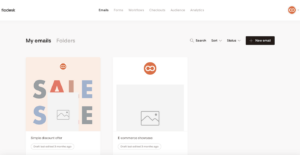
Flodesk Screenshots
Flodesk Pricing
1,000 Subscribers
unlimited emails
Flodesk's Lite plan includes unlimited emails and access to all templates. However, you're restricted to 1 automated workflow, and it's not possible to remove Flodesk's branding from email footers. For ecommerce features, you'll need to upgrade to the Everything plan.
2,500 Subscribers
unlimited emails
Lite plan
5,000 Subscribers
unlimited emails
Lite plan
10,000 Subscribers
unlimited emails
Lite plan
20,000 Subscribers
unlimited emails
Lite plan
25,000 Subscribers
unlimited emails
Lite plan
50,000 Subscribers
unlimited emails
Pro plan. Includes unlimited workflows, advanced analytics and the ability to remove Flodesk branding from emails. No digital selling features.
Annual discounts are available.
To learn more about Flodesk’s list-based pricing, check out our Flodesk pricing guide.
Note: Flodesk promotes a “Free plan” in their website under pricing, but this does not refer to their email marketing tool which is why we are not listing it here. For email marketing, they only offer a 14-day trial.
Pros and Cons
- Pros
- Cons
Pros
-
Stunning email designs
Flodesk’s templates are beautiful and make it easy to create unique, professional emails quickly. While all templates are easily customizable, certain pre-built layout sections might be a bit annoying to edit, since tweaking them too much can mess with Flodesk’s original design idea.
-
User-friendly interface
Flodesk’s editor has a clean, intuitive, minimalist interface. It is easy and fun to play around with, and ideal for beginners.
-
E-commerce features
Flodesk’s Checkout Page allows you to sell digital products and newsletter subscriptions online, and the best news is that they take no cut of your earnings – you only pay the regular Stripe processing fee. You can integrate thousands of third-party apps through Zapier and if you have a Shopify store, it takes just a few clicks to bring your customer list into Flodesk. You can use the Checkout Page feature even if you’re not on the Checkout plan – you only pay for it if you decide to publish it.
Is Flodesk the right newsletter service for you?
- Recommended if:
- Not recommended if:
-
You value design and simplicity
If all you want is to quickly set up beautiful emails that are easy to customize without complicated editing, Flodesk has got you covered. It is ideal for those who prioritize simplicity in their email marketing efforts and want an easy-to-use platform with a minimalist interface.
Rating Details
A More Detailed Look at Flodesk’s Top Features
We have highlighted through this article all that Flodesk has to offer, but let’s take a closer look now at its pro features.
Interface, Templates and Editor
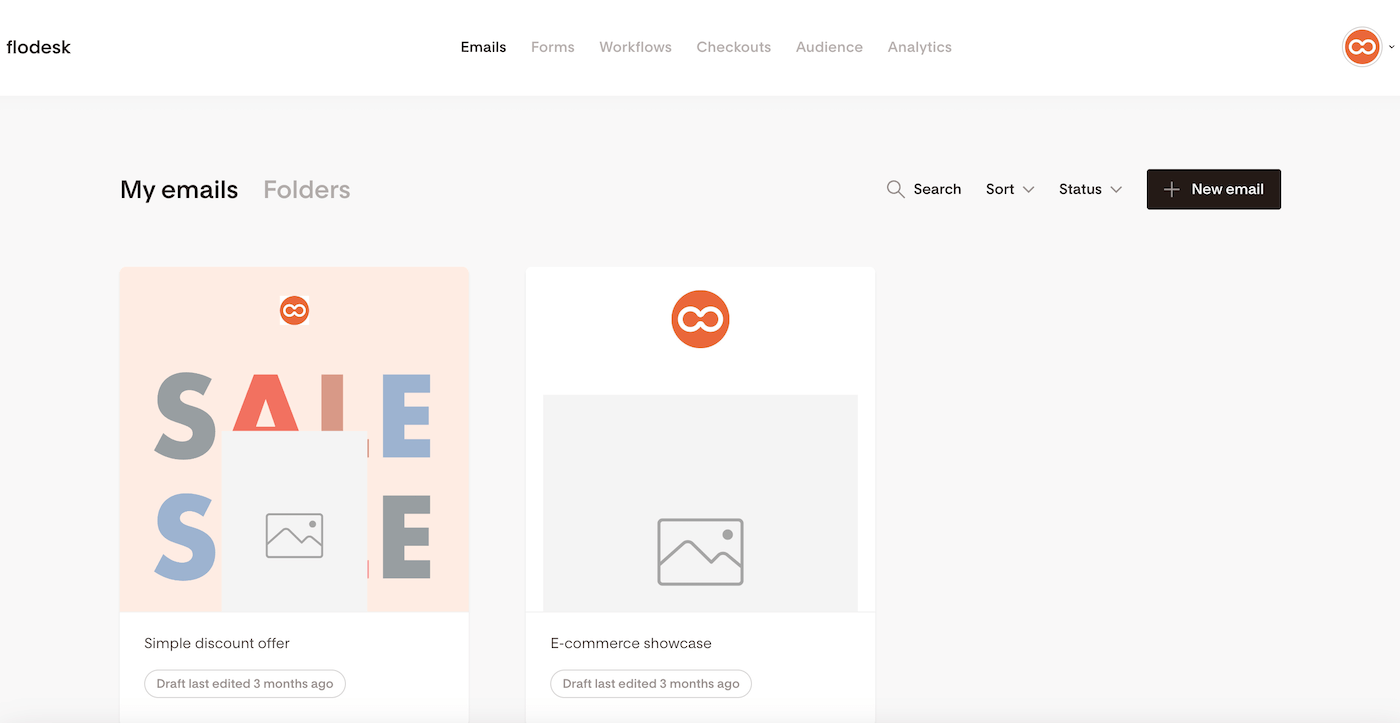
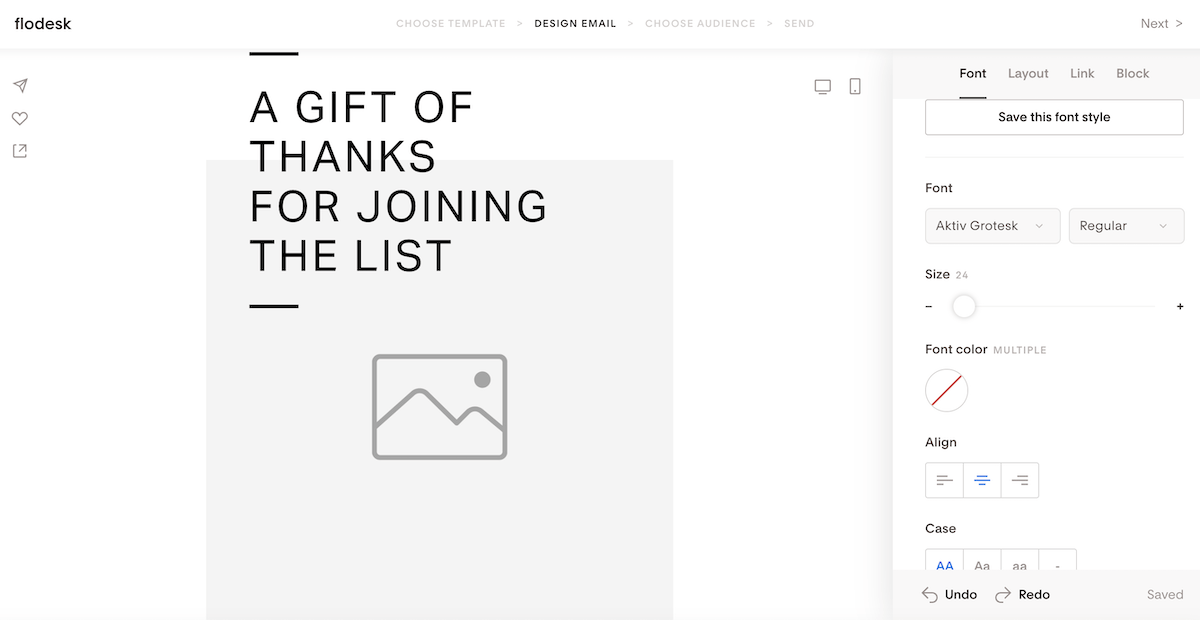
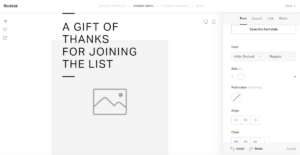
The top feature that draws users to Flodesk is its stunning, aesthetically-pleasing approach. The platform offers a clean interface paired with beautiful designs. This, combined with their minimalist and intuitive editor, makes creating campaigns an enjoyable, fun experience. It’s very easy to get started and create your emails – you won’t have to navigate through complicated menus or feel overwhelmed by options.
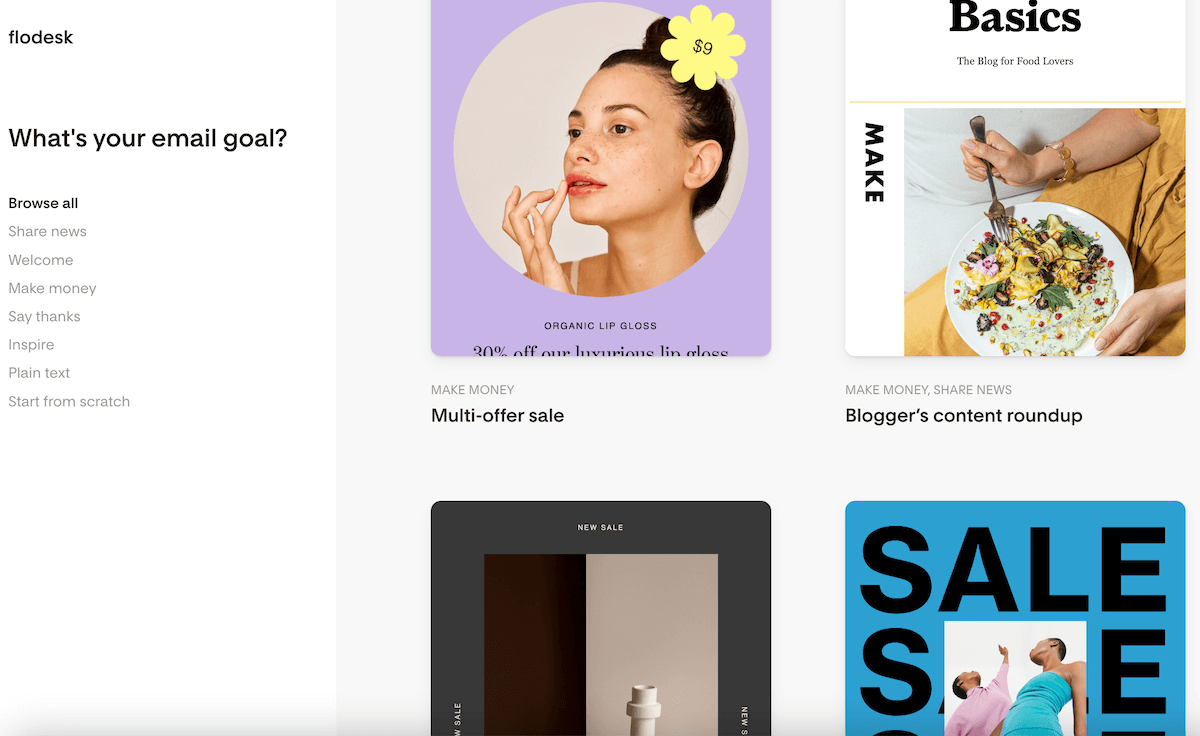
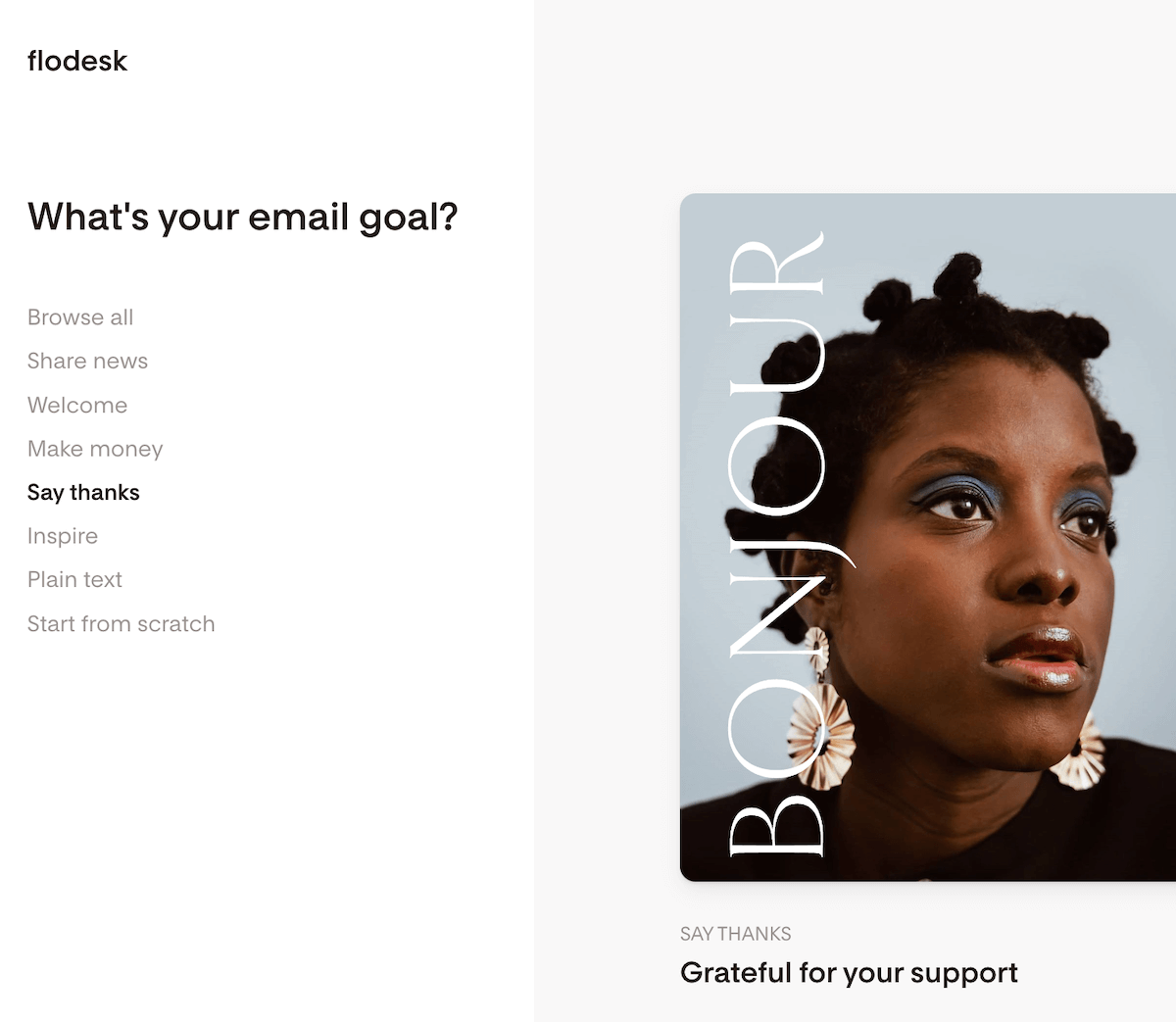
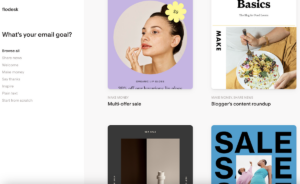
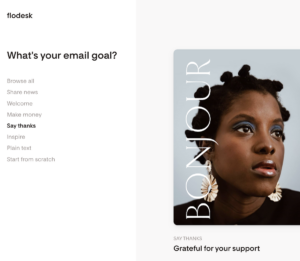
Flodesk provides a nice range of beautiful, customizable email templates, ideal for engaging campaigns. In their template library, you can filter templates based on your campaign goals.
For example, under the “Make Money” category, you’ll find excellent template options for simple countdown offers, gift guide roundups, coupon codes, event registrations, and much more.
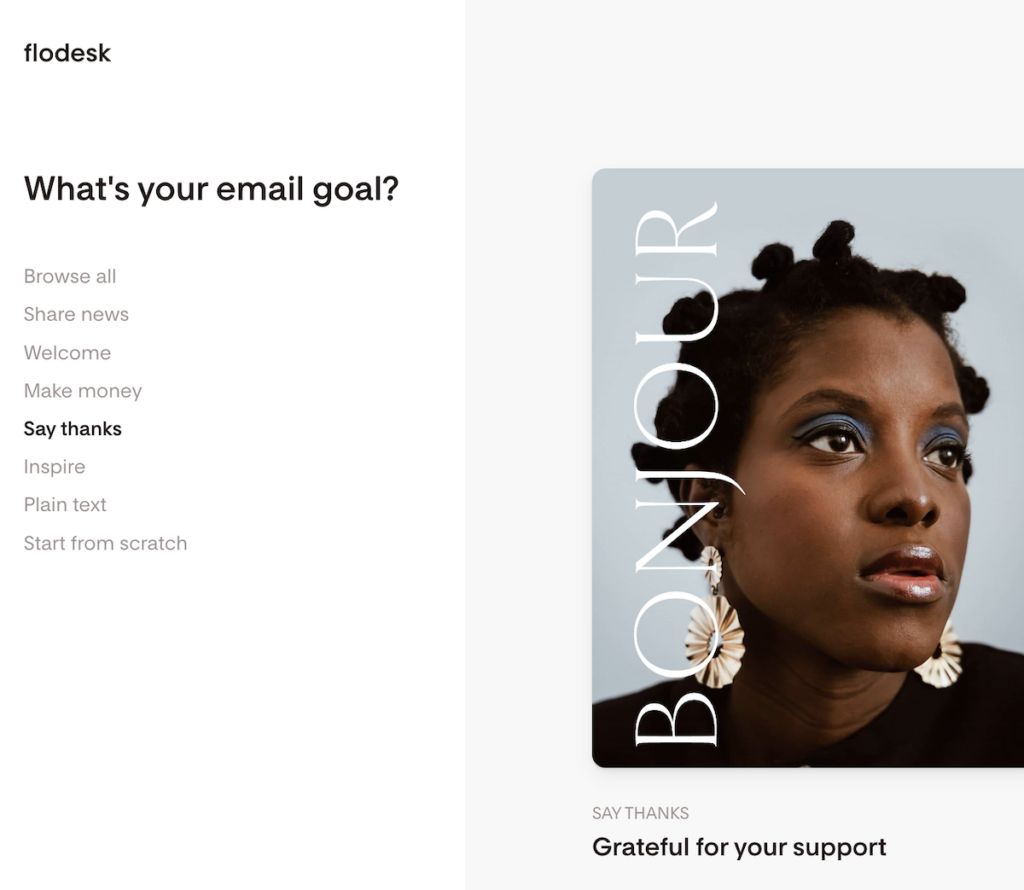
Flodesk templates: great options depending on your email goal
Automated Workflows + Link Action
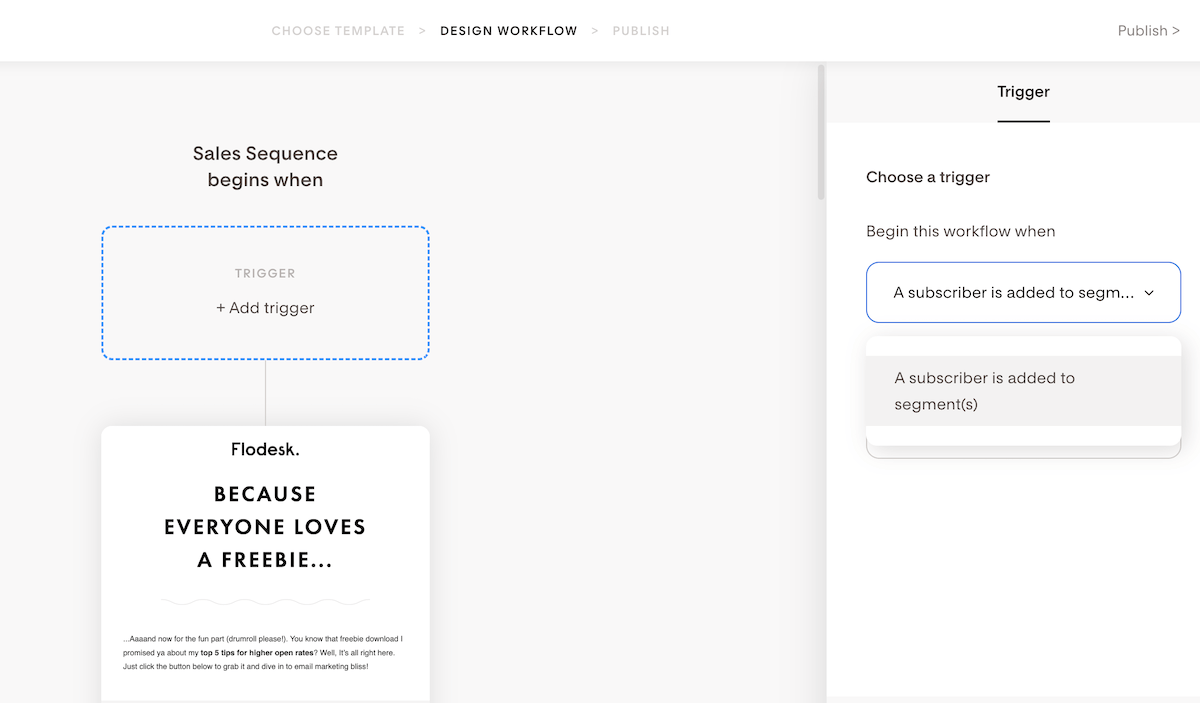
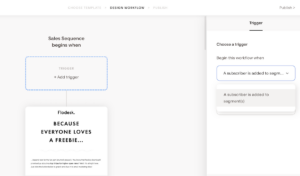
When I first started using Flodesk, I found their automation options to be quite basic. So basic, in fact, that I thought I must be missing something. However, for a long time, that really was all there was. Flodesk only offered simple workflow sequences triggered by a single event: “when a subscriber is added to a segment.”
The good news is that Flodesk recently launched a new automation feature called Link Action, aiming to improve its automation capabilities.
With Link Actions, you can now add automations to any link in your emails. This allows you to organize subscribers into segments or workflows based on which links they click, making your email marketing more personalized and efficient. And it’s pretty easy to use: you can add a link action to any link in your Flodesk emails, and you can automatically segment subscribers, trigger workflows, or apply custom tags.
These features are indeed basic for some users, but they could still be just right for many others.
Conclusion
As a personal fan of Flodesk, I recommend it to creators, solo entrepreneurs, and small businesses wanting to send eye-catching emails, with very little effort.
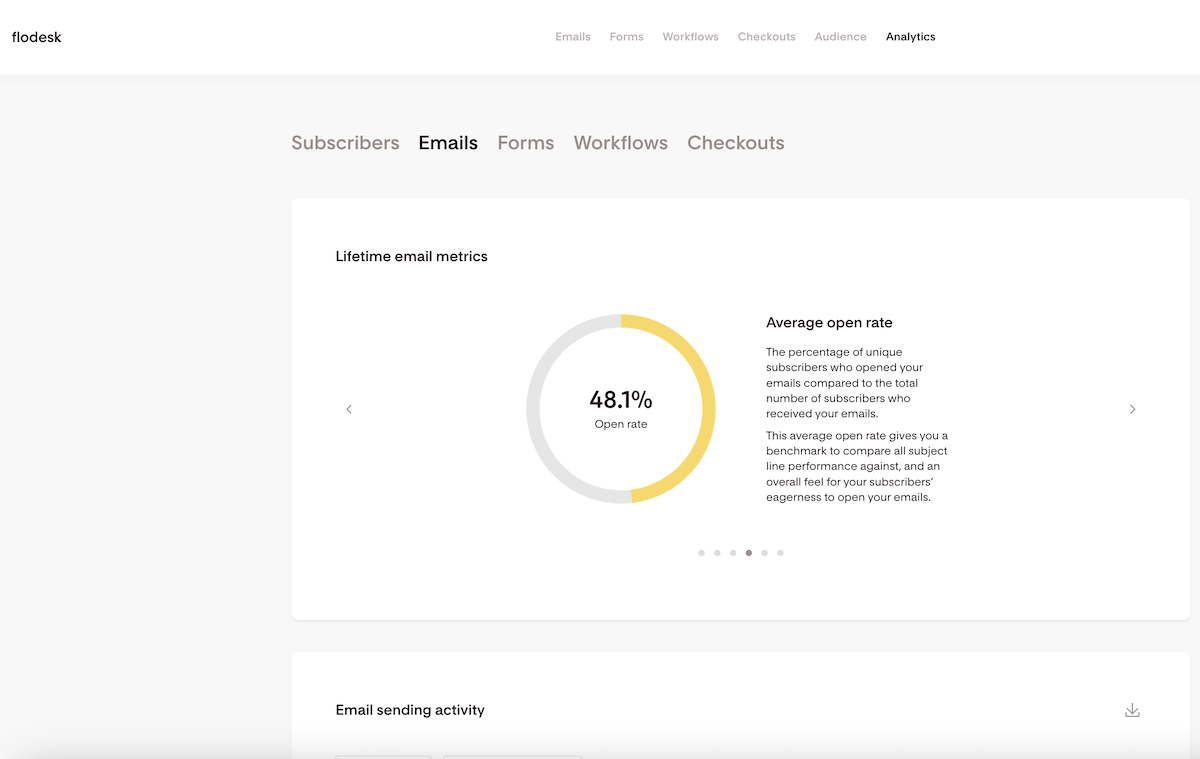
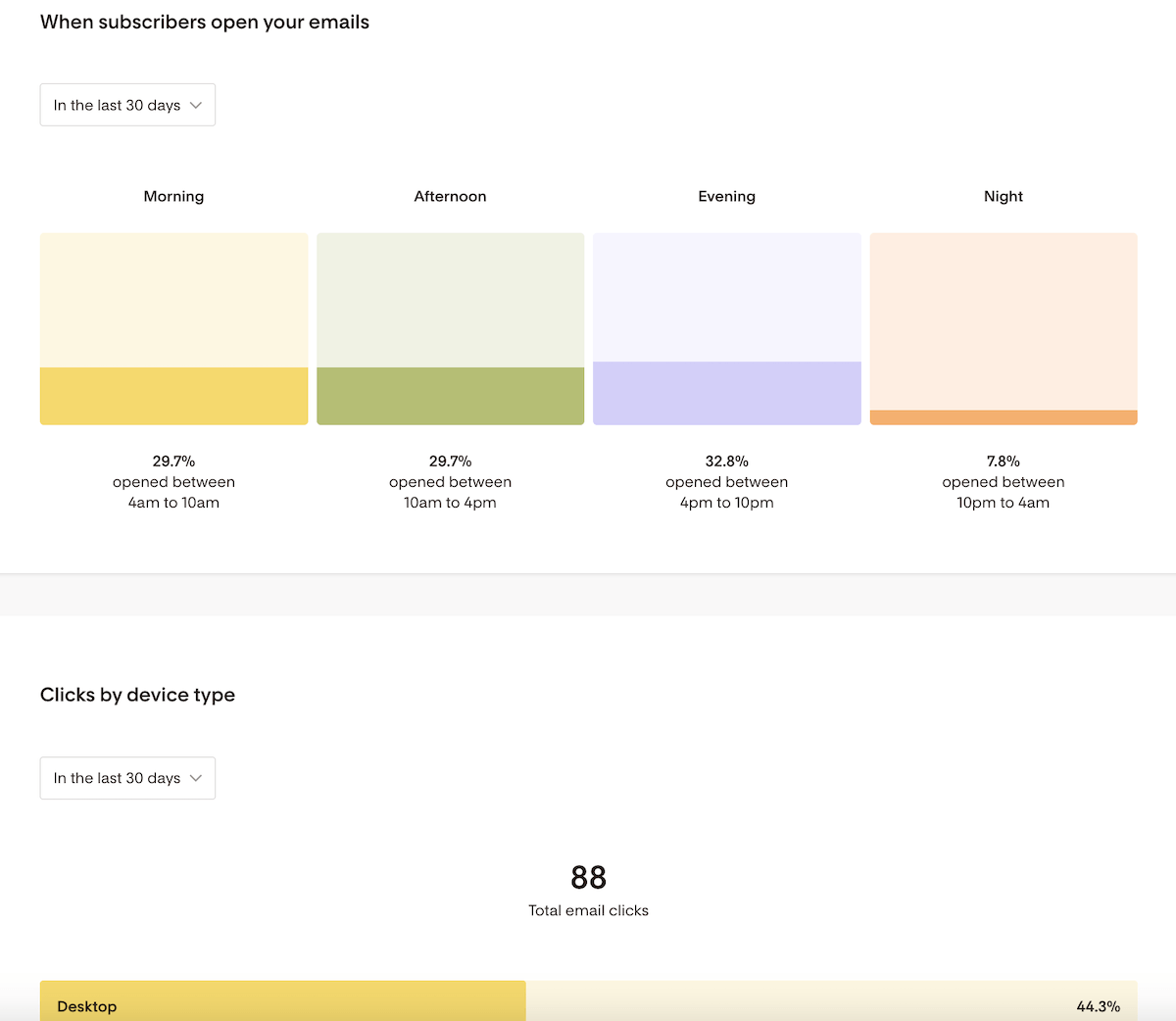
Flodesk claims to be the most intuitive email marketing tool out there, and I certainly agree that its user-friendliness and visuals are great for beginners. It’s a nice, simple tool that allows you to send beautiful campaigns, track their performance, and create simple automations with ease.
While some might see its simplicity as a drawback, it’s exactly this (combined with its beautiful designs!) that makes it perfect for those who want to keep their email marketing efforts simple while making a great impression.
That being said, it does lack more complex features regarding automation and integrations, for example.
It’s also a shame that Flodesk no longer offers flat-rate pricing. In fact, its new subscriber-based plans make them pricier than other creator-focused tools, especially if you’re looking to monetize your content.
But if you like the idea of creating beautiful emails with minimal fuss, and aren’t looking to sell digital products or newsletters, Flodesk could be the perfect choice for you!
Sign up for a free trial to see if it meets all your business needs:
> You can try Flodesk for free for 14 days here (get 50% off your first year through this link).
Flodesk Alternatives


Mailchimp: If you are considering Mailchimp as an alternative to Flodesk, be aware that its prices escalate much quicker. While Mailchimp does offer a free plan, its features are very limited and it only supports up to 500 subscribers. For a detailed comparison, check out our “Flodesk vs. Mailchimp” article.
Kit: Kit is a good email marketing tool that offers much more powerful automation and subscriber management tools than Flodesk. However, its design options are quite basic, best suited for simple text emails. Additionally, its free plan is restrictive and lacks advanced reporting and integrations. For more insights, see our “Flodesk vs. Kit” article.
MailerLite: MailerLite offers a budget-friendly pricing structure and a free plan for up to 1,000 subscribers. It provides robust automation features and a user-friendly interface, making it a strong competitor. However, its design capabilities are not as visually appealing as Flodesk’s. For a more comprehensive comparison, read our “Flodesk vs. MailerLite” article.
Check out our top 9 Flodesk alternatives here.
The authors
Learn more about us

We keep our content up to date
04 Dec 2025 - General update due to new pricing and removal of flat-rate plans
06 Oct 2025 - Updated overall rating
10 Sep 2025 - Updated deliverability rating
4 Sep 2025 - Updated pricing information (flat rate pricing to be retired)
24 Jul 2025 - Updated ratings
17 Oct 2024 - Added Flodesk vs Mailchimp video
Our Methodology
This review has been written and researched following our EmailTooltester methodology.
Our Methodology
Comments