EmailTooltester is supported by readers like yourself. We may earn a commission when you purchase through our links. Of course, this won't increase the cost for you.
Founded in Paris in 2010, Mailjet started out with a simple goal: make email marketing easier and more collaborative. Fast-forward to today, and it’s become one of Europe’s most established email platforms, serving over 40,000 businesses worldwide.
Now part of the Sinch group, Mailjet has built its reputation on reliability, affordability, and strong deliverability – with the added bonus of handling both marketing and transactional emails under one roof.
Mailjet’s strengths lie in its clean, intuitive editor and its flexible account management options, which make it especially useful if you’re managing multiple clients, brands, or regions. But it’s not without its limits – especially if advanced automation and monetization tools are a must-have for you.
In this review, I’ll share my hands-on experience testing Mailjet: what impressed me, where it fell short, and who it’s best suited for. If you’re looking for a reliable, budget-friendly tool that doesn’t overcomplicate things, Mailjet might just surprise you.
Mailjet Screenshots
Mailjet Pricing
$ 0
1,000 Subscribers
6,000 Emails
Limited to 200 emails per day.
$ 17
Unlimited Subscribers
15,000 Emails
Essential plan. Discount available for yearly plan.
$ 37
Unlimited Subscribers
50,000 Emails
Essential plan. Discount available for yearly plan.
Mailjet stands out for its pricing model, which charges based on the number of emails you send, not the size of your contact list (similar to Brevo). You can store unlimited contacts and only pay for actual sends, making it an excellent choice for growing businesses or those with large but inactive lists. Plans are transparent and include both marketing and transactional emails.
Powerful collaboration tools
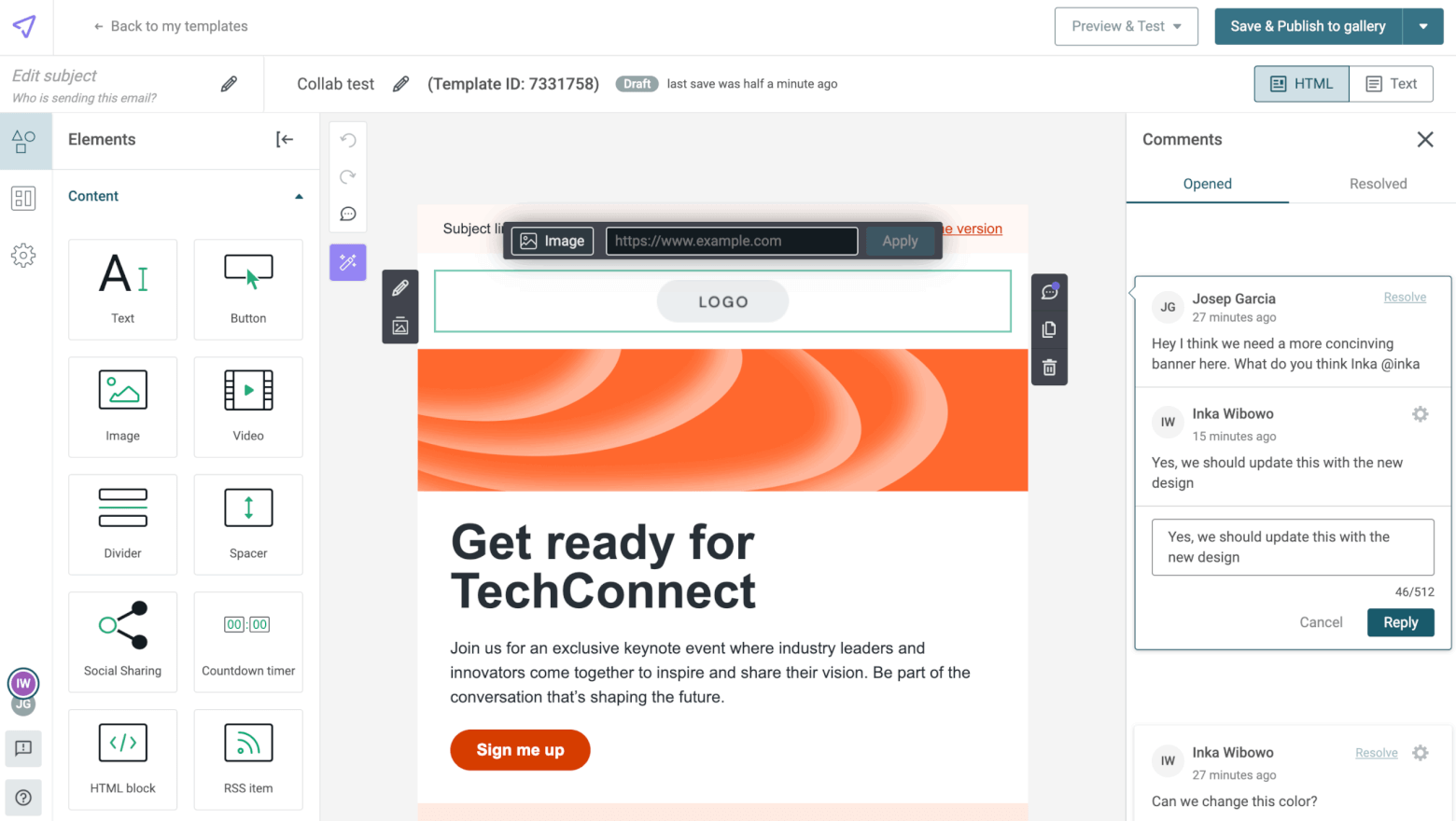
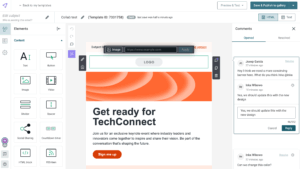
Its real-time editor lets multiple users work on the same email simultaneously (much like Google Docs), with options to leave comments and lock sections to prevent unwanted edits. Combined with granular permissions and sub-account management, it’s one of the most team-friendly email platforms I’ve tested.
Extra features to optimize your campaigns
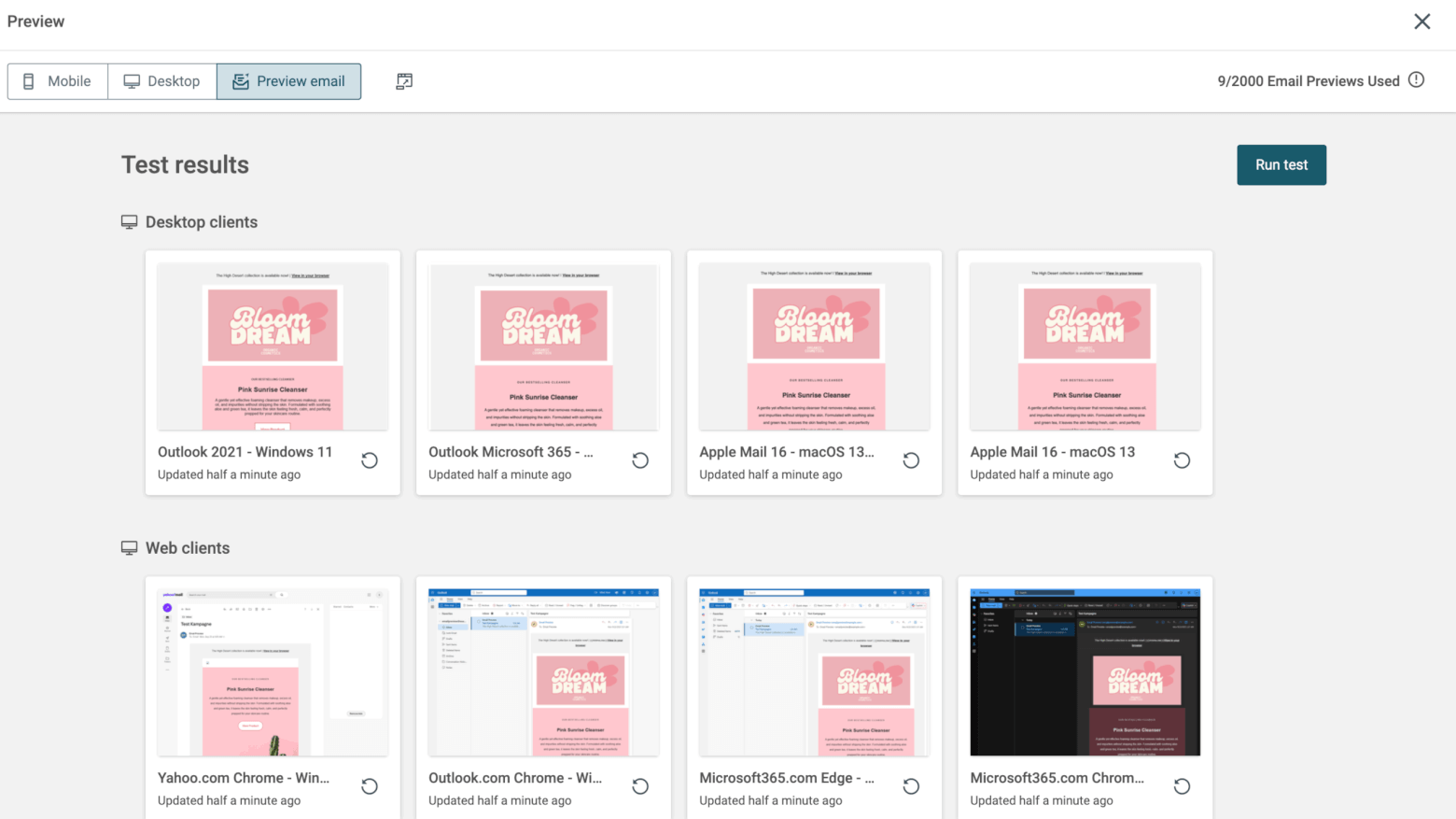
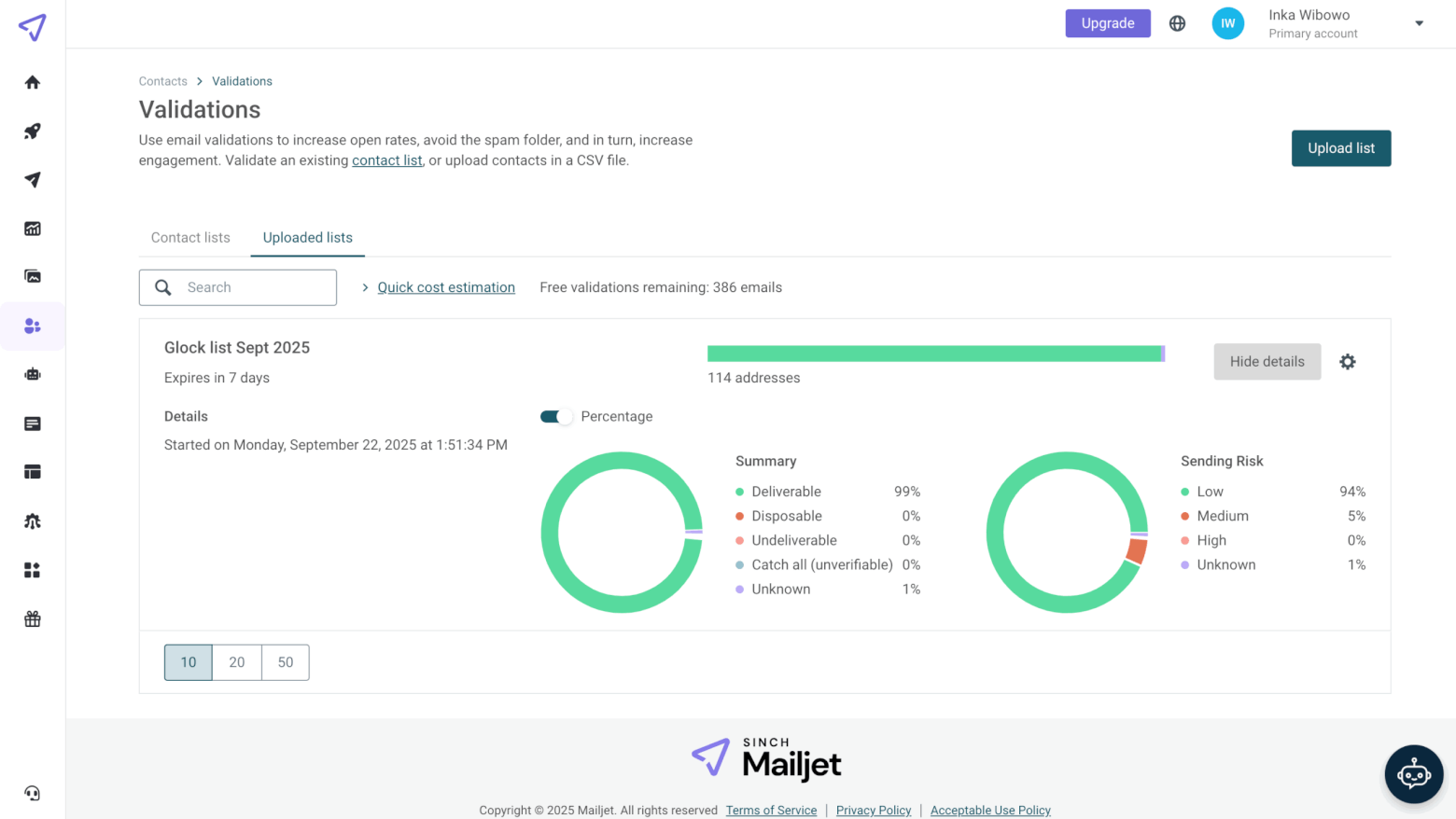
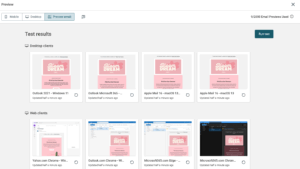
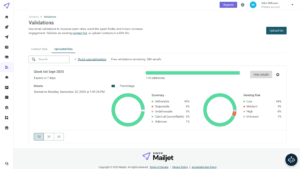
Mailjet goes a step further than most email platforms when it comes to deliverability tools. With Email Previews, you can instantly see how your emails render across dozens of clients and devices (including Outlook, Gmail, and mobile) before hitting send. There’s also a Mailgun-powered list validation tool to help you remove addresses that are likely to bounce. Features like these are rarely included in other ESPs, especially at this price point.
Strong focus on privacy and GDPR compliance
Because Mailjet is based in Europe and fully GDPR-certified, all customer data is handled securely and stored on EU servers. It takes data protection and privacy seriously, offering double-opt in forms by default, and clear unsubscribe options to help users stay compliant without extra effort. This makes it one of the stronger choices for GDPR and CAN-SPAM compliance.
Cons
Key features missing from Free and Essential plans
While Mailjet’s entry-level plans are attractively priced, they leave out some essential tools that you’d expect right from the start. Automations, A/B testing, landing pages, and live chat support are only available on higher-tier plans, which can limit what smaller businesses or new users can accomplish. Tools like MailerLite or Kit are more generous with their free tiers.
Basic automations
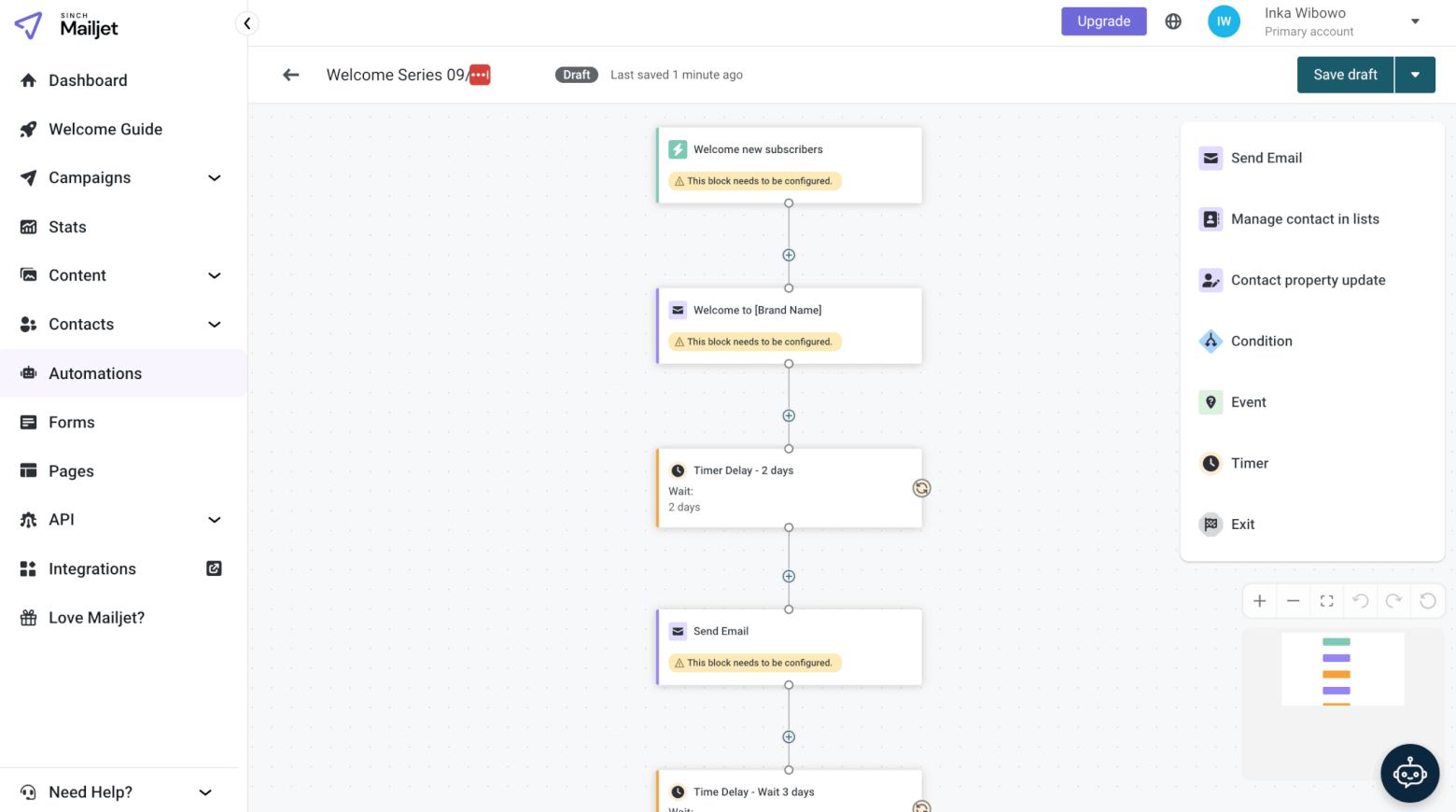
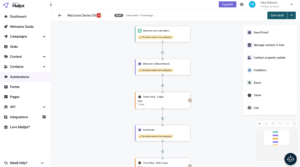
Mailjet’s automation builder covers the essentials, like sending emails when someone joins a list or when a contact property changes, but it lacks the depth of more advanced ESPs. Triggers based on opens or clicks can be tricky to configure, and abandoned cart workflows require third-party tools like Zapier.
Limited migration support
Moving from another provider to Mailjet isn’t as seamless as it could be. The platform offers limited migration help, and users largely have to import their contacts, templates, and automations manually. When questions arise, the Support Bot and Help Center can be hit or miss, and the lack of accessible, responsive guidance can slow down setup and troubleshooting.
Few native integrations
Mailjet connects with around 100 apps, but many of these integrations are powered through Zapier rather than direct, native connections. For popular platforms like Shopify or WooCommerce, this adds an extra layer of setup and cost. If your business depends on deep integrations with your CRM, ecommerce, or analytics tools, you might find Mailjet’s ecosystem a bit thin compared to competitors like ActiveCampaign or Brevo.
Is Mailjet the right newsletter service for you?
Recommended if:
Not recommended if:
You’re an agency, freelancer or team managing multiple brands/regions
On higher plans, you can create up to 20 sub-accounts, keeping each client or brand separate while managing everything from one dashboard. Granular permissions let you control who can access billing, templates, or transactional emails, and you can even lock sections to maintain brand consistency. Combined with real-time collaboration and multilingual support, it’s a great setup if you need flexibility and control across multiple projects.
Cost-conscious businesses or solopreneurs
Mailjet is well-suited for small teams or solo founders who value predictability and flexibility in their email costs. Because pricing is based on email volume, not list size, you can experiment with different campaigns without worrying about sudden price hikes. The platform’s simplicity also means there’s little onboarding curve. For bootstrapped businesses, this combination of cost control and ease of use makes Mailjet a smart, low-maintenance way to maintain professional communication with customers.
Aside from the convenience and cost savings, Mailjet’s ability to handle both marketing and transactional emails can also help improve deliverability and brand consistency. By authenticating and sending all email types from the same domain, you can strengthen your sender reputation. The shared infrastructure also means teams can apply the same templates, branding, and analytics across both channels.
You need more advanced segmentation and automation conditions
Their conditions are pretty basic and are missing more advanced conditions based on subscriber behaviour and events. Alternatives like Brevo and ActiveCampaign are better suited to teams wanting behavior-driven sequences or full customer journeys.
You need an all-in-one solution for your inbound campaigns
Though you can send many types of emails with Mailjet, their marketing services don’t include a landing page builder, CRM, or sales funnel software. If you need all of this in one place, we’d recommend checking out GetResponse (for sales funnels and monetization tools), MailerLite (for landing pages) or ActiveCampaign (for their CRM and automations).
E-commerce businesses needing tight integrations
While Mailjet supports transactional emails and works fine for general marketing, its integration ecosystem is thin. Many key e-commerce connections, including Shopify and WooCommerce, rely on Zapier rather than direct native integrations. For online stores that need seamless product data syncing, purchase-triggered automations, and real-time personalization, Mailjet won’t deliver the same convenience or efficiency as dedicated e-commerce ESPs like Klaviyo or Omnisend.
Rating Details
Ease of Use
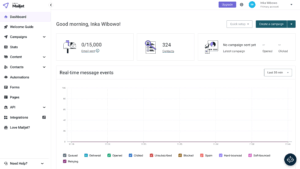
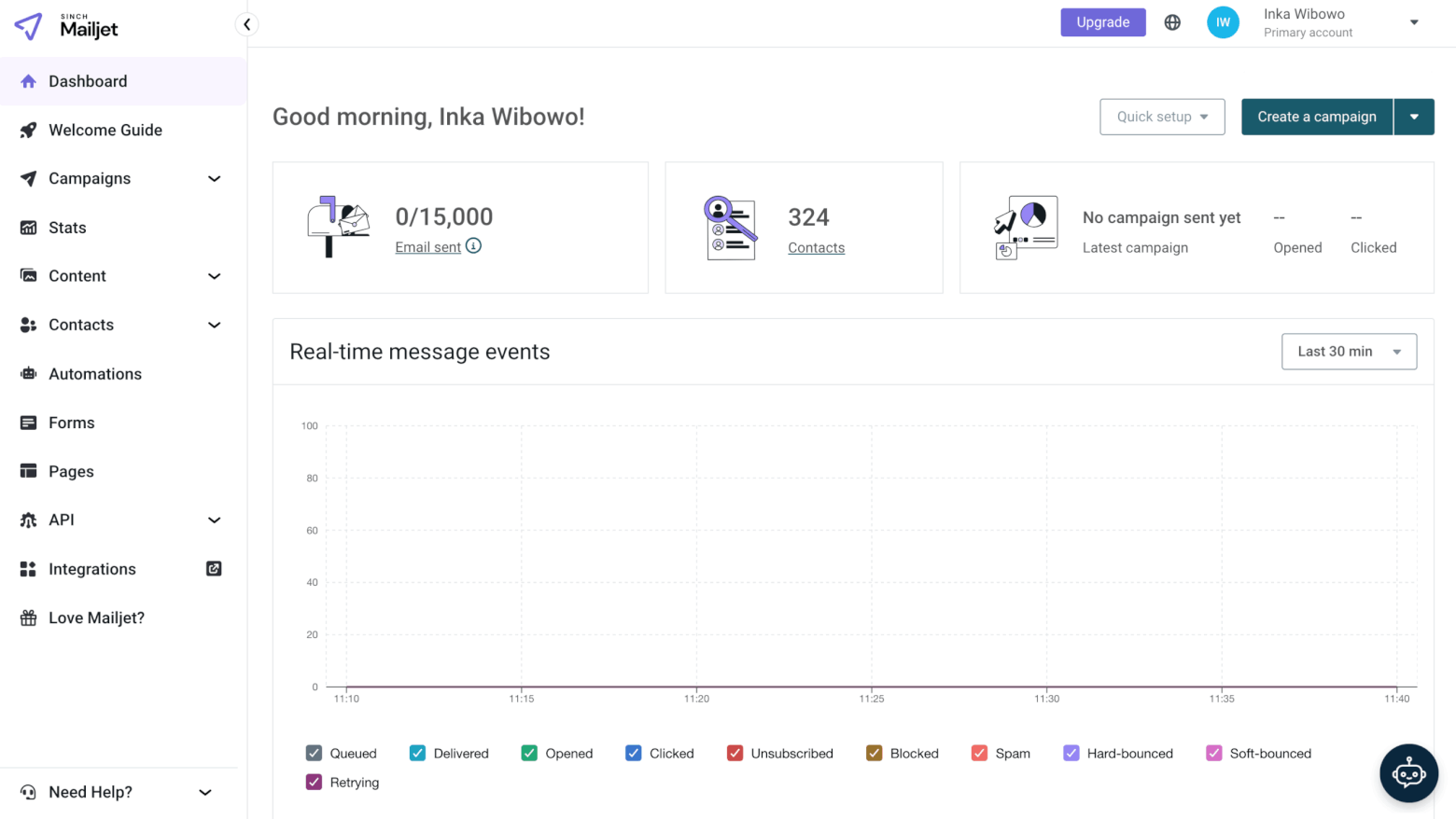
I found Mailjet mostly easy to use, with a “Welcome Guide” to help you get started, an intuitive editor, and an ever-present button to access the Support bot.
However, a few things could be better organized through some simplification, including the main menu and the automations editor (more on that below).
Editor Info popup
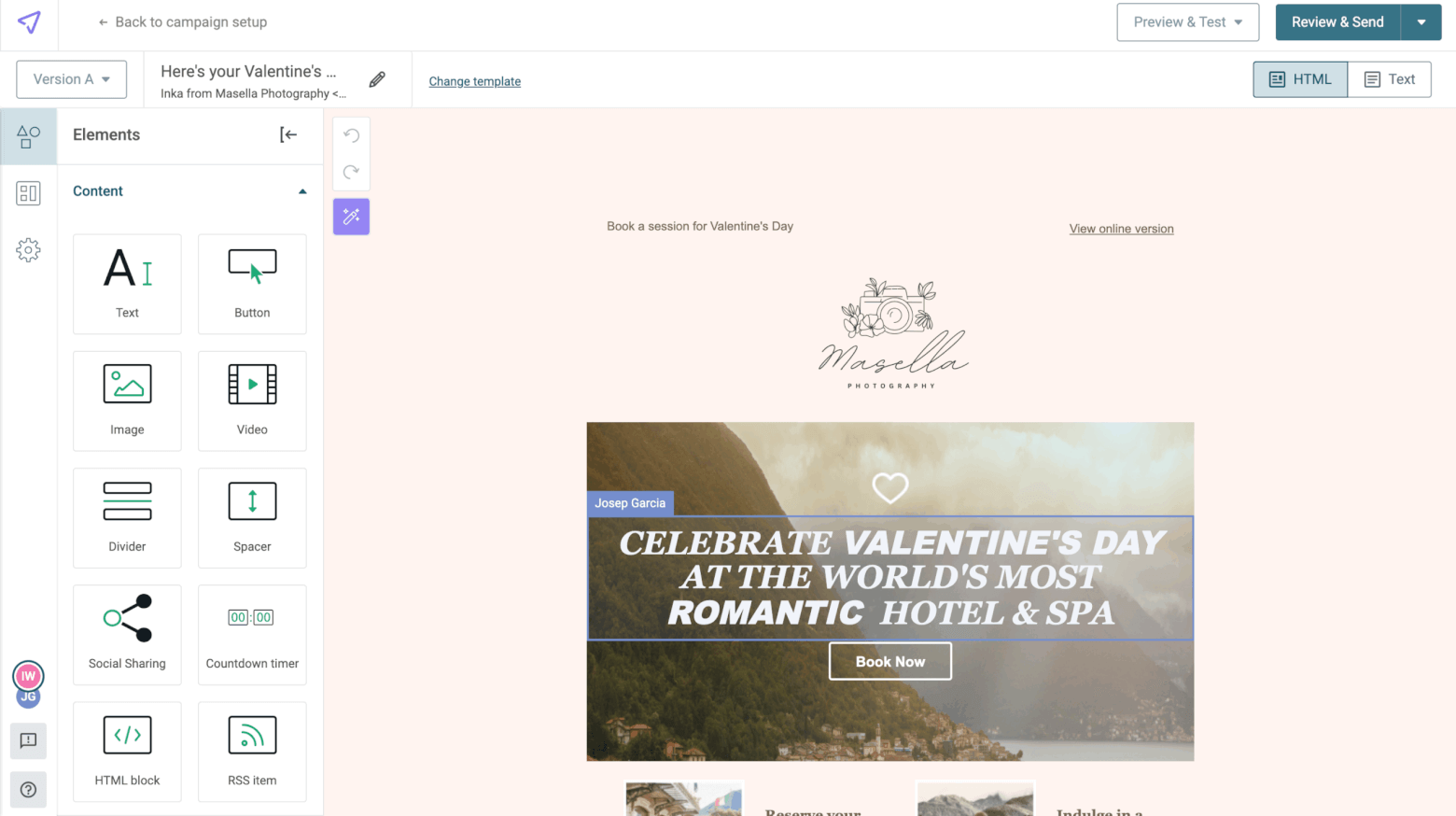
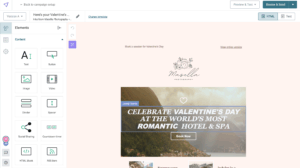
Mailjet’s editor is one of the most intuitive and flexible I’ve tried out, with the ability to add in different pre-built sections, and to drag and drop in content in a fairly fluid way (e.g. inserting images within a text block).
One unique feature is the ability to lock sections, granting certain users different editing rights. This is great for businesses looking to send localized email campaigns, for example.
Another great feature allows multiple users to make edits to an email at the same time. You can even leave comments, although this feature only applies to Templates (and it would also be more useful if tagging/notifications were possible).
Personalization Info popup
You can easily personalize subject lines and email text using contact field data. You can also conditionally display specific content based on your segments (for example, if you wanted to show different event information based on subscriber location).
Message Types
Marketing emails
Transactional emails
SMS
Web push
Mobile push
Live chat / conversations
Transactional emails are supported through Mailjet’s SMTP relay. A/B testing is available on the Premium plan and lets you send 10 different versions of your email simultaneously.
Choice and Flexibility of Template Designs Info popup
Offers dozens of templates for a variety of different purposes (newsletters, events, seasonal themes, transactional etc), although the designs could do with a bit of a refresh. One useful feature is the Brand Kit, which creates AI-generated templates based on your branding.
Mailjet’s automation builder lets you build workflows triggered by list membership or contact property updates. There are a few pre-built workflows to help you get started, and a variety of automated actions that can be triggered, such as adding/removing contacts from a list, and updating contact data.
However, creating more advanced automations based on opens, clicks, and other behavioral triggers is more complicated than it should be (and in some cases may not be possible). Abandoned cart campaigns also require Zapier or a plugin.
Overall, the automation builder could be a bit more intuitive, especially when it comes to creating and editing automated emails.
List Management Info popup
Allows you to create separate lists, such as marketing vs transactional contacts, so you can manage separate subscription statuses for each list. There is also a global exclusion list to prevent contacts from receiving all marketing emails, regardless of what lists they are on.
However, it doesn’t offer any tools for importing subscribers from other ESPs, which could help simplify the process of uploading contacts. While you can create segments based on contact data and behaviour (e.g. opens and clicks), you can’t tag contacts.
Registration Forms/ Opt-in & Opt-out- Process Info popup
Mailjet makes building forms simple, with a flexible form editor that lets you customize layouts, add web fonts, and even lock areas if you don’t want them to be edited by other team members. You can create embedded and popup forms, and there are over a dozen templates on offer. It’s also possible to customize your unsubscribe page, and create a preference center (on the Premium plan).
However, it’s missing a few key features, such as the ability to select single opt-in (double is always enabled), and add CAPTCHA validation to prevent spam signups. It’s also not possible to A/B test forms or edit their code.
AI Features
Email and subject line copy
Email design
Product recommendations
Send time optimization
Segments and workflows
Win probability
Depending on your plan, you’ll get a set amount of credits each month to generate an email template using AI. This includes both visual design (personalized based on your branding) and email copy. However, images are not included, which makes the final product slightly underwhelming.
The Mailjet MCP server also connects to Claude Desktop, allowing Claude to answer questions about contacts, campaigns, workflows and statistics, but this integration is read only; it does not send emails or change Mailjet settings.
Monetization Channels
Paid newsletters
Ads / paid recommendations
Memberships
Sell digital products
Online courses
Mailjet doesn’t offer built-in monetization features such as paid newsletters, digital product sales, or memberships. While users can integrate Mailjet with external ecommerce platforms, its focus is mainly on marketing and transactional messaging, rather than creator-focused publishing or subscription models.
Deliverability Features Info popup
Mailjet provides a solid set of deliverability features to help users maintain strong sender reputations and inbox placement rates. The platform automatically manages bounces, unsubscribes, and spam complaints, and enforces strict anti-spam and no-purchased-list policies to protect overall deliverability.
You get built-in list validation tools powered by Mailgun, and Custom plan users also benefit from access to Mailjet’s dedicated deliverability experts. The main missing element is a specialized deliverability score or dashboard, which limits more advanced visibility.
Authentication Info popup
Mailjet supports all major authentication standards (SPF, DKIM, and DMARC), including the ability to customize your Return Path to achieve SPF alignment. It offers clear, step-by-step setup guides to help you set these up. Automatic domain validation for SPF and DKIM is also available for some DNS providers.
Reports and Analysis
The campaign reports are complete, giving you details of openers, clickers, bounces and unsubscribes. You can also see a click heatmap, and customize the Stats dashboard based on time period, email sent, and status. It’s also possible to compare campaigns.
Premium users can filter out bot activity and add UTM tags to track the effectiveness of their campaigns.
However, the tool doesn’t offer form or automation reports.
Languages and Localization Info popup
The platform is available in several languages and support is provided in English, French, German, and Spanish. Its session-based language setting lets each team member switch interface languages independently, which is ideal for multilingual teams.
For recipients, Mailjet supports up to 17 languages for email footers and unsubscribe pages, ensuring localized communication. However, it lacks time zone-based scheduling and built-in translation tools for forms or automations.
Spam and Design Testing Info popup
Mailjet stands out for its impressive design testing tools – something you won’t find in many other email platforms. Its Email Preview feature lets you instantly see how your campaign looks across dozens of devices and clients, from Apple Mail and Outlook to Gmail, Android, and iOS. You can even check how your design holds up in dark mode.
Mailjet also helps keep your reputation clean by pre-blocking emails that could trigger spam filters; however, it doesn’t provide detailed explanations or spam scores to show what caused the block.
Own Tracking Domain in Email Links Info popup
You can customize tracking links in emails using your own subdomain (e.g. https://go.yourdomain.com).
Different levels of account access Info popup
Mailjet makes it simple to manage who can access what in your account. On the Premium and Custom plans, you can share your main account or create up to 20 sub-accounts. Choose from preset roles like Manager, Marketer, Developer, or Accountant, or customize permissions so users can only access things like transactional emails, landing pages, or billing.
You can even lock specific templates or sections so only the right people can make edits.
Integrations
Around 100 integrations are listed on their site, although many of these are via Zapier.
The landing page editor works much like the email editor, using drag-and-drop blocks for text, images, countdown timers, forms, and more.
However, the templates are basic layouts rather than polished designs. Also, adding a form requires building it separately first, which makes the process less streamlined than it could be.
Migration Support
Customized support such as onboarding, deliverability services, and training are only available on the Custom plan (where you’ll also get a dedicated account manager). It would be great to see more support for users on the lower tiers, even if it’s just in the form of migration guides or contact import tools.
Customer Support
While the team is generally helpful once you reach them, getting there can be frustrating. Most users have to go through a chatbot that often provides incomplete or incorrect answers, and it’s not always easy to find what you’re looking for in the knowledge base.
Live chat support is limited to weekday hours (9–16h CET) and only available to Premium users with over 50,000 subscribers. Email ticket responses can take up to 24 hours. Overall, while the support team is friendly and knowledgeable, the system around them needs better accessibility.
Overall rating
3.8
Mailjet is a great fit for teams that want a reliable, easy-to-use email platform without the hefty price tag. Features like collaborative editing, role-based access, and multilingual support make it ideal for agencies or companies managing multiple brands, regions, or clients. The platform’s solid deliverability tools and transactional email features also offer great value for email-focused teams.
However, Mailjet may feel limited for users who need in-depth automation workflows and more immediate support.
Conclusion
What’s always stood out to me about Mailjet is its balance between simplicity and control. It isn’t trying to be everything at once. Instead, it focuses on doing the essentials really well: creating and sending professional emails, and keeping deliverability strong. And after seeing way too many tools go in the opposite direction (Mailchimp being a prime example), that uncomplicated focus is a big part of its appeal.
Another one of Mailjet’s biggest draws is its affordability, making it a top choice for cost-conscious businesses. In fact, considering the budget-friendly price tag, it’s pretty impressive that they offer some of the features they do. Features like email previews, list validation, real-time collaboration, and sub-account management are not the kind of things you come across in your average email marketing platform.
That said, Mailjet does have its weak spots. The automation builder still feels a bit behind competitors, and support can be hit or miss unless you’re on a higher plan. I’d really love to see them expand automation triggers, improve support accessibility, and add smarter tools like time zone-based sending and built-in translation features. This would make an already solid platform feel truly complete.
Still, if your priorities are reliable deliverability, easy collaboration, and straightforward pricing, Mailjet remains one of the most practical and well-rounded options for teams that value function over flash.
Brevo (formerly SendinBlue) stands out for its feature-rich platform and affordability. Its automation, segmentation, and multi-channel tools (email + SMS + chat) are more advanced than what Mailjet offers. Many of these features are available on its free plan.
MailerLite is another budget-friendly tool, with an easy-to-use interface and creation-friendly tools (such as digital product sales and a website/landing page builder). They offer a generous free plan as well.
GetResponse has some extra (advanced) features like a webinar hosting platform and sales funnel software. It also comes with thorough reports and useful analysis features. We are also big fans of their email automations and list management capabilities.
Hi, I'm Inka! I spent the earlier part of my career in agency land, helping businesses of all sizes get their email marketing campaigns up and running. Now, at EmailTooltester, I'm using my experience to help businesses like yours find the best email marketing services for your needs. Although I've used dozens of different tools, I'm most familiar with Mailchimp and Kit (I use the latter for my personal newsletter!).
Hello! I'm Robert, an email marketing expert with over 15 years of experience. After honing my skills at an agency by serving major corporations, I founded EmailTooltester as a passion project to help small and medium-sized businesses. Connect with me on LinkedIn where I regularly share my best email marketing knowledge. And feel free to ask me which ESP I'd recommend for your specific needs - I have plenty of experience with tools like ActiveCampaign, GetResponse, Mailchimp, and Brevo.
05 Nov 2025 - General update
06 Feb 2024 - Deliverability updated
07 Oct 2021 - Deliverability scores updated
20 Sept 2021 - Pricing updated
13 Sept 2021 - Improved deliverability and additional languages available
15 Jun 2020 - General update
Our Methodology
This review has been written and researched following our EmailTooltester methodology.
Comments