

Marketing on multiple channels can be tedious — which is why I’m thankful for all-in-one marketing platforms. They help us not only run our marketing from a single account, but also integrate our marketing and sales processes to better convert our hard-earned leads.
For example, when you get new email subscribers, you can send them automated drip emails pitching your digital product, which subscribers can buy from your payment-enabled landing page.
And the email form, automation, and landing page that power this sales funnel? You built them all with the same platform.
The only problem is that finding the right all-in-one marketing platform is also a challenge. Not all platforms integrate with the most popular marketing channels today, and their prices may also be out of reach for smaller businesses.
To save you time researching multiple tools, I tested six of them to review their core marketing and sales capabilities. Here are my findings.
6 Best All-In-One Marketing Platforms
The best all-in-one marketing platforms include HubSpot, ActiveCampaign, Brevo, GoHighLevel, Keap, and Ontraport:
1. HubSpot
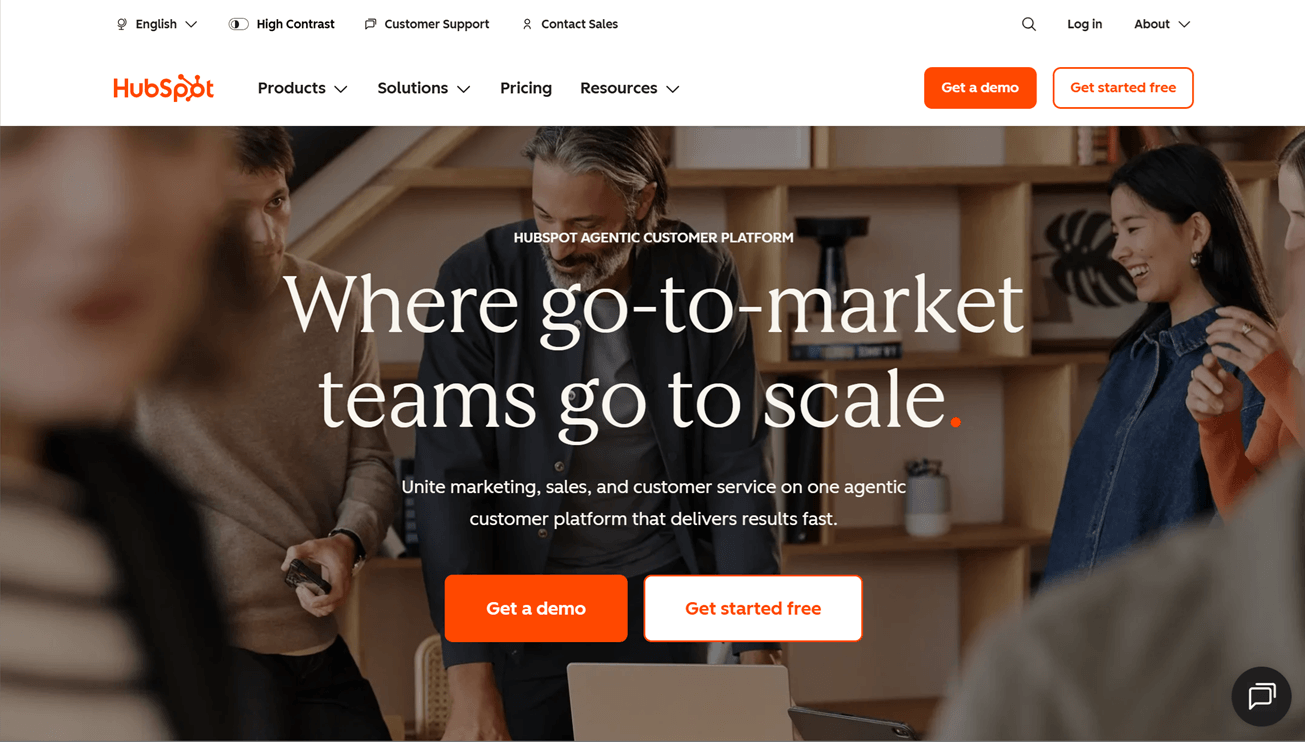
HubSpot offers email marketing, automation, customer relationship management (CRM), landing page, social media management, sales funnels, multichannel marketing, and monetization capabilities — practically everything you need to run all your marketing operations.
It also happens to be one of the most AI-first platforms on this list, with AI built into much more than just email writing. Its Breeze Assistant can help generate full campaigns while drawing on your brand kit, company details, ideal customer profile, and brand voice to keep its output more relevant and on-brand.
Beyond email, HubSpot’s AI features can also help create contacts and deals, add notes, generate reports, enrich CRM data, and support sales forecasting.
HubSpot’s free plan includes access to one deal pipeline, form and email automation, up to 30 landing pages, and Facebook Messenger integration, among other features.
Many multichannel marketing features, including social media management, are available on HubSpot’s high-tier Professional plans. For example, the Customer Platform Professional plan, which combines marketing, sales, content, and other tools, costs $1,450/mo and up.
Still, HubSpot can offer a surprisingly practical starting point for small-to-medium businesses. Its lower-tier plans (which start at $10/month) get you enough to manage leads, capture contacts, send emails, and build simple marketing funnels in one place.
HubSpot features
Email marketing
HubSpot has nine signup form templates, whose content and brand styles you can customize with the drag-and-drop builder.
The forms support conditional logic, which I don’t often see in email platforms. In other words, you can have your form show or hide fields based on users’ responses, to personalize the form-filling experience. One example is displaying a phone number field if users select “Yes” to a question about whether they agree to be contacted by phone.
The email builder also works in a drag-and-drop style, but it offers only nine content modules. The good news is that there are over 30 templates, and you can use AI to write (or rewrite) your email copy.
Adding dynamic content (or “smart content” in HubSpot lingo) is possible with the Professional plan.
Automations
Automations are called “workflows” in HubSpot, and there are two types:
- Simple workflows let you automate actions after contacts submit a form or interact with your marketing campaigns.
- The dedicated workflows tool (Professional plan needed) helps you build more complex workflows involving a wider variety of triggers and actions, including setting up conditional logic.
CRM
In HubSpot, you can create and visualize deals in a table or a kanban board. The board view also lets you drag and drop deals to change their stages.
You can set up advanced filters to view only deals that meet precise criteria, like deals that have reached the “Won” stage, whose deal owner’s name is “Robert,” and whose total contract value is more than $10,000. This is helpful for tracking your sales team’s performance, for example.
If you want to score your leads, you’ll need the Professional plan.
Landing page builder
To build a landing page in HubSpot, you can start with one of its 10+ templates or an AI-generated design. Then, customize your page with drag-and-drop content blocks (there are a lot more of them to choose from compared to forms and emails).
I especially like that HubSpot provides page optimization suggestions. For example, it evaluates whether your page is mobile-friendly and if its images have alt text.
HubSpot is also one of the few all-in-one platforms that lets you build a complete website using its content management system (CMS), making it ideal for hosting blogs, microsites, or even a business website.
Social media management
Social media management is a Professional plan feature, where you can:
- Create posts for multiple social networks (like Facebook, Instagram, LinkedIn, and TikTok) from your HubSpot account. Use HubSpot’s AI-powered Breeze Assistant to generate social copy if you have writer’s block.
- Set up social feeds to monitor keywords relevant to your business, so you’ll know what social media users are saying about it (and your competitors).
Sales funnels
Professional plan users can create custom funnel reports for tracking conversion rates across funnel stages — like the ones for your deal pipelines, for instance.
You can start with a report template or an AI-generated report. Alternatively, build a custom report from scratch.
Multichannel marketing
HubSpot users can integrate their accounts with Facebook Messenger and run ads on Facebook, Google, LinkedIn, and TikTok right from the free plan.
To tap into HubSpot’s SMS, WhatsApp Business, and Instagram message capabilities, you’ll need the Professional plan.
Monetization
HubSpot integrates with all major ecommerce apps, including Shopify, WooCommerce, BigCommerce, and Magento.
You can also issue quotes, invoices, and payment links to charge one-time and recurring fees for products and services.
Who HubSpot is for
HubSpot is the best all-in-one marketing platform for businesses that have extensive marketing operations (and the budget) to leverage the full extent of the platform’s marketing capabilities.
> Read our full HubSpot review
2. ActiveCampaign
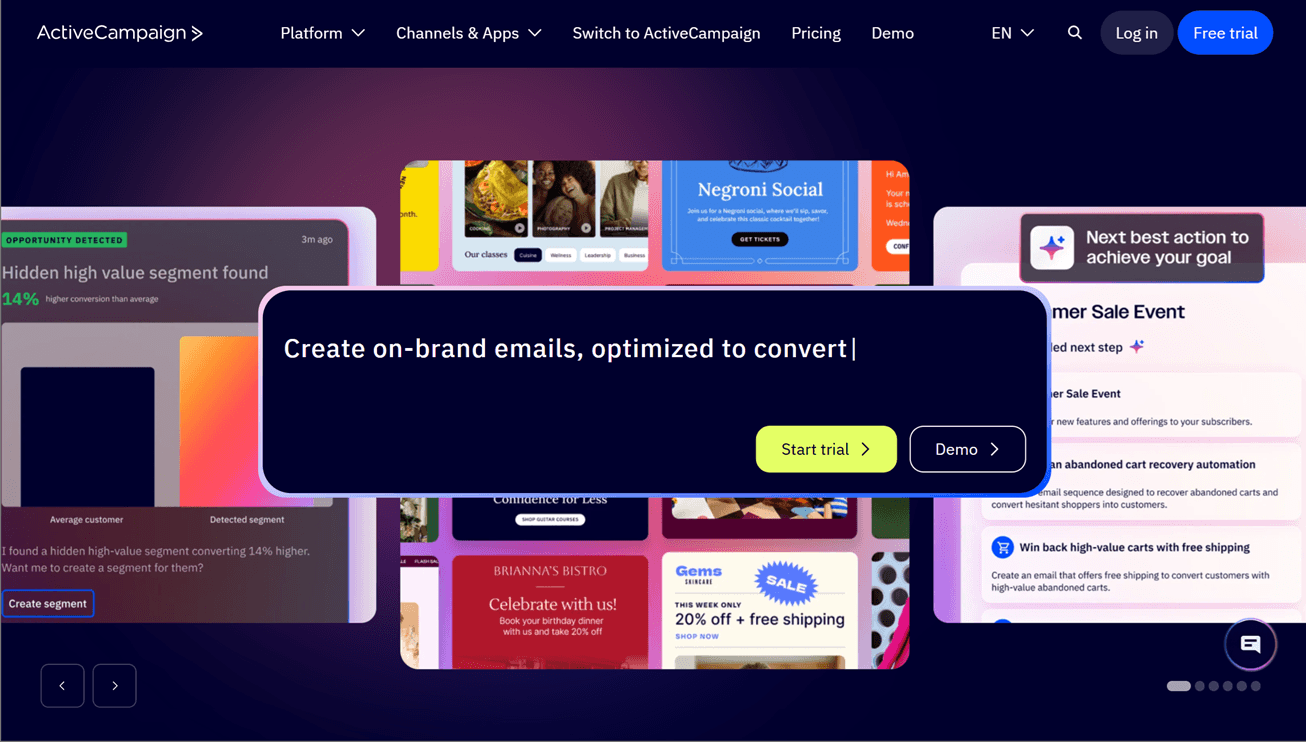
ActiveCampaign is an automation-focused marketing platform, with comprehensive features for putting email, SMS, and CRM processes on autopilot.
The platform is also strong in AI. Its built-in AI engine, smartly named Active Intelligence, can generate forms, emails, and landing pages, and even analyze your email marketing data.
You can also use ActiveCampaign’s Model Context Protocol (MCP) server to execute tasks in your ActiveCampaign account from an AI chatbot like ChatGPT or Claude.
Its built-in form and landing page features also mean that you can send leads through automated customer journeys, while you barely lift a finger.

ActiveCampaign features
Email marketing
ActiveCampaign offers four form types: inline, floating bar, floating box, and modal. There’s only one template for each type, though. Your customization options are limited to a small selection of drag-and-drop content fields and essential styles, like colors and font sizes.
The platform’s email builder has more features: you can add structures and (a decent number of) content blocks to your emails. A/B testing your subject line, content, and “From” information, as well as adding conditional email content, are also possible.
Instead of manually creating forms and one-off emails, though, you can generate them with AI!
Automations
Very few email marketing services match ActiveCampaign’s automation capabilities. The platform provides over 900 templates (or “recipes”), plus an extensive range of triggers and actions for bringing your automations to life.
This includes triggers like webpage visits and email replies, and actions for moving contacts to other marketing automations and adjusting contact scores.
But if going through the lists of triggers and actions sounds like too much work, Active Intelligence can build your automation for you.
CRM
If you get ActiveCampaign’s Enhanced CRM add-on, you can create pipelines to visualize and manage deals. Of the available pipeline views (kanban, list, task status), I like the kanban one most, as you can drag and drop deals to update their stages.
You can filter your deals by deal owner, status, and tags, and create tasks to delegate work. And as mentioned earlier, you can set up automations to update leads’ scores as various events happen.
Landing page builder
ActiveCampaign has 60+ landing page templates, which you’ll customize in a drag-and-drop builder. Content blocks include a navigation menu, headlines, images, and countdown timers, but the selection feels limited.
And no, you currently can’t generate landing pages with Active Intelligence 🥲
Social media management
ActiveCampaign doesn’t have built-in features for scheduling social posts or monitoring social mentions.
Sales funnels
Use the deals funnel report (Enhanced CRM add-on needed) to track your deals’ progress through your pipeline.
Multichannel marketing
ActiveCampaign offers SMS and WhatsApp marketing as paid add-ons. If you have the Plus plan, you can also run ads on platforms like Google, Facebook, and LinkedIn from your ActiveCampaign account.
Monetization
There are no built-in digital product fulfillment or payment processing features, but ActiveCampaign integrates with ecommerce apps like Shopify, WooCommerce, Stripe, and Square.
Who ActiveCampaign is for
ActiveCampaign is best for businesses keen to tap into automation and AI to get more marketing done with less effort.
> Try ActiveCampaign in a free trial
> Read our full ActiveCampaign review
3. Brevo
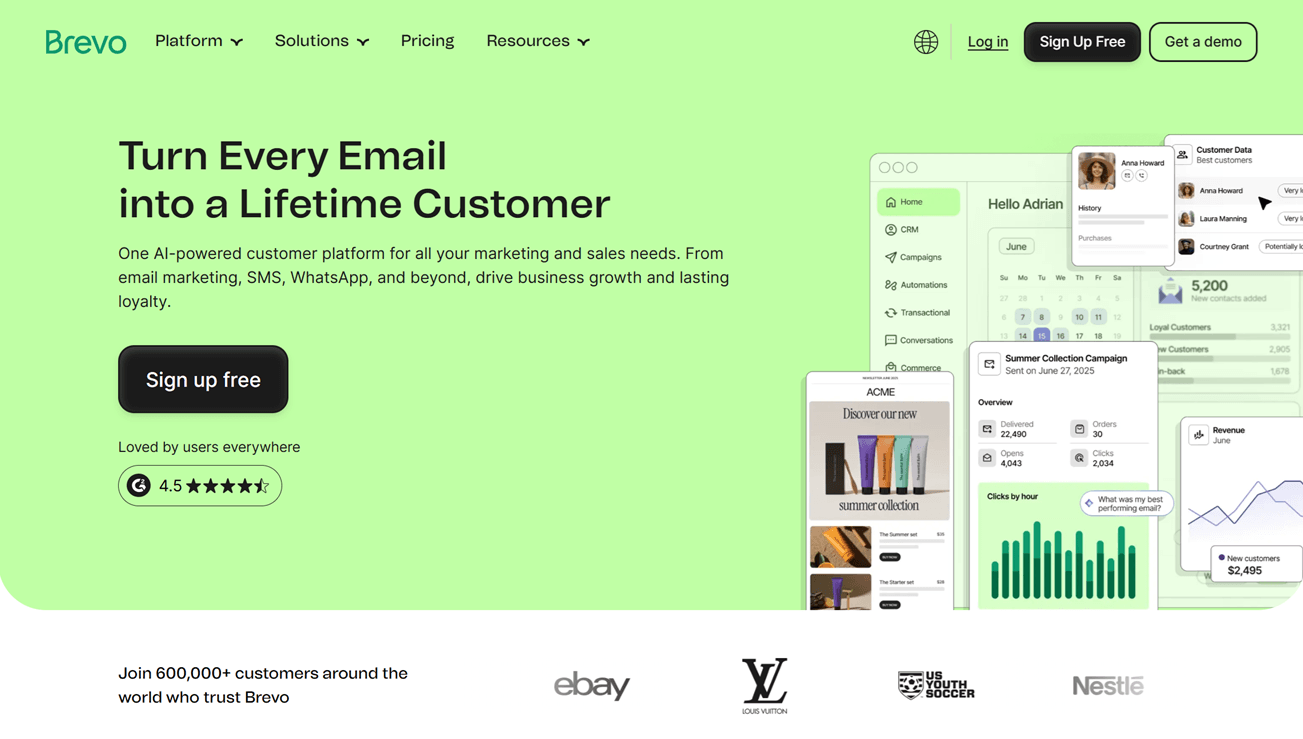
Brevo is a budget-friendly marketing platform, with a free plan that lets you send up to 300 emails per day, set up multichannel automations, and send SMS campaigns, among other features.
Its paid plans start at just $9/mo for the Starter plan — not many other email service providers offer such low pricing.
Another plus point: the platform offers features that facilitate GDPR compliance, which is essential if you market to people located in countries subject to this legal regulation.
Just be aware of the big price jump if you want to integrate WhatsApp and push marketing or need multi-user access. These features are available from the Professional plan, which starts at an eye-watering $499/mo.
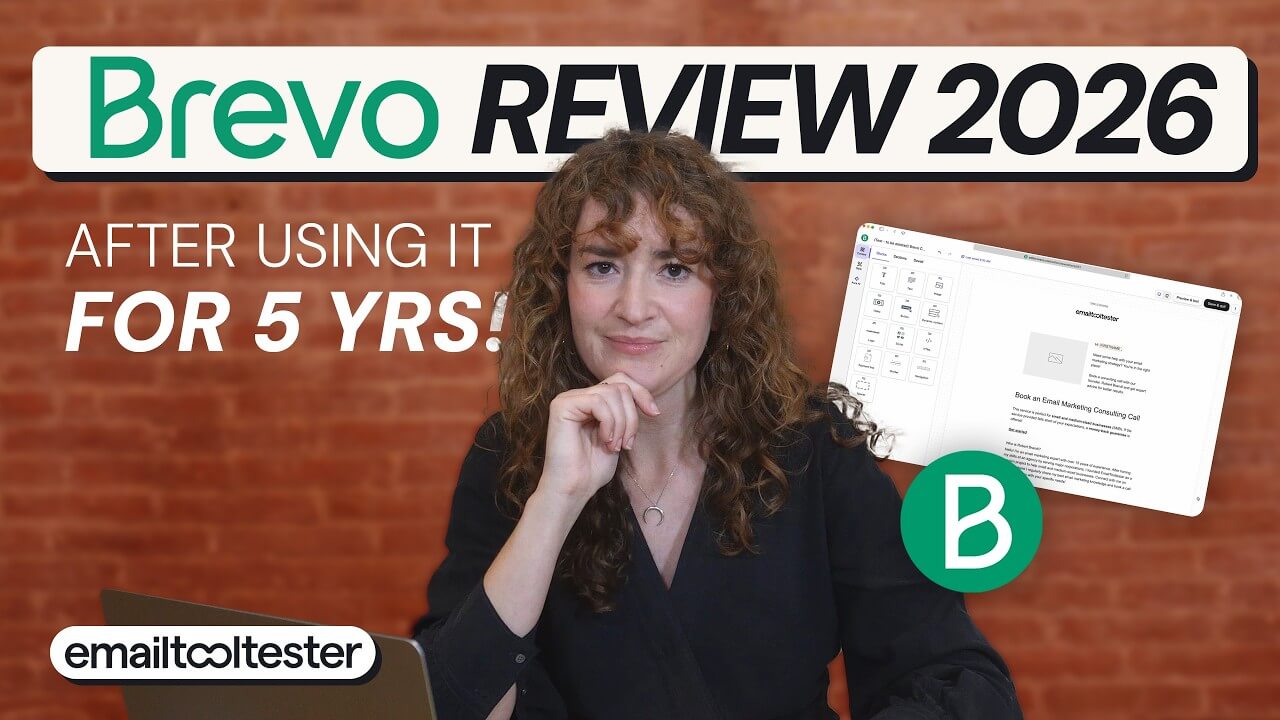
Brevo features
Email marketing
Brevo has two form types. Full page/embedded forms are available on all plans, while popup forms are a Professional plan feature. Each form type has only one template.
Uniquely, though, you can add GDPR-compliant form fields for getting users’ consent to join your email list and for their personal data to be processed according to Brevo’s privacy policy.
Email-wise, Brevo has five skeletal templates and 45+ professionally designed ones, to which you can add content blocks and dynamic content. You can also A/B-test your subject lines and email copy.
If you regularly include certain content sections in your emails, you can save them for easy future reuse (Professional plan needed).
Automations
Build your Brevo automation (called a “workflow”) from scratch, using a pre-built automation, or with AI. There’s a decent range of triggers and actions, and you can set up rules that introduce delays or conditional and percentage splits.
I also like how you can add contact filters that allow only certain list segments to progress through your automations.
CRM
Create deals and manage them in card (kanban) and list pipeline views. Use the filters to show only deals that meet certain criteria so you can focus on them.
You can also set up workflows to automate deal stage changes and lead scoring.
While you can update your pipeline stages and win probabilities, you have to do this separately from your account’s settings page, which feels like a disconnected process.
Landing page builder
Brevo could be more generous with its landing pages. They’re a paid feature, where you have to be on the second-lowest plan (Standard) to get one page. Meanwhile, the pricey Professional plan gets you…just 10 pages.
You can add page sections and content elements, set a favicon and a custom domain, and configure tracking pixels. But so do many other competitors that offer landing pages for free.
Social media management
Brevo doesn’t have built-in features for scheduling social posts or monitoring social mentions.
Sales funnels
The platform has a conversion rates report for helping you track the percentages of deals that make it to subsequent funnel stages.
Multichannel marketing
SMS marketing is available from the free plan, but you’ll need the Professional plan to access WhatsApp, as well as web and mobile push.
Brevo doesn’t have built-in ad management features.
Monetization
Brevo doesn’t have native digital product fulfillment features. It integrates with ecommerce apps like Shopify, WooCommerce, BigCommerce, and Stripe, though.
Who Brevo is for
Brevo is best for businesses that want a low-cost, GDPR-compliant email and SMS marketing solution for engaging with users in the European Union and the European Economic Area.
4. GoHighLevel
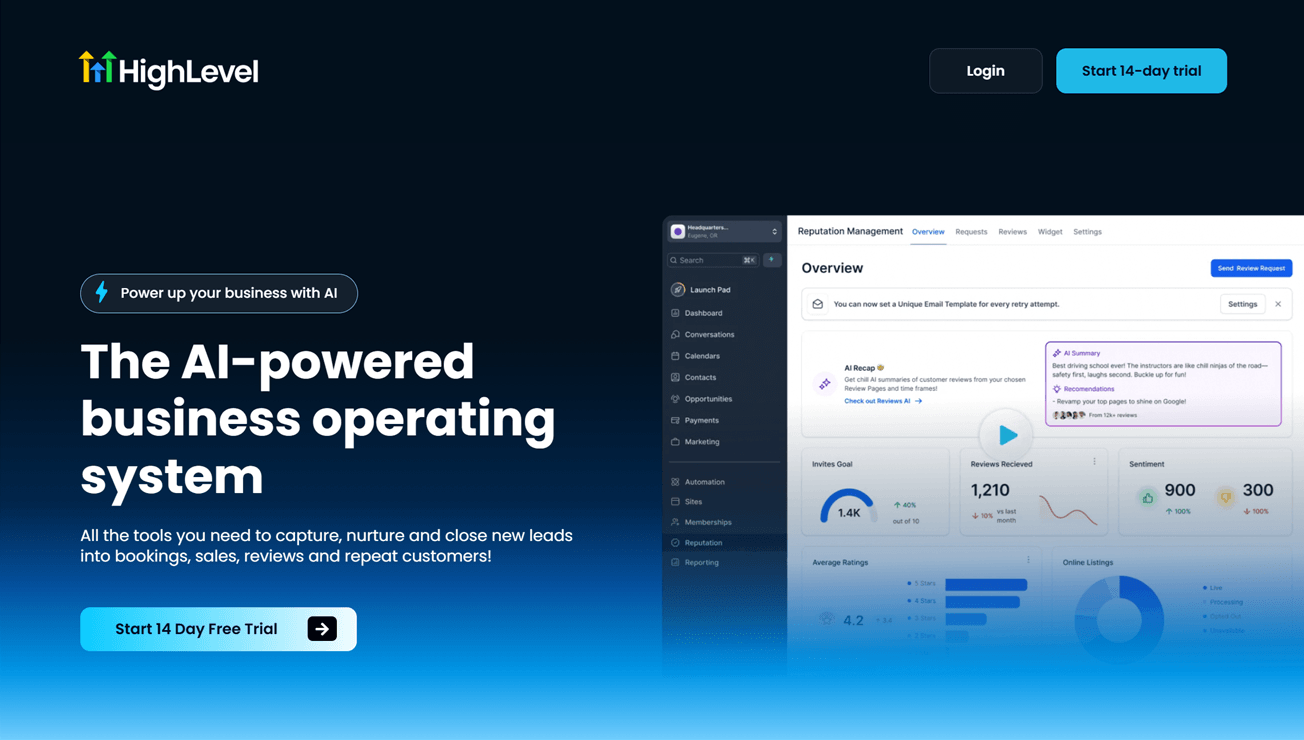
GoHighLevel, also known as “HighLevel,” is a powerful marketing and sales platform that helps businesses capture and nurture leads across channels like email, SMS, WhatsApp, Facebook, and Instagram. I find that many of its features pack more functionality than their counterparts in competing platforms.
GoHighLevel is built for agencies, which means each account can have sub-accounts for managing marketing separately for multiple clients. But this setup comes at a higher price.
GoHighLevel’s entry-level Starter plan costs $97/mo (for three sub-accounts). While this plan includes all of the platform’s core features, you might find its pricing high, especially if you need just one sub-account for your business.
GoHighLevel features
Email marketing
GoHighLevel provides 140+ form templates, and there are multiple themes per template. You can use the drag-and-drop builder to add form elements like text, images, and file uploads, and also set up conditional logic.
Emails work similarly. Pick a template (there are over 660 of them!), and then design it by dragging and dropping content blocks. Useful features include conditional content, A/B testing of subject lines and email content, and send time optimization.
Automations
Automations are known as “workflows” in GoHighLevel, and you can build them using a template (there are 20+ available), from scratch, or with AI. There are many, many automation triggers and actions, giving you the freedom to automate virtually any marketing workflow.
GoHighLevel has two automation builders:
- A standard builder that visualizes your automation in a fixed downward flow, and
- An advanced builder that lets you drag and drop triggers and actions anywhere on the canvas.
The standard builder is good enough for most automation builds unless you’re working on especially complex ones.
CRM
Like ActiveCampaign, GoHighLevel’s pipeline management features include visualizing your deals in kanban and list views, as well as filtering your deals. You can also set up automations to update your contacts’ scores or take certain actions based on score changes.
Landing page builder
Not many other platforms’ landing page builders I’ve tested offer as many drag-and-drop content blocks as GoHighLevel’s: the usual ones like text, images, and buttons are there, but you can also add countdown timers, progress bars, file uploads, and widgets developed by third parties.
The pages include basic SEO features, like title, description, and canonical link settings, too.
Social media management
GoHighLevel’s Social Planner lets you schedule and manage social posts on an impressive range of platforms. These include Facebook, Instagram, Threads, LinkedIn, TikTok, and YouTube.
And if you want to monitor sources like Google, TikTok, and YouTube for trending topics and content, GoHighLevels’s Social Listening tool has you covered.
Sales funnels
With GoHighLevel, you can visualize landing page funnels before building out these pages with the landing page builder. While you can build from a blank funnel, you might find it easier to start with the help of AI or one of the 900+ available templates.
You can also split-test your funnel’s pages to learn which copy formulas and designs appeal to your audience more.
Multichannel marketing
GoHighLevel supports SMS marketing and integrates with messaging channels like WhatsApp, Facebook, and Instagram.
Meanwhile, its Ad Manager tool makes it easy to run ads on Facebook, Instagram, Google, and LinkedIn without switching between multiple platforms.
Monetization
GoHighLevel includes digital product fulfillment features. It also integrates with ecommerce integrations like Shopify, WooCommerce, and Stripe.
Who GoHighLevel is for
GoHighLevel is best for agencies that manage multichannel marketing and sales for multiple client businesses.
> Try GoHighLevel in a free trial
5. Keap
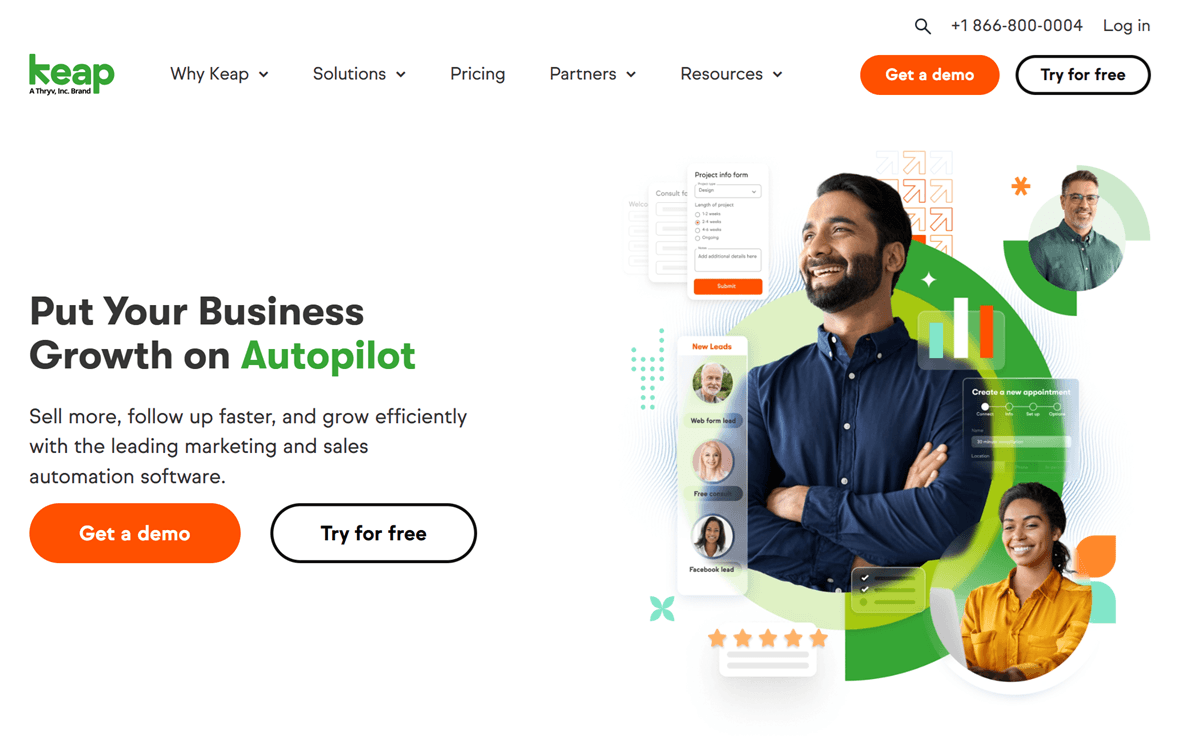
Keap was quite popular back when it was still called Infusionsoft, but usage of this 25+ year-old tool has faded as more superior tools entered the market.
The platform has essential email, automation, and CRM features, and its interface loads fast and is fairly intuitive to use. It also has AI features for tasks like writing email copy and building sales funnels.
Overall, though, Keap just feels dated. Its forms, emails, and landing pages look basic, and it’s lacking many features that are now standard, like email A/B testing and conditional logic for automations.
Couple all this with a starting price of $299/mo, and Keap generally isn’t my first pick for an all-in-one marketing platform.
Keap features
Email marketing
Keap has three form templates: email signup form, contact form, and lead form. To be honest, all look the same and just have different default fields. There aren’t options for other common form types, like popups, sliders, and banners.
The platform’s form builder does the essentials, and that’s about it. You can add form content by adding new fields, but this isn’t intuitive.
Separately, you’ll create emails with one of Keap’s 70+ email templates and the drag-and-drop builder. You can use AI to write headings and text.
While you can set up dynamic content by adding Liquid shortcodes, doing this can be challenging if you aren’t a coder.
There’s no A/B testing. This feature was deprecated due to limited usage.
Automations
There are two types of automations:
- Easy automations, which visualize your automations in a linear “when this, then that” order, and
- Advanced automations, where you can freely arrange automation components on the canvas.
Both automation types come with only a handful of triggers or actions. More glaringly, you can’t add conditional logic or conduct split tests, which are commonplace features by now.
CRM
In Keap, you can manage deals by creating sales pipelines. View your deals in either a kanban board or a list, and then filter them by properties like status, deal owner, and deal created date. The board view also lets you drag and drop deals to update their statuses.
Build automations that take actions, like sending emails, when your deals’ statuses change. You can also automate lead scoring, though you’ll have to manually set up your contacts’ engagement score field first because it isn’t available by default.
Landing page builder
Keap’s landing page builder works similarly to its email builder. Choose from one of 15+ (dated-looking) templates and drag and drop in content blocks to customize them. You can also use AI to generate heading, text, and button copy.
Uniquely, you can add a popup to your landing page to boost the page’s conversion rate.
Apart from this, the usual settings for configuring a custom domain page URL and adding Google Analytics and Facebook tracking pixels are all there.
Social media management
Keap doesn’t have built-in features for scheduling social posts or monitoring social mentions.
Sales funnels
You can create funnels called “plays,” which then become easy automations comprising the play’s email and landing page assets.
Although you create plays with Keap’s AI Automation Assistant, the process still involves a lot of manual input: you need to enter detailed information about your business and target persona before anything gets generated.
In contrast, some other platforms’ AI assistants, like ActiveCampaign’s, can automatically pull business information from your site.
Multichannel marketing
Keap offers SMS marketing, but not WhatsApp or push marketing, for example. It also doesn’t have a Google or social media ads management platform.
Monetization
Digital product fulfillment is available only on Keap’s legacy Max Classic plan, which isn’t featured on the platform’s pricing page.
Keap integrates with ecommerce apps like Shopify, WooCommerce, and Stripe, but some extensions are paid add-ons.
Who Keap is for
Keap might be a good fit for small businesses that just need to send email campaigns and automate basic marketing and sales follow-ups. But honestly, there are other tools, like HubSpot and Brevo, that can help do these at much lower price points.
6. Ontraport
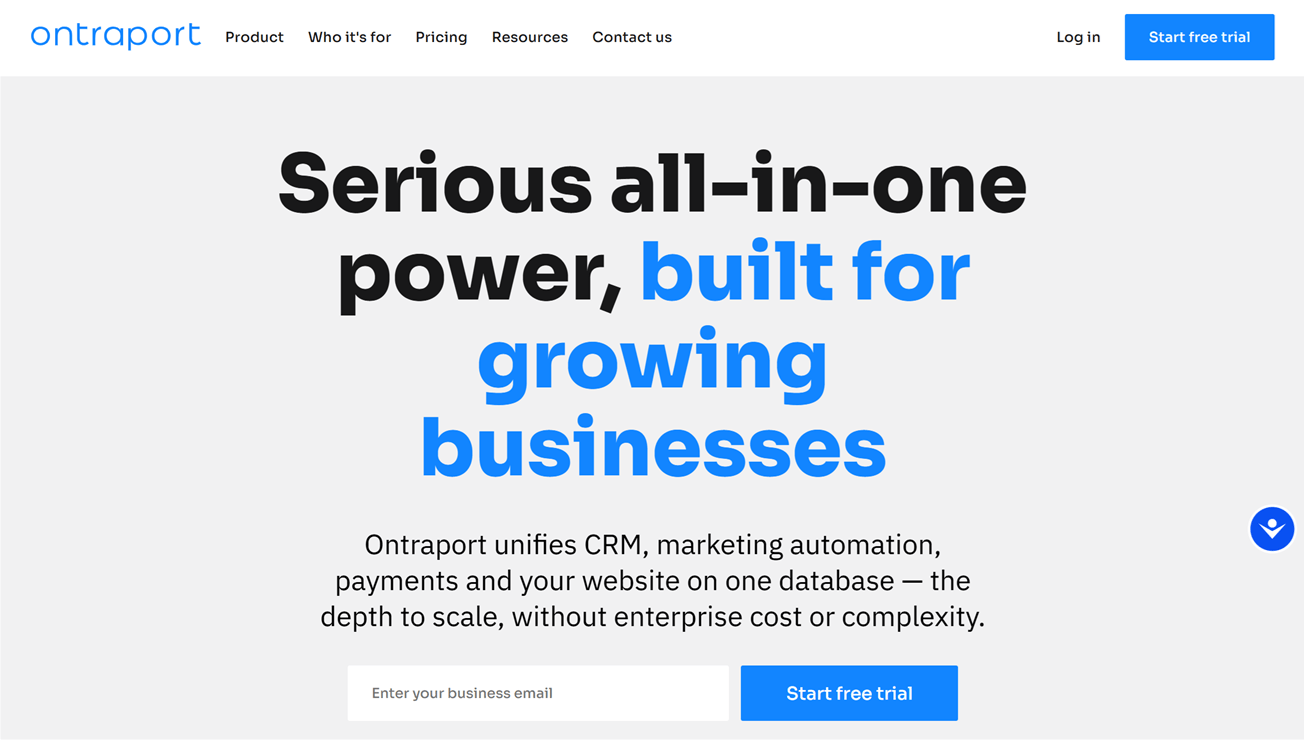
Ontraport combines email marketing, automation, CRM, and SMS in one platform. It’s particularly good for business process automation, helping you run your entire sales operations from a single account.
These operations include taking payments, which makes up for the fact that Ontraport doesn’t support some leading ecommerce apps, like Shopify and WooCommerce, natively.
Ontraport also lacks WhatsApp marketing, social media management, and ad capabilities, so it’s not the best for multichannel marketing.
Ontraport features
Email marketing
Ontraport lets you display forms in many ways, including popups, floating bars, “click to pop” lightboxes, and page embeds. The form builder also has a good variety of content blocks, including slideshows, icons, and dividers. The multi-step feature is useful for improving submission rates for longer forms.
To create a marketing email, you can use Ontraport’s simple editor for text-only emails, a drag-and-drop visual email builder, or a pure HTML editor. The visual builder includes over 30 templates and a handful of content blocks, and you can generate email copy with AI.
While A/B testing is possible, you need to set up an automation for this, which seems unnecessarily complicated.
Automations
Ontraport’s automations are more business process-focused, helping you automate not just marketing tasks, but also other scenarios like customer onboarding and digital product fulfillment.
The platform’s automation builder lets you add triggers, actions, and filters. Available filters include conditional logic, split tests, and goals (which pull contacts to specific parts of your automation when they achieve that goal).
CRM
You can drag and drop deals across Ontraport’s deals pipeline, automate deal tasks, and score leads.
I like the platform’s pipeline projection feature, where you can estimate the number of deals you’ll close, and the revenue you’ll earn from these deals, to monitor your business’s financial health.
Landing page builder
Use Ontraport’s landing page builder to build individual pages or an entire website. There are around 30 templates, which you’ll customize in a drag-and-drop builder.
While some marketing platforms’ landing pages only help with collecting email subscribers, Ontraport’s pages can take payments. This is useful for selling digital products.
Social media management
Ontraport doesn’t have built-in features for scheduling social posts or monitoring social mentions.
Sales funnels
Ontraport’s “Systems” feature provides funnel templates that you can build out with your own landing page and email assets.
The platform’s landing pages can also take payments, so you don’t need to integrate a separate ecommerce app to make your funnel work.
Multichannel marketing
Ontraport includes SMS marketing. Channels like WhatsApp, Instagram, and Facebook aren’t available, but they might be “coming soon” as of June 2026.
Monetization
Ontraport offers digital product fulfillment and natively integrates with Stripe. Shopify and WooCommerce aren’t supported unless you use a third-party connector.
Who Ontraport is for
Ontraport might be best for small business owners who want to market their digital products and automate fulfillment and payment collection processes.
> Try Ontraport in a free trial
Which All-In-One Marketing Platform Should You Use?
After reviewing these six marketing platforms, I find that while email marketing, automation, and CRM are staple features, many platforms lack social media management and ad management.
So, if you want a truly all-in-one marketing platform, go with HubSpot. It’s the most full-featured on this list and can be worth investing in if you run large-scale multichannel marketing operations.
But if HubSpot isn’t for you, here are other marketing platforms I’d recommend taking a closer look at:
- Best all-in-one marketing platform for automations: ActiveCampaign
- Best all-in-one marketing platform for GDPR compliance: Brevo
- Best all-in-one marketing platform for agencies: GoHighLevel
These platforms (including HubSpot) all have free plans or trials, so try them out before deciding which to commit to.
We’re also happy to answer if you have questions about picking the right all-in-one marketing platform for your business! Ask away in the comments, and we’ll be in touch.
The authors
Learn more about us

Our Methodology
This article has been written and researched following our EmailTooltester methodology.
Our Methodology